
Mailpro® training videos
Discover Mailpro via video training
Welcome to Mailpro's training section, here you will learn how to use our entire system to send campaigns to all your clients, choose the topic you want and start learning.
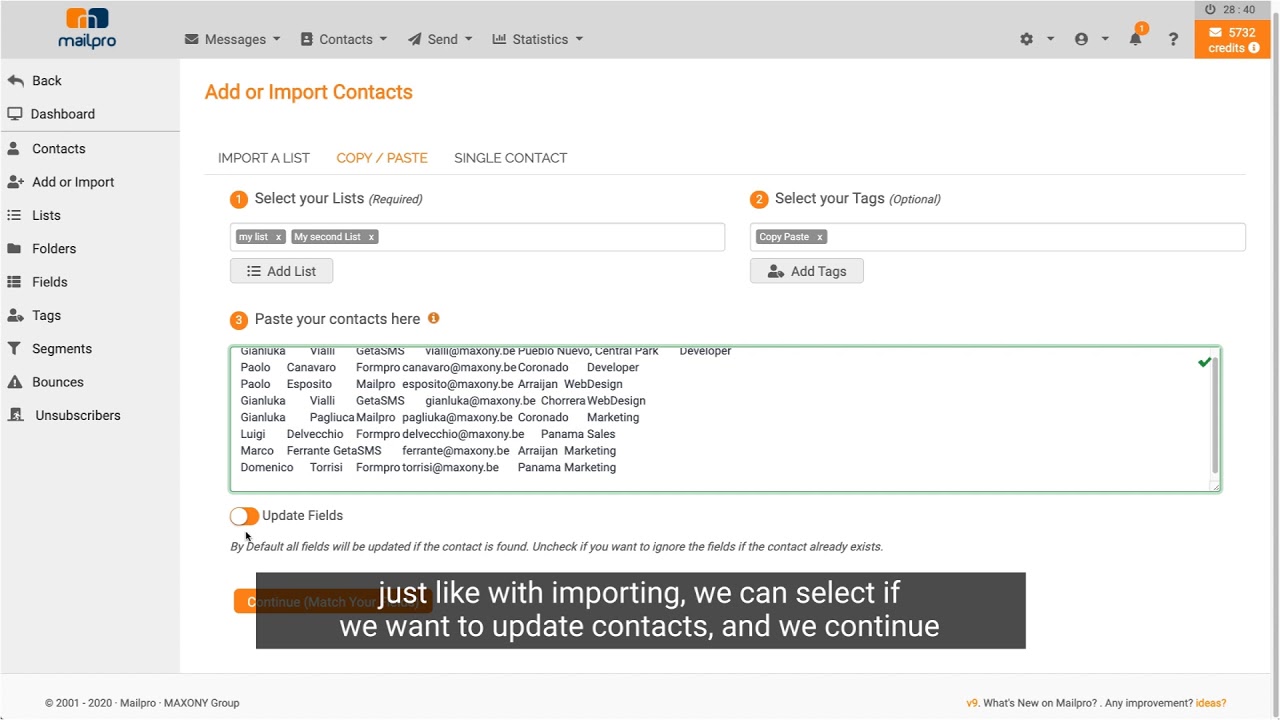
In this video you will learn how to import your contacts into Mailpro from an Excel or CSV file, by copying and pasting, or by adding a single contact. We also show you how to match the fields and read the import report.
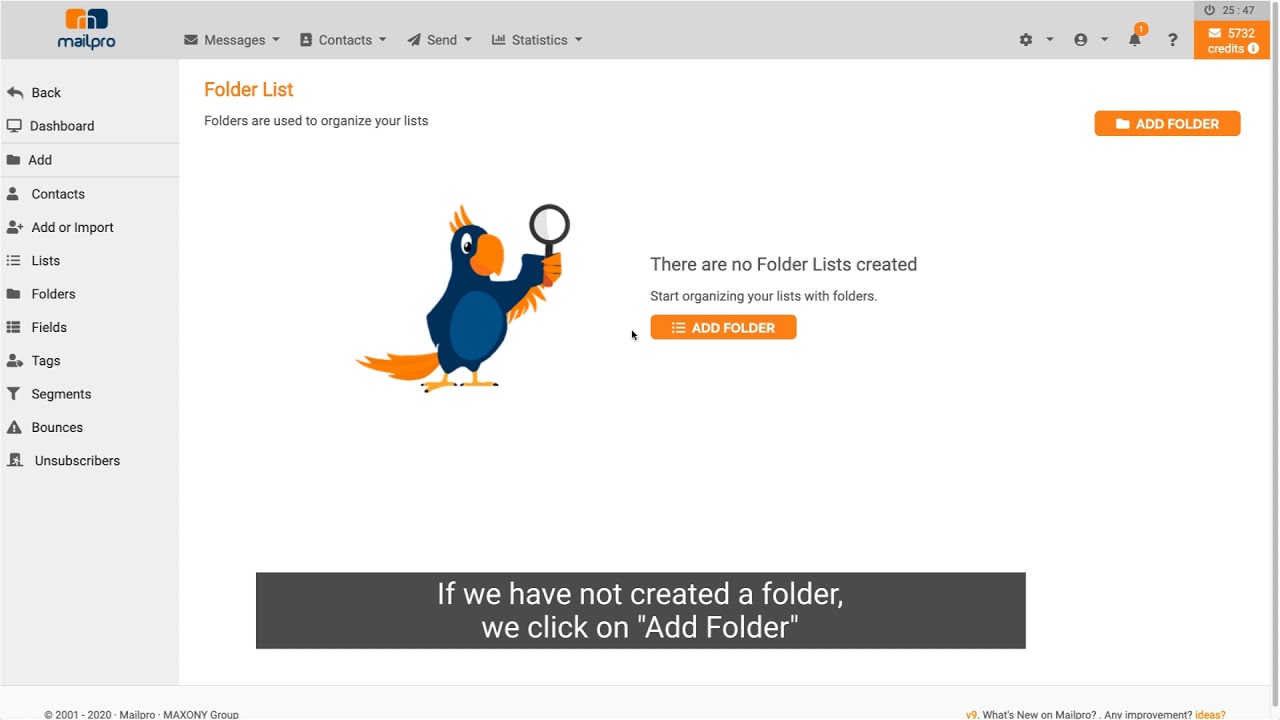
In this video you will learn how to create your own fields and tags and use them on your contacts: fill in a field, add a tag and put a contact in several lists.
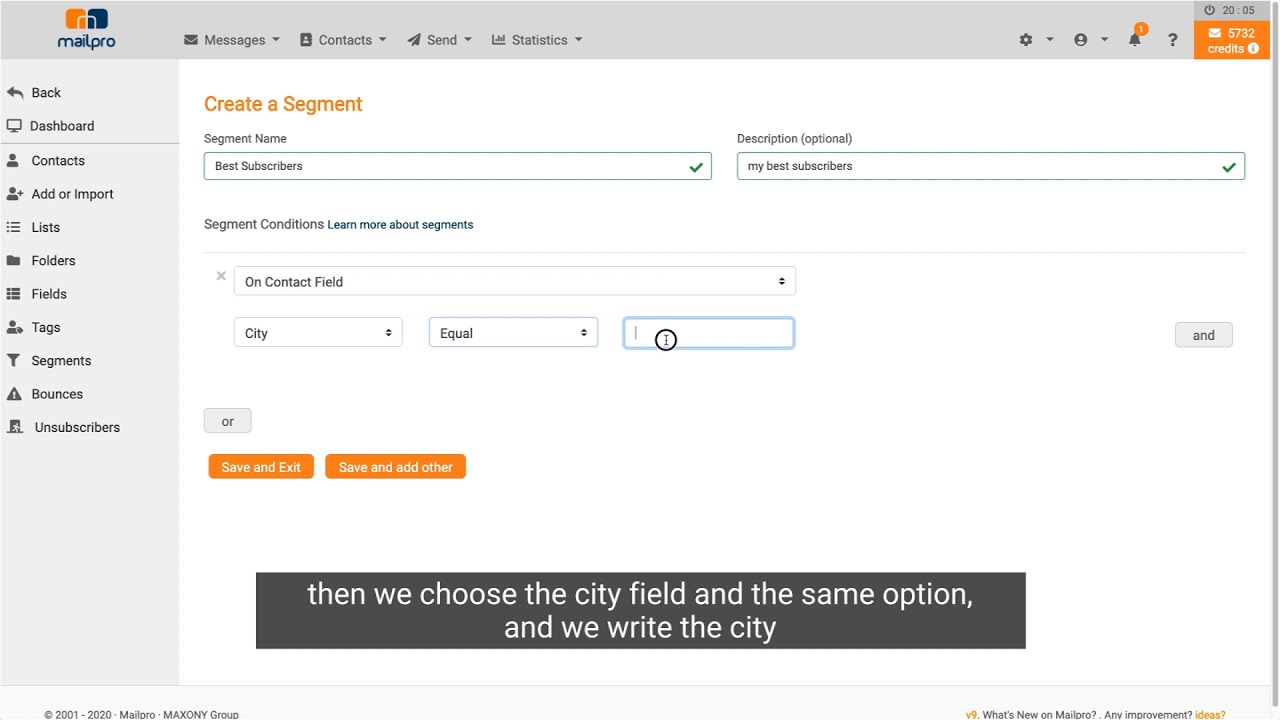
In this video you will learn how to create a segment based on your contacts' fields, activity or tags, combine several conditions and count how many contacts it holds.
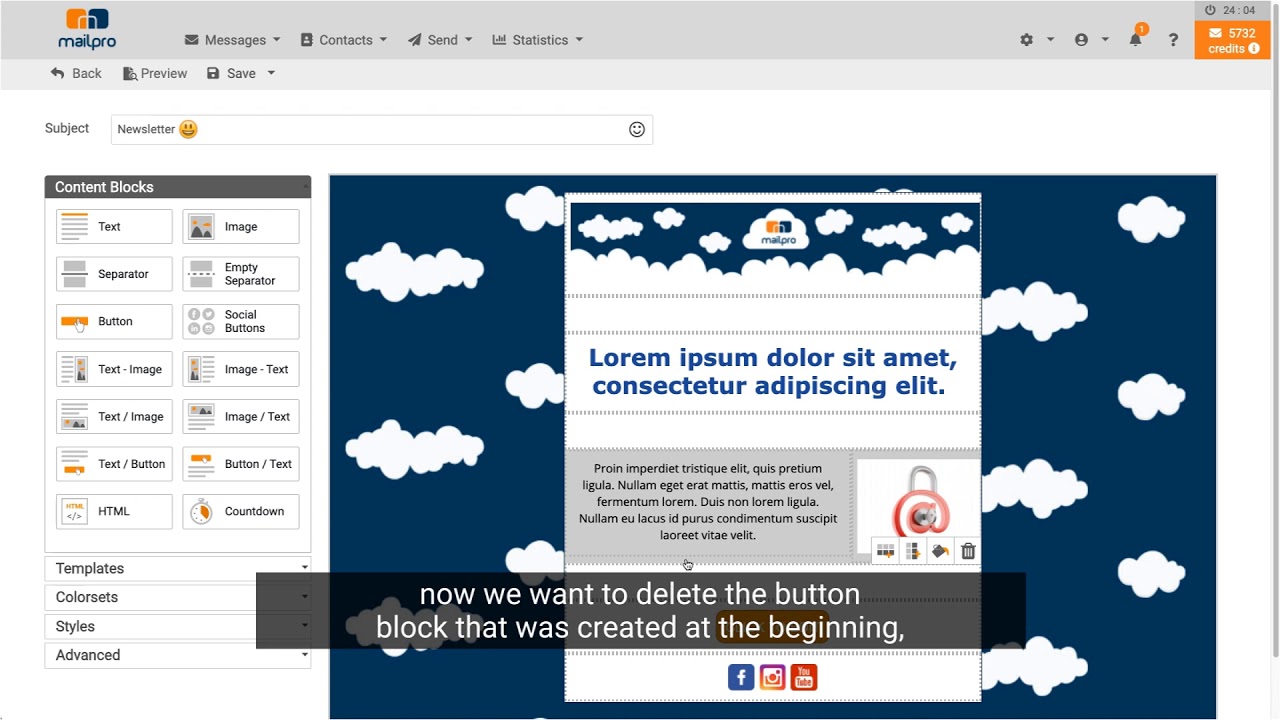
In this video you will learn how to create your email with the Mailpro drag-and-drop editor: text, images, buttons, social icons and countdown timers, with a desktop and mobile preview.
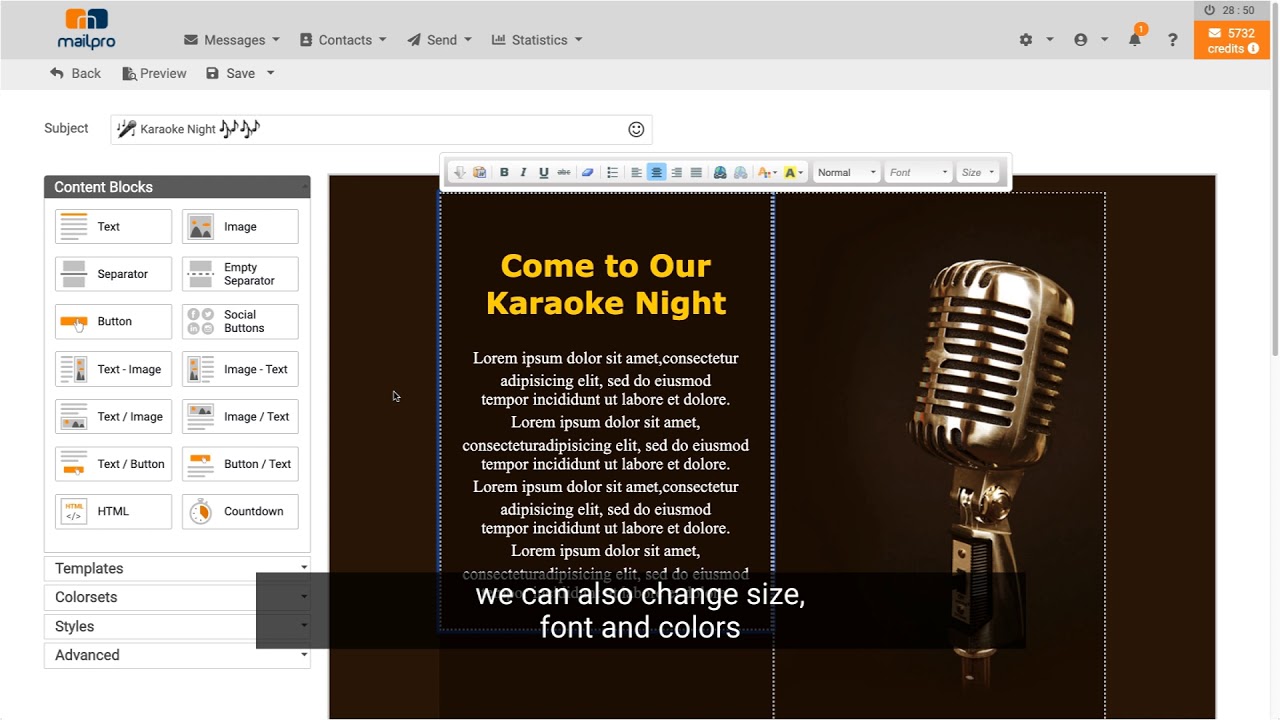
In this video you will learn how to start from one of our free themed templates, customize it in the editor (subject, preheader, content) and get your campaign ready to send.
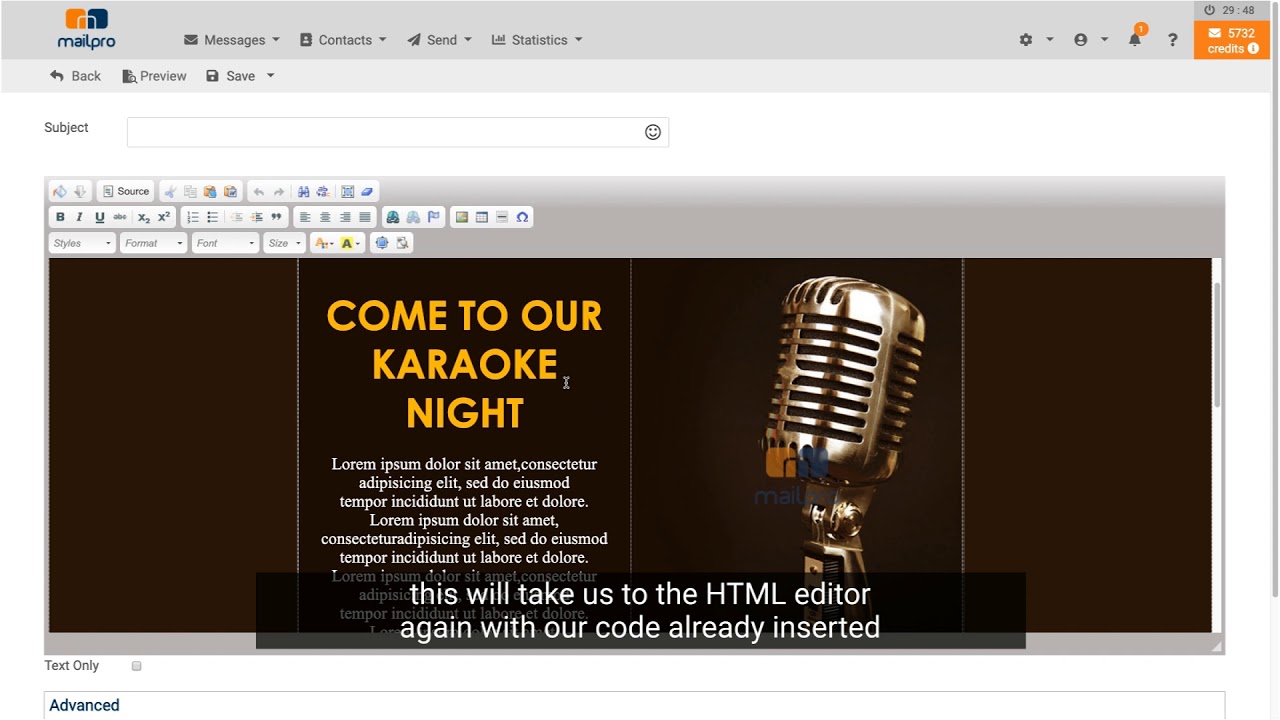
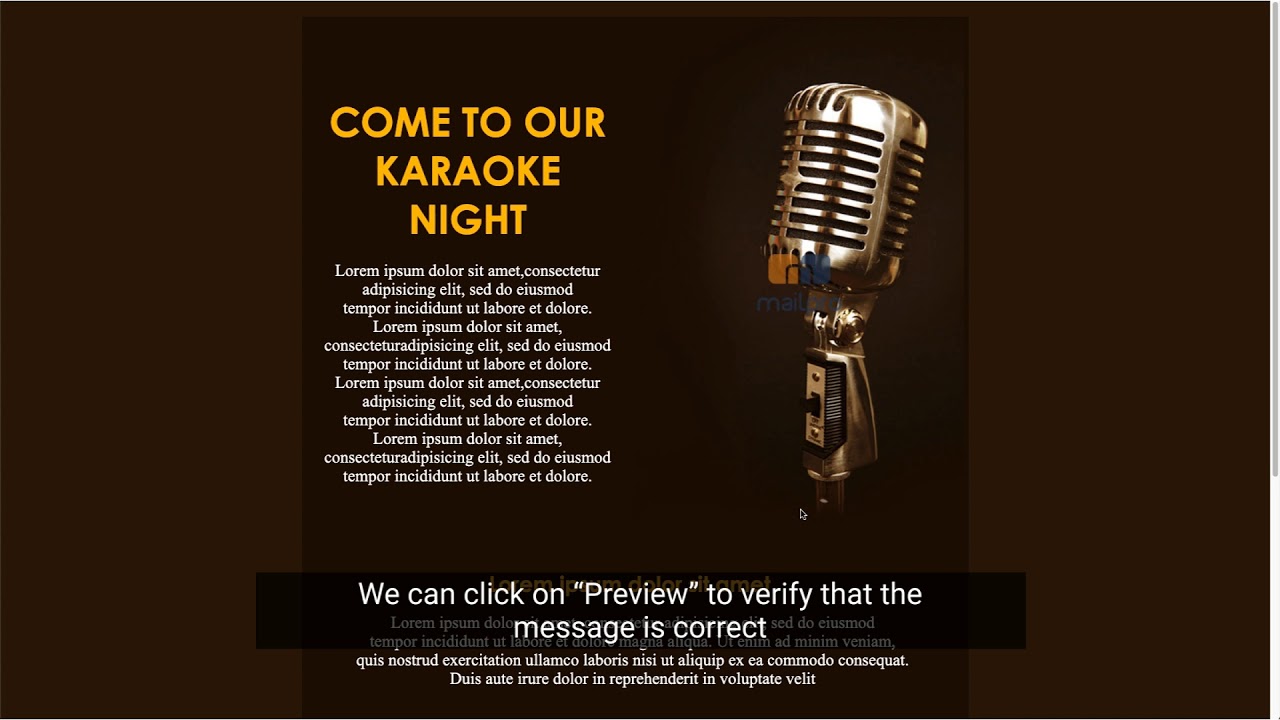
In this video you will learn how to import your HTML design from a file, by copy and paste or from a URL, edit it in the editor or the source code, and save it.
In this video you will learn how to send your email campaign step by step: choosing the list, the message and the sender, scheduling the sending and checking the summary.
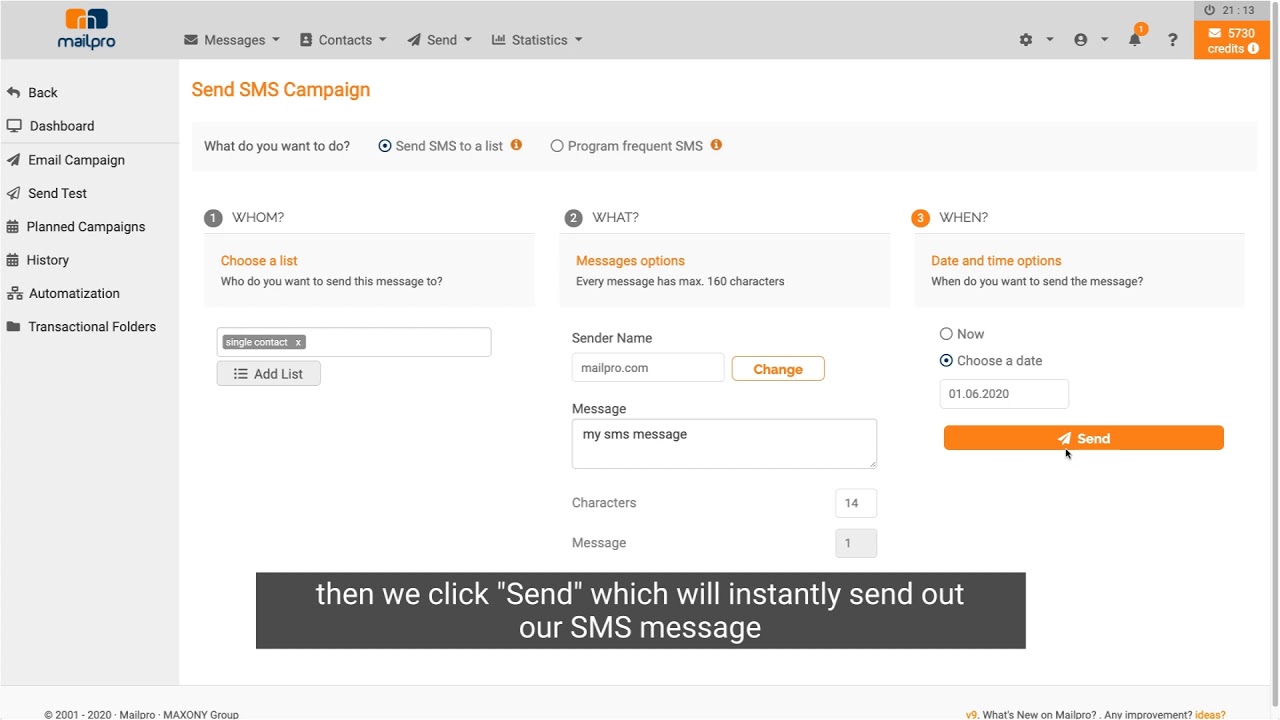
In this video you will learn how to send an SMS campaign: choosing the mobile list, the sender name, the message text (160 characters), scheduling and confirmation.
In this video we will show you how to check the statistics of your campaigns, we will show you the data you will have access to and how to download full reports or campaigns in pdf.
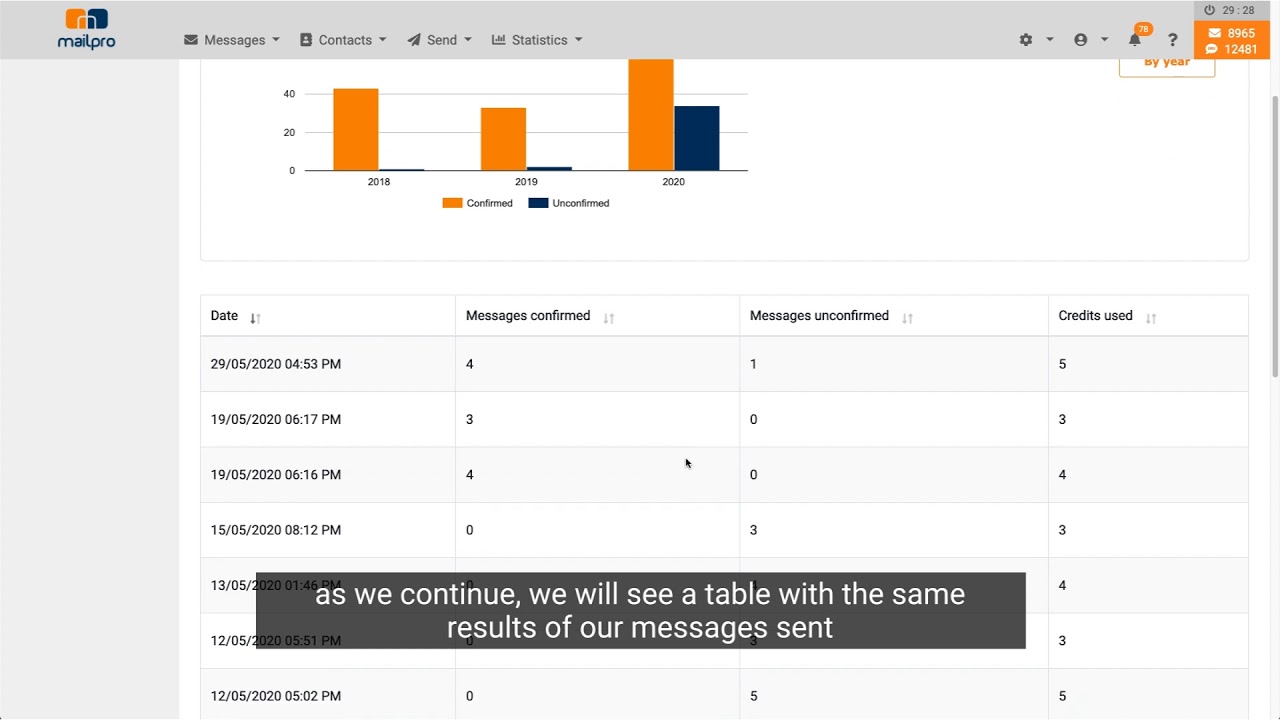
In this video, we will show you how to check the statistics of the SMS campaigns, and show you how you can check the amount of messages sent and to what numbers.
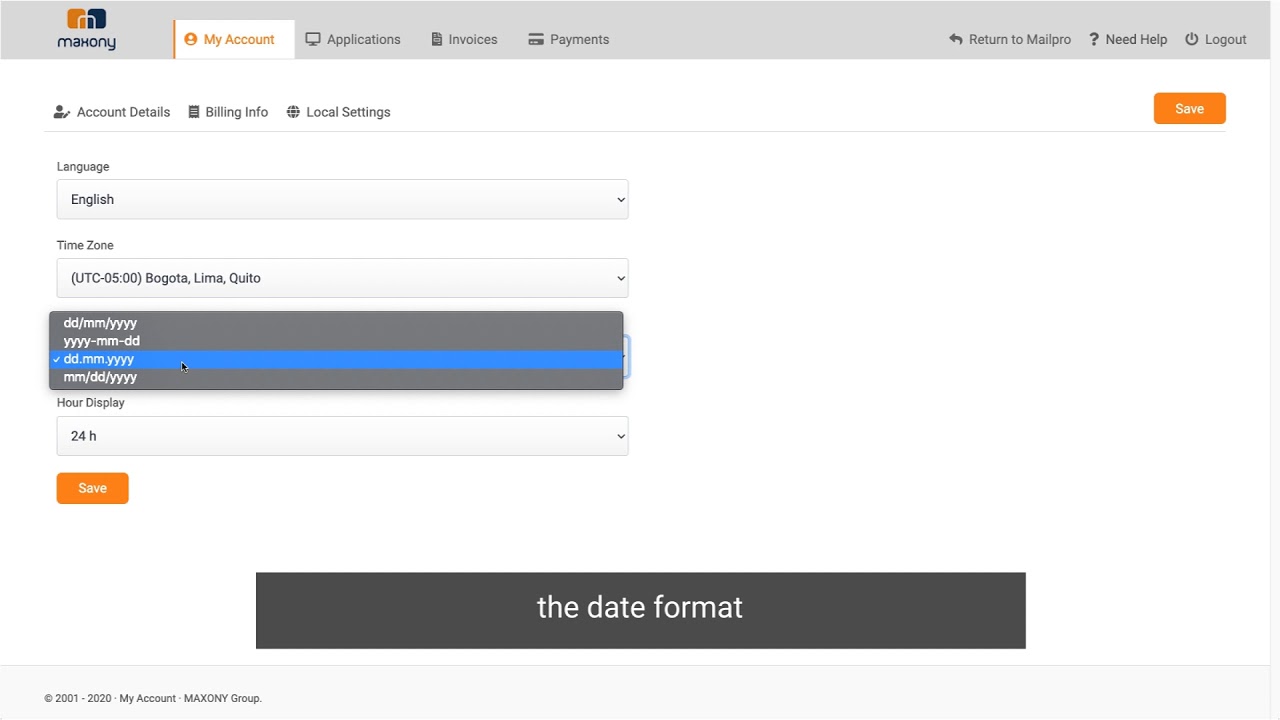
In this video you will learn how to set up your Mailpro account: your details, language and time zone, security and two-factor authentication, users, invoices and credits.
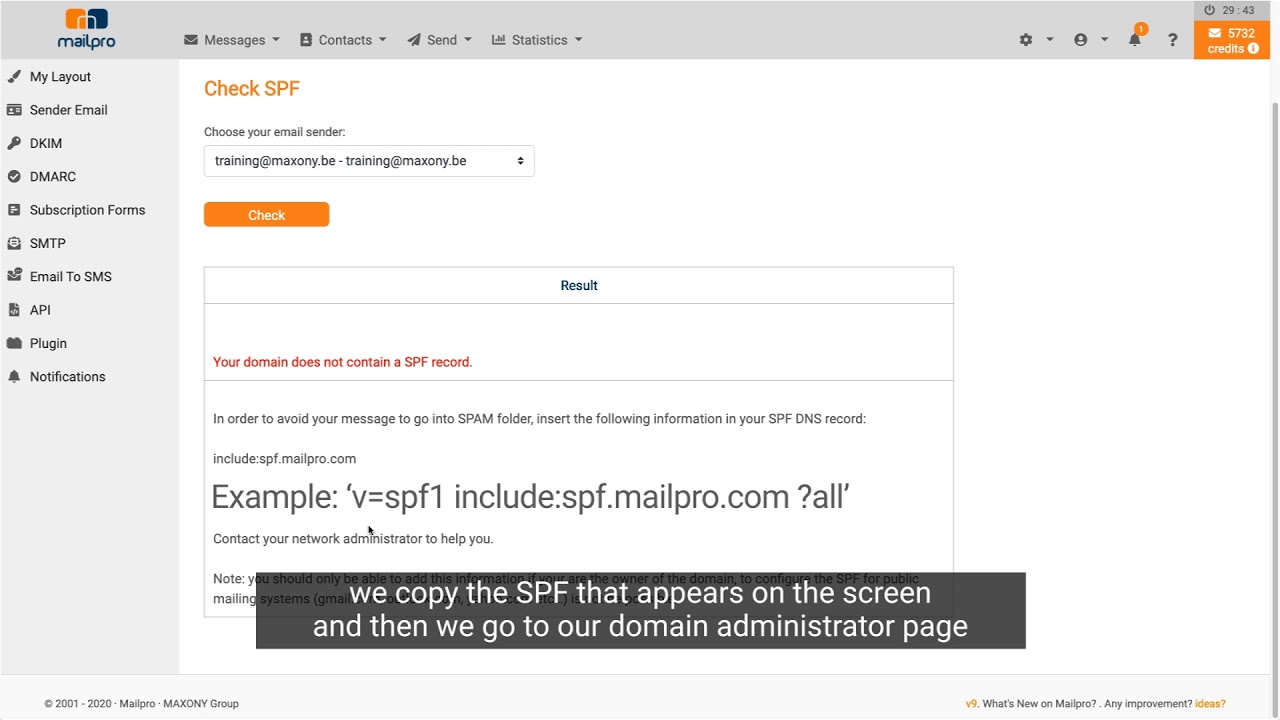
In this video, we will show you where to find your SPF code (Sender Policy Framework or Sender Agreement) in Mailpro and how to add it to your domain.
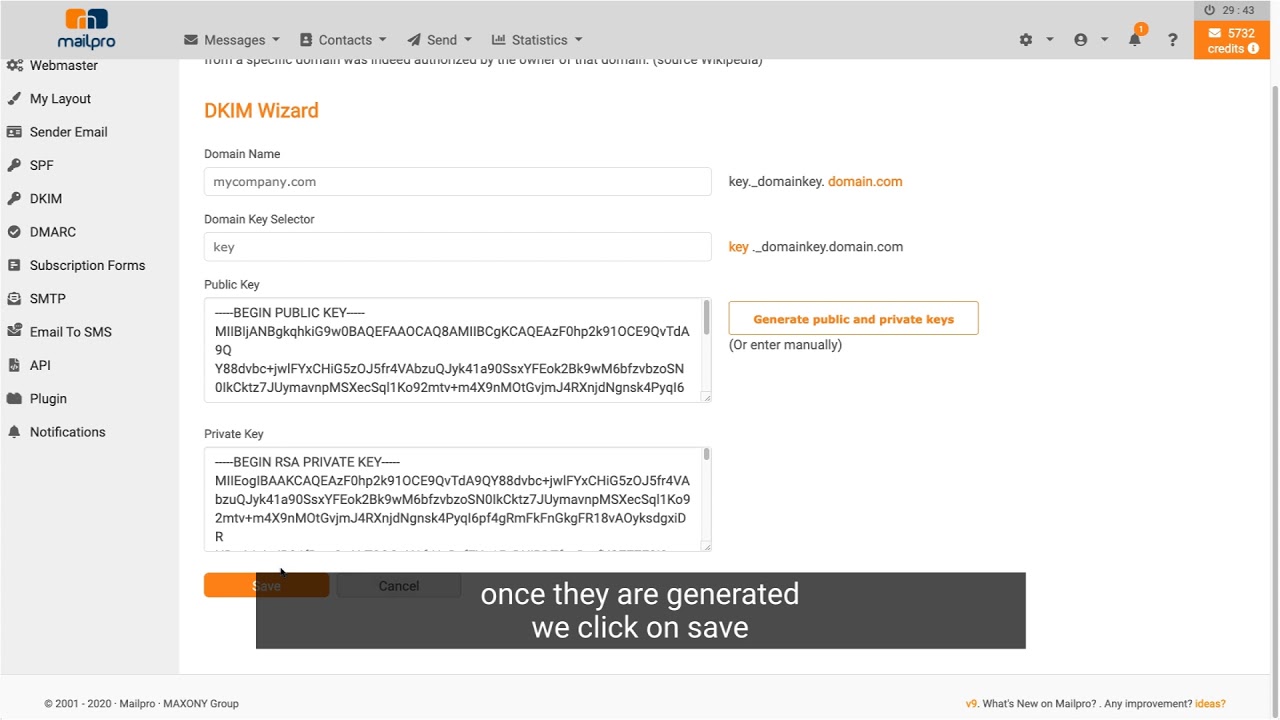
In this video we will show you how to authenticate the DKIM (DomainKeys Identified Mail) in your domain to avoid it falling into Spam folders.
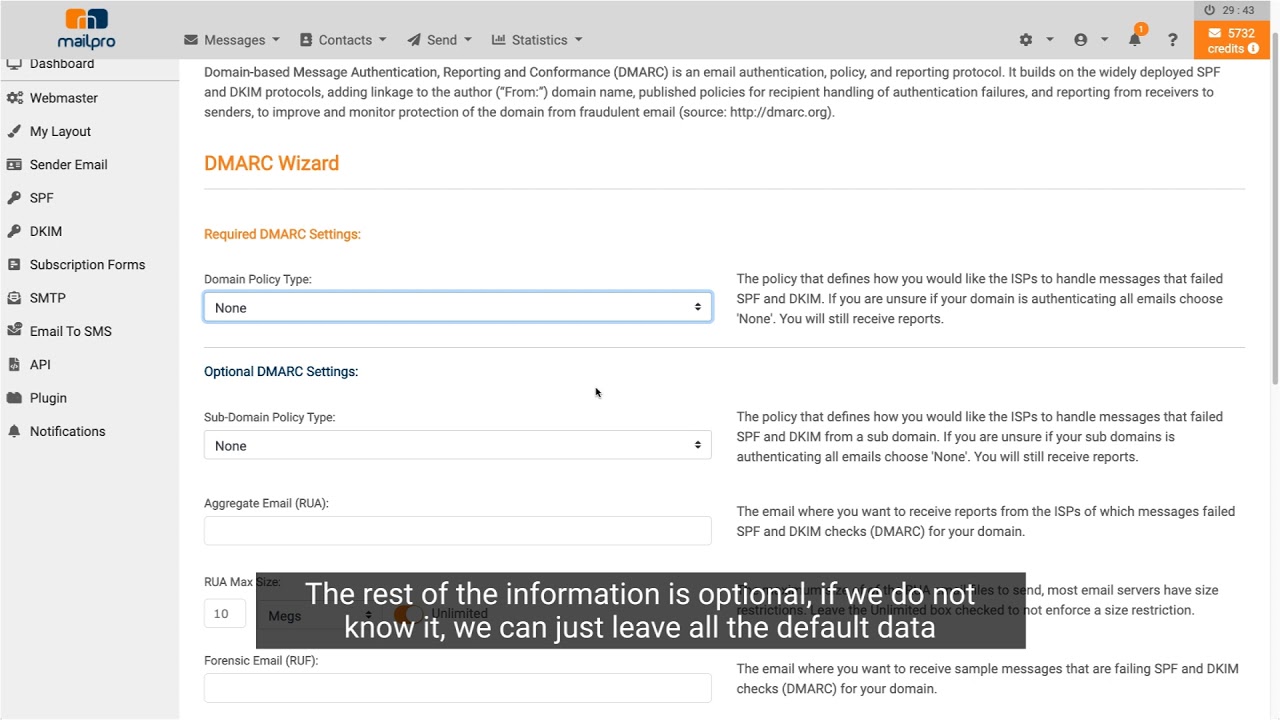
In this video we will teach you how to find the DMARC (Domain-based Message Authentication, Reporting & Conformance) in Mailpro so that you can then add it to your domain.
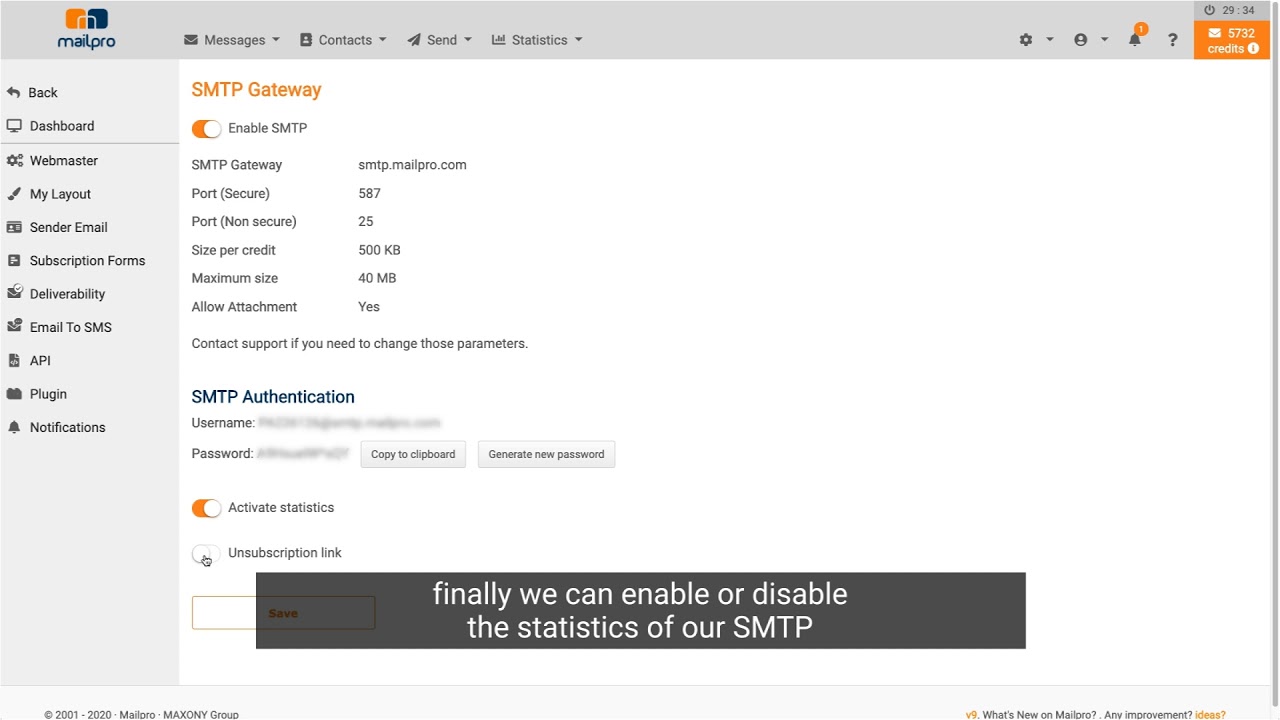
In this video you will learn how to activate the Mailpro SMTP gateway and find the connection details (server, ports, username and password) to send from your application or program.
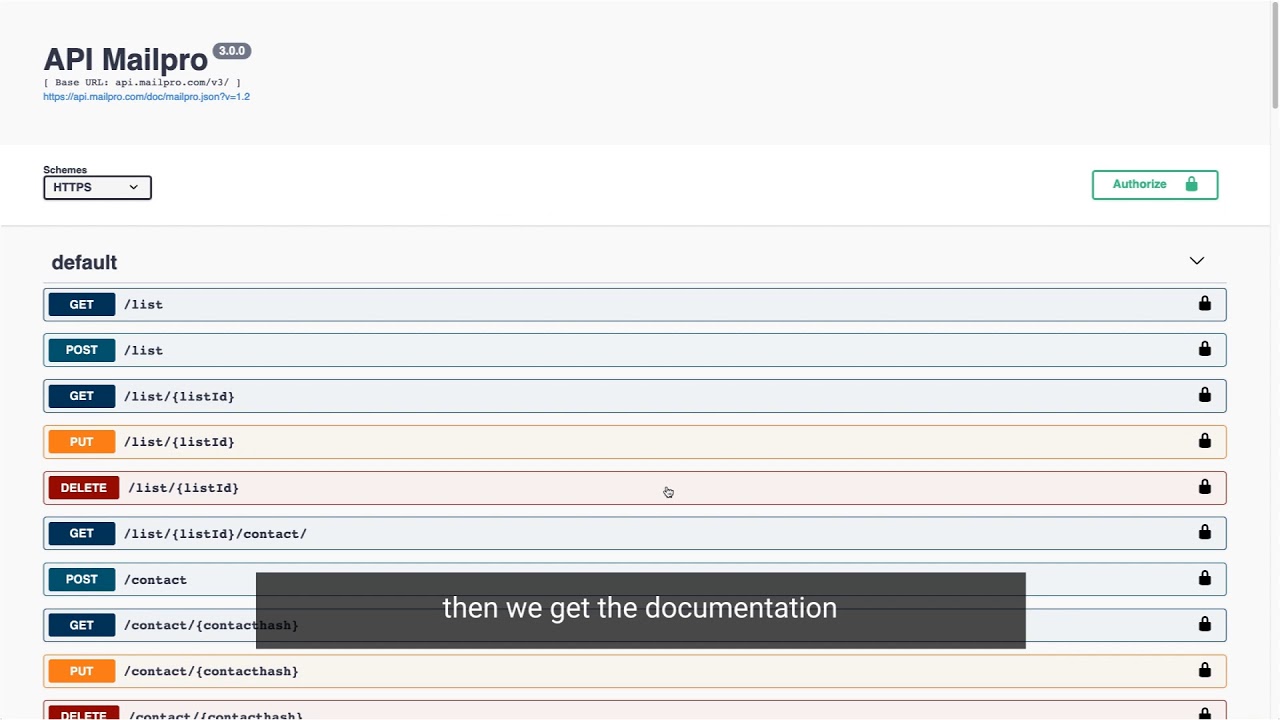
In this video you will learn how to create your Mailpro API key, find your customer ID and request quota, and where to read the documentation on the developer portal.