Bar & Pub Email Templates
Adapt for Unlimited Possibilities
Pubs & Drinks
Pubs & Drinks
Pubs & Drinks
Pubs & Drinks
Pubs & Drinks
Pubs & Drinks
Pubs & Drinks
Pubs & Drinks
Pubs & Drinks
Pubs & Drinks
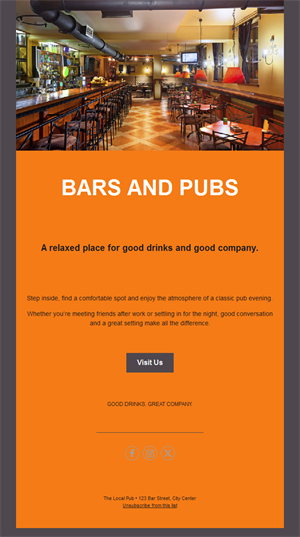
Pubs & Drinks
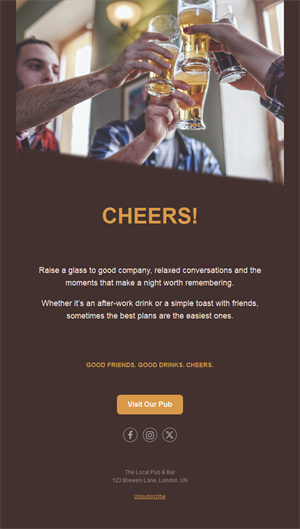
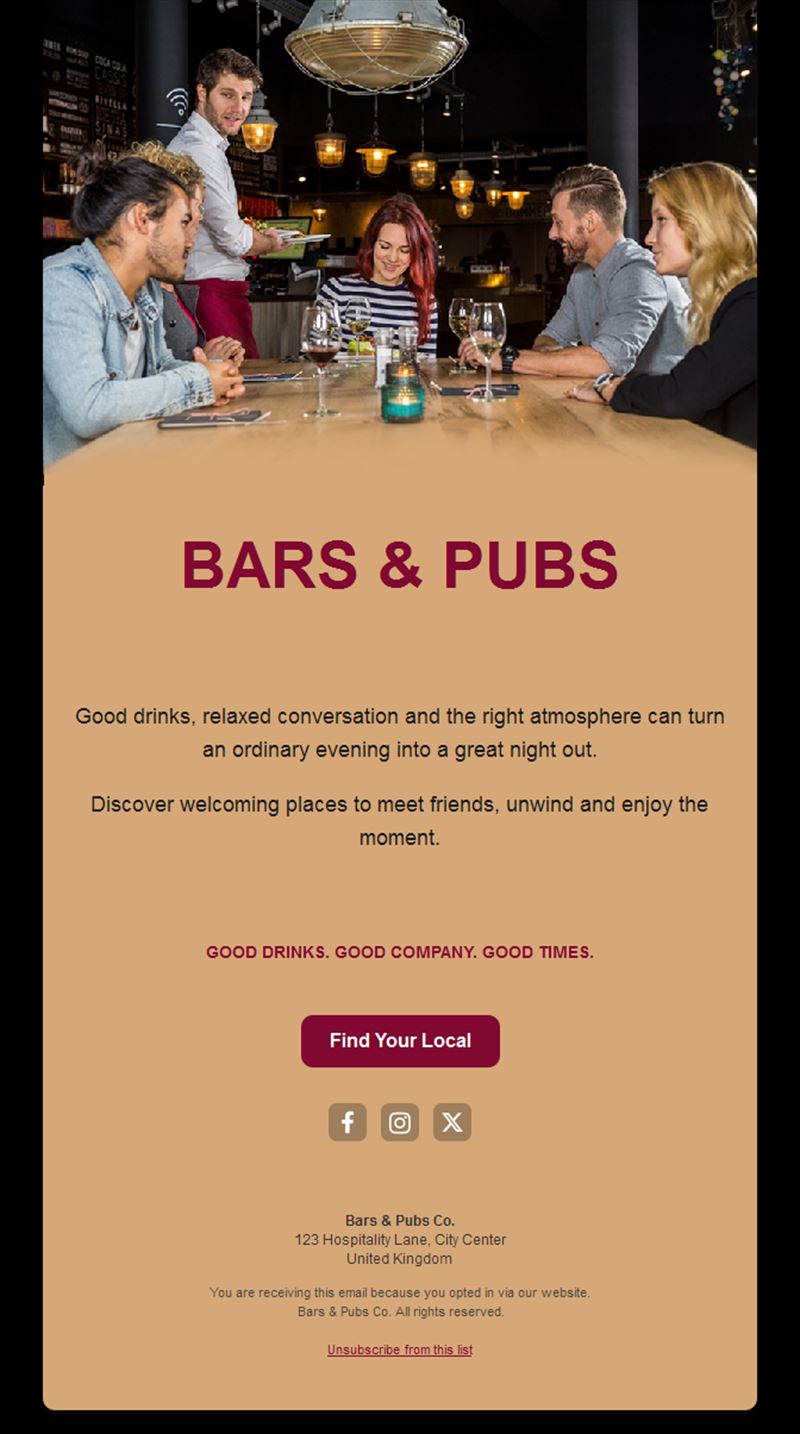
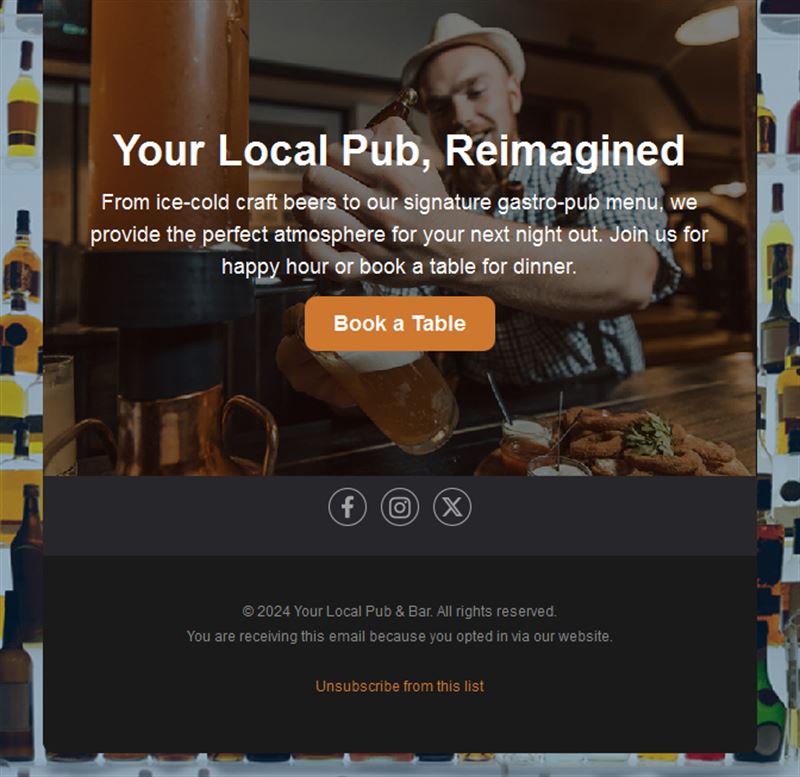
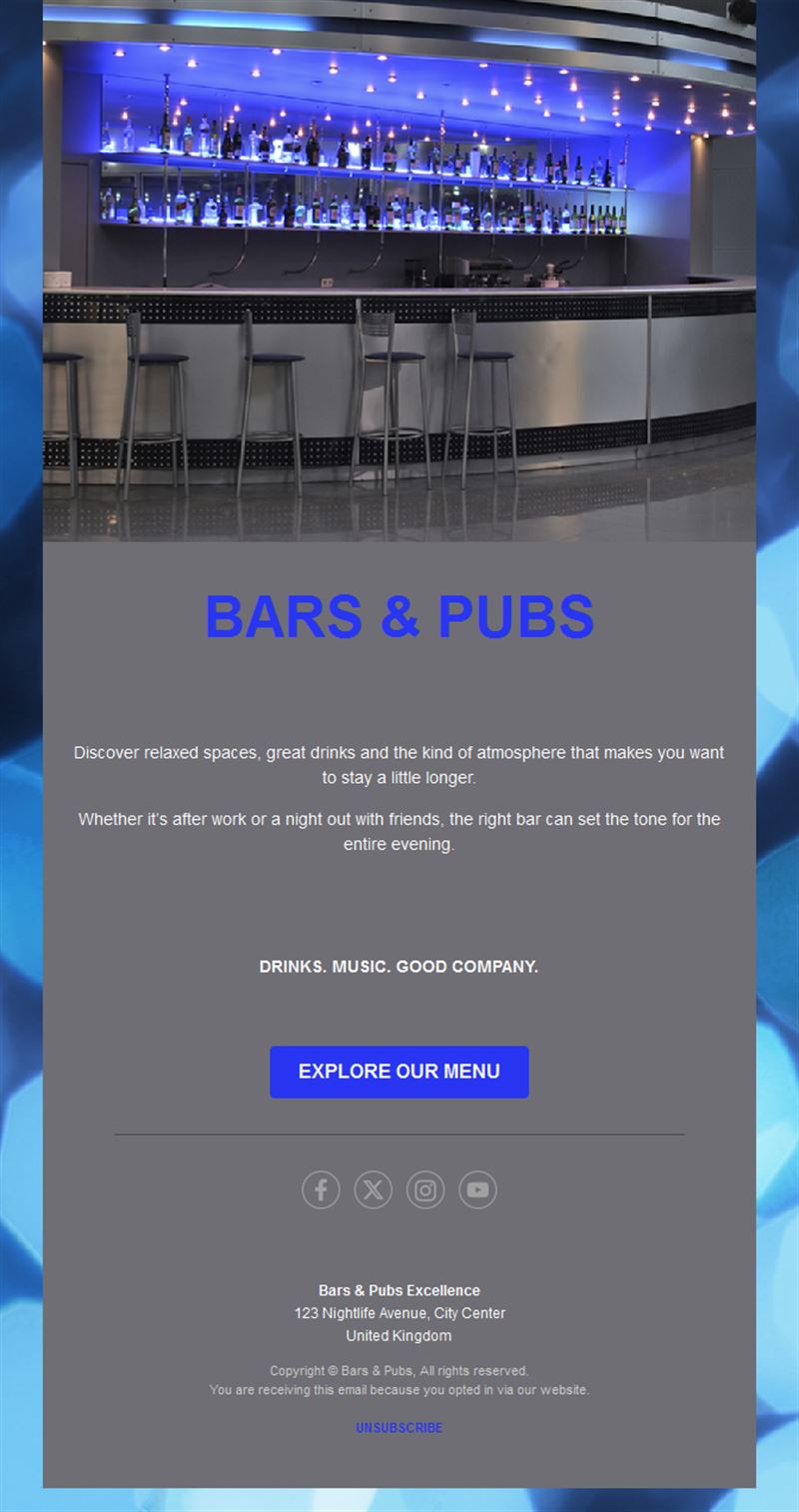
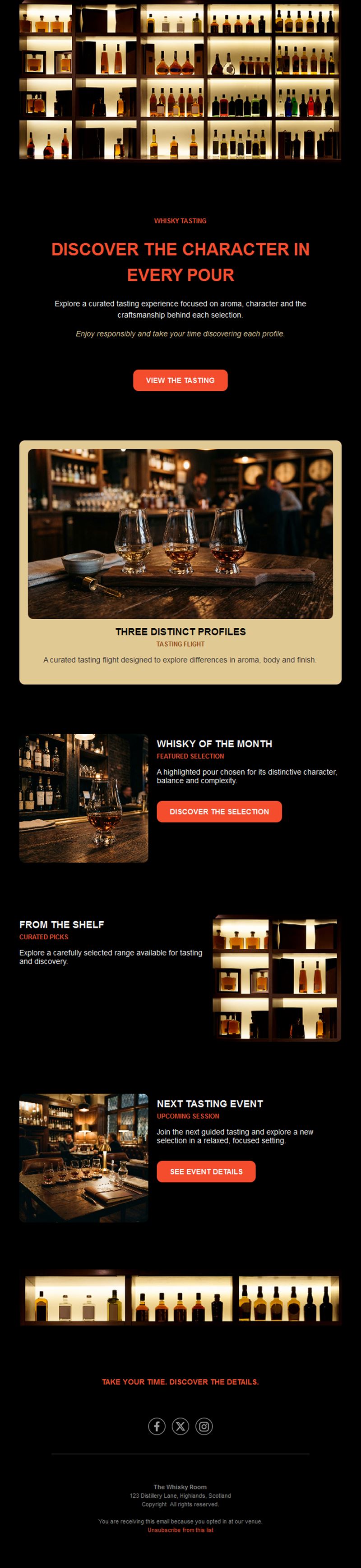
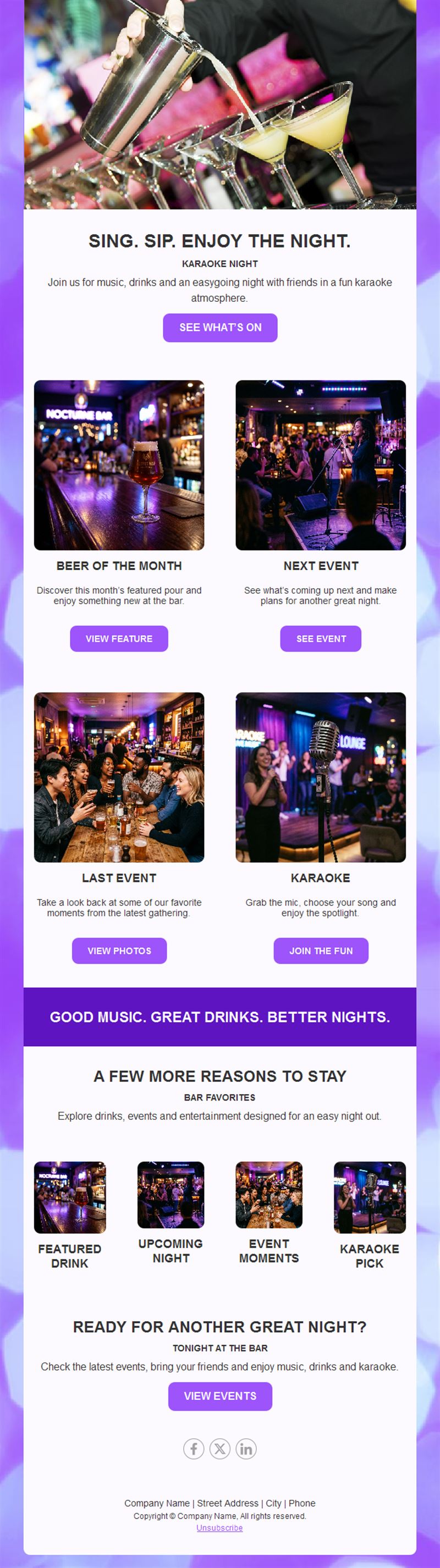
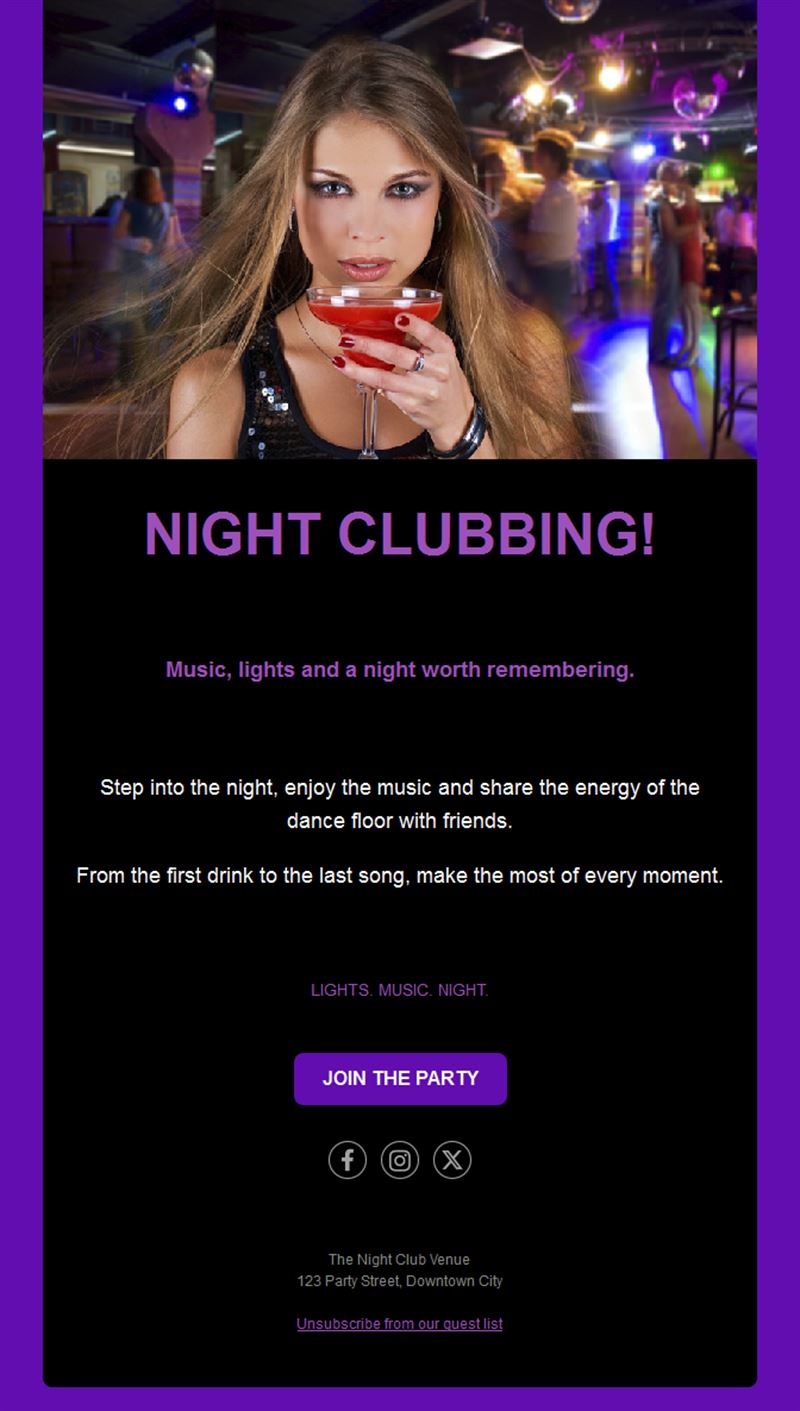
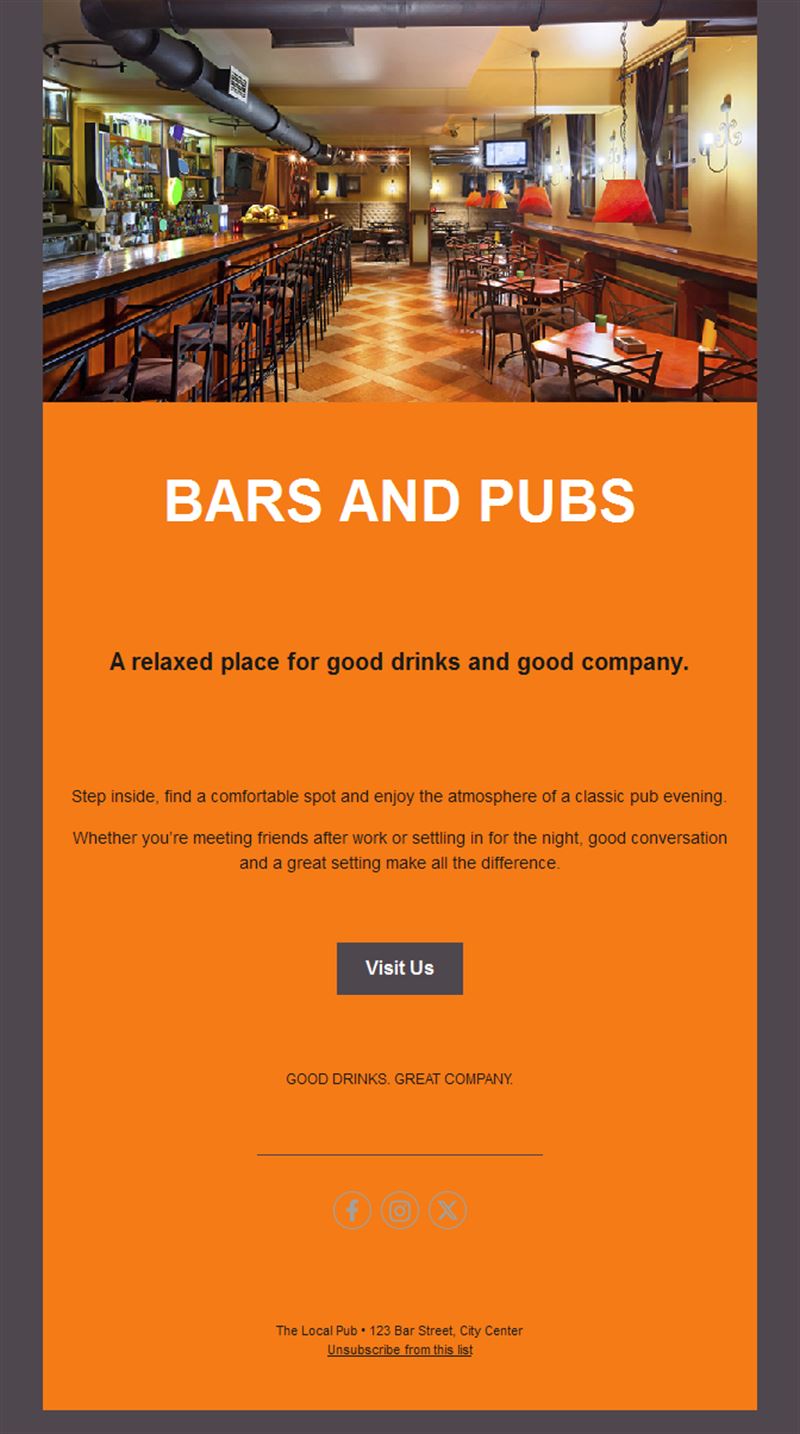
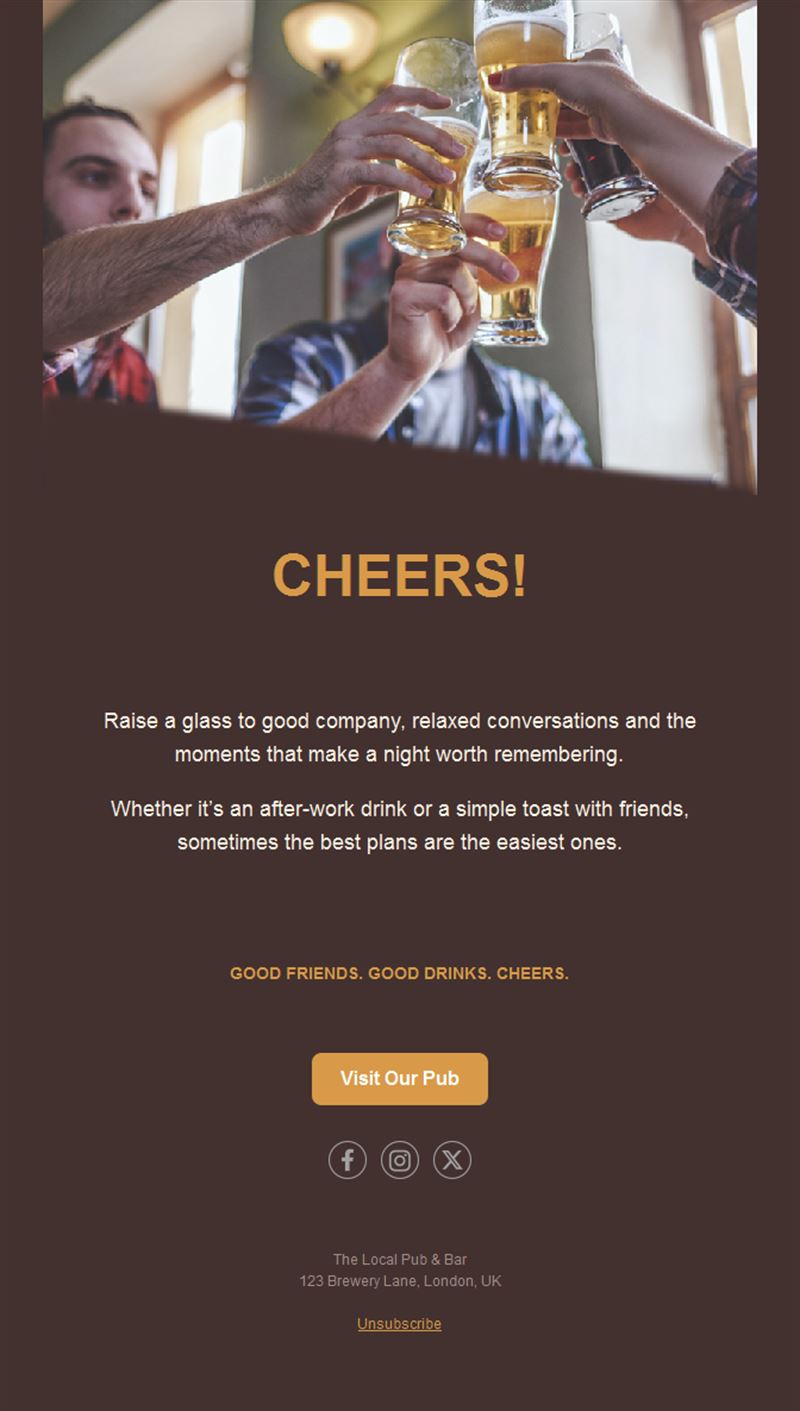
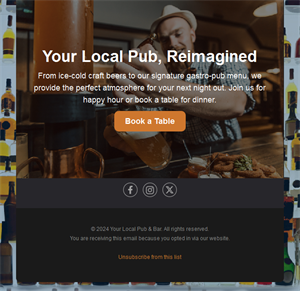
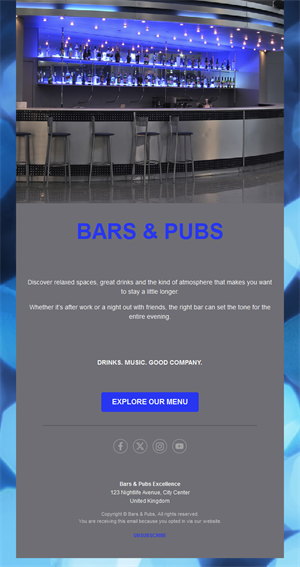
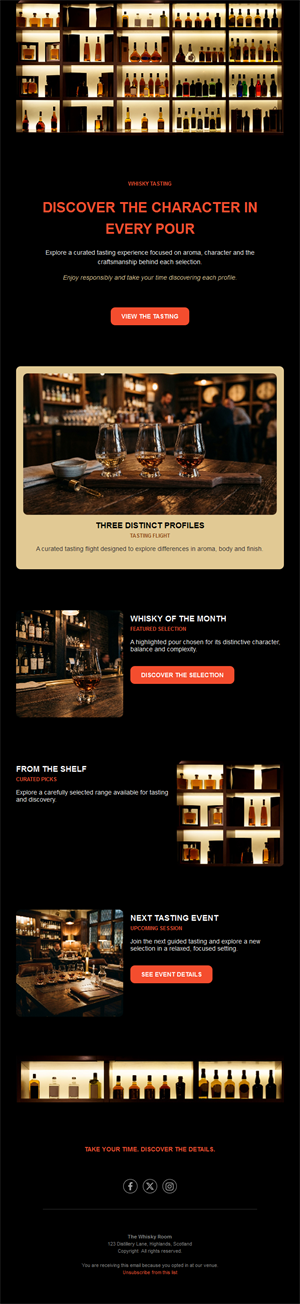
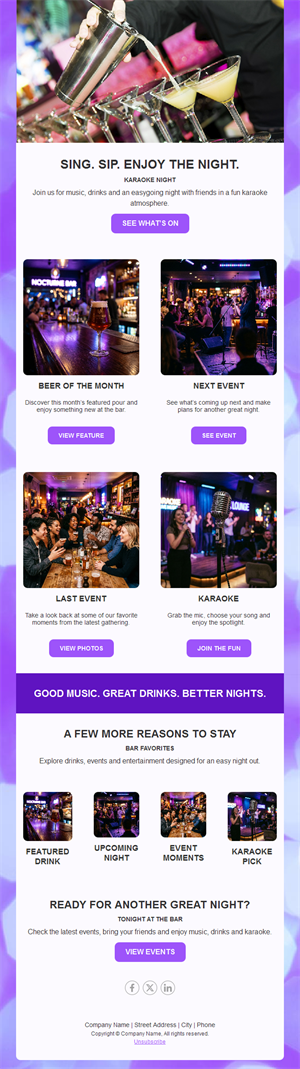
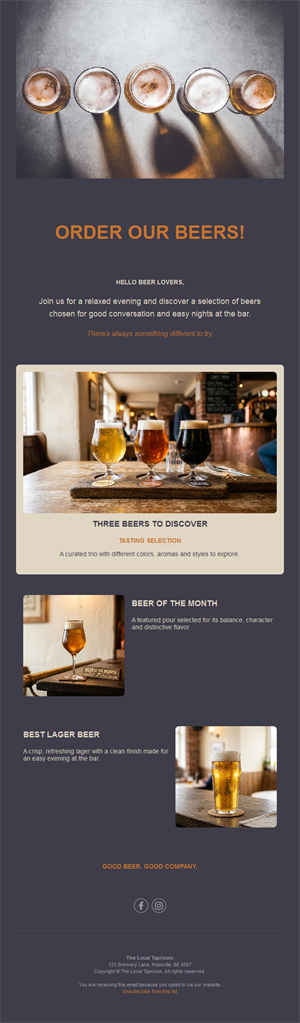
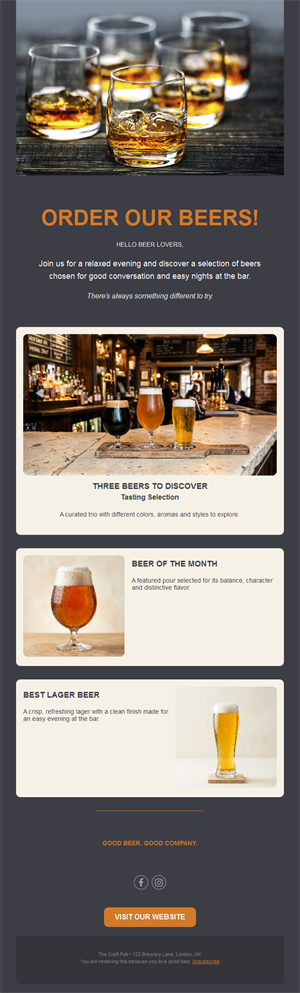
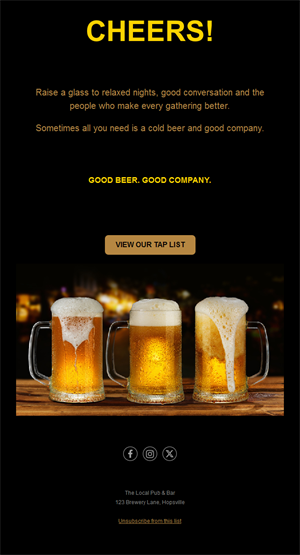
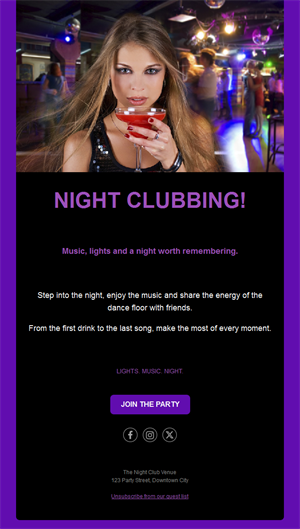
A full bar starts with a full inbox. Pick a ready-made bar and pub email template, customize it in minutes, and send with Mailpro™.
Why use Bars & Pubs email templates?
Regulars come back when they know what’s on. A weekly email with events, specials, and new arrivals keeps your pub the default plan — and reaches everyone for the price of a single round.
- Weekly rhythm ready: a what’s-on format you can refill in minutes.
- Event turnout: quiz nights, live music, and screenings fill up when announced right.
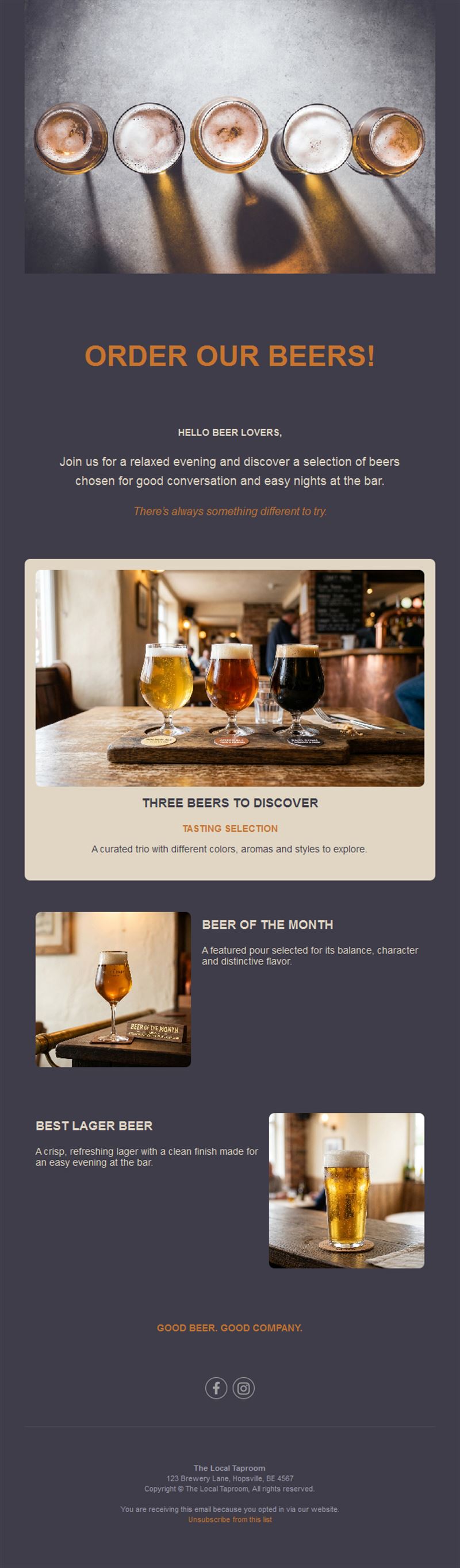
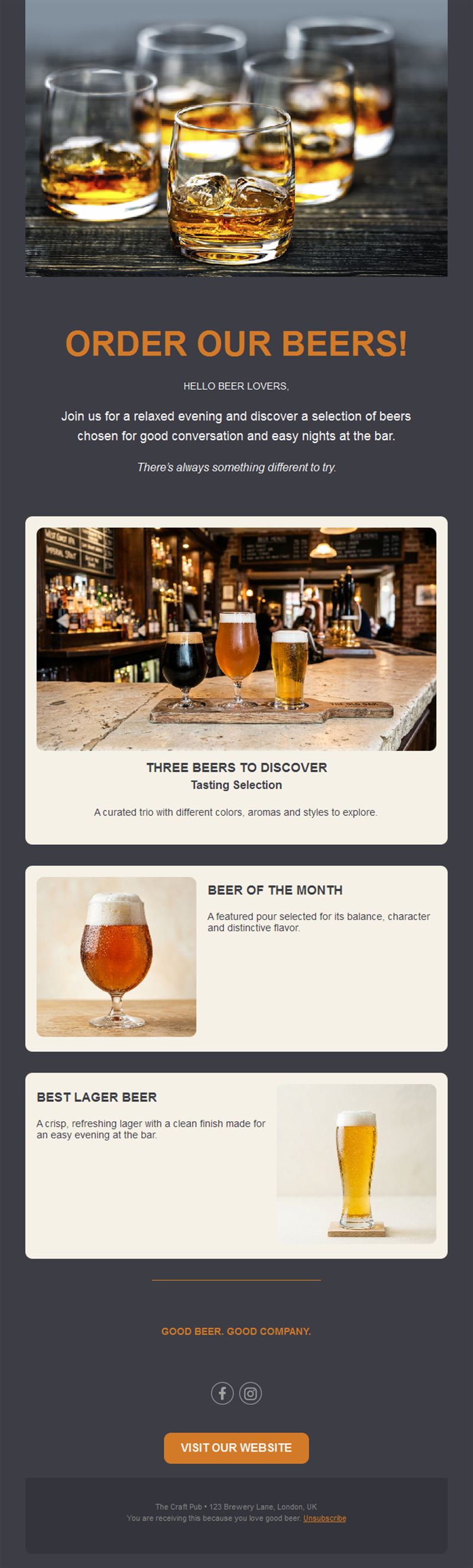
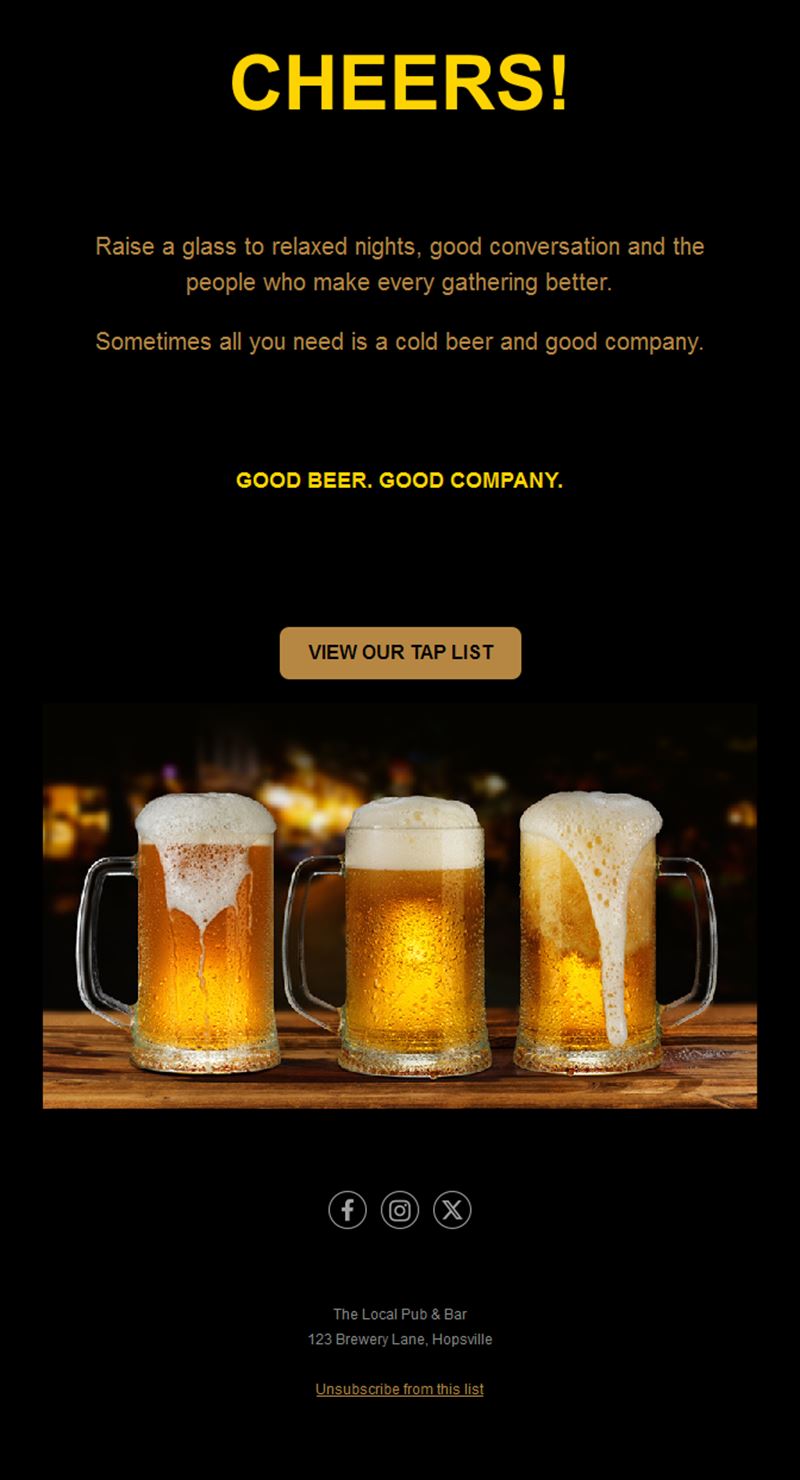
- Showcase new taps: craft rotations and seasonal cocktails deserve an audience.
- Cheapest marketing round: email costs pennies per regular reached.
What can your pub announce?
1) Event nights
Quiz nights, live music, karaoke, and DJ sets with date, time, and booking link.
2) Match screenings
The fixture list for the week — who’s playing, kickoff time, and table reservations.
3) New taps & cocktails
Craft beer rotations and the barman’s latest creation, with tasting notes.
4) Weekly specials
Happy hour deals, food-and-pint combos, and student nights.
5) Private hire
Promote your function room for birthdays, work drinks, and celebrations.
What's inside each template?
- Hero section with this week’s highlight.
- Event list block with dates and times.
- Drinks showcase for new arrivals.
- Reservation CTA with booking link.
- Social links and an easy unsubscribe footer.
How to customize your Bars & Pubs email in Mailpro™
- Pick a template: Open Templates and choose a Bars & Pubs design.
- Edit copy & images: Real photos of your bar and drinks beat stock every time.
- Add a countdown (optional): Count down to a big match or ticketed event. See how the countdown works.
- Segment your audience: Sports fans get fixtures; music lovers get gig announcements. Learn segmentation.
- Schedule the send: Thursday afternoon for the weekend; same slot every week. Schedule email campaigns.
- Track results: Monitor opens, clicks, and conversions. View email statistics.
- Automate follow-ups: Auto-birthday emails with a free-pint voucher bring guaranteed visits. Set up autoresponders.
Subject line & CTA ideas
Subject lines
- This week at [Pub]: quiz, live blues, derby day
- New on tap: 4 craft arrivals ale-lovers will adore
- Derby day Saturday — book your table now
- Quiz night is back — gather your team
- Your birthday pint is on us 🍺
CTA ideas
- Book a Table
- See What’s On
- Reserve for the Match
- Claim My Birthday Pint
Best practices for Bars & Pubs campaigns
- Same day, every week: a predictable what’s-on email becomes a habit.
- Lead with the biggest night: one headline event, then the list.
- Photos of real nights: atmosphere sells seats.
- Birthday automation: a free drink brings a table of friends with it.
- Make booking one tap: phone-friendly reservation buttons fill tables.
FAQ: Bars & Pubs email templates
When should a pub send its newsletter?
Thursday afternoon — right when people plan their weekend. Keep the same slot weekly.
What content fills the most seats?
Event announcements and match screenings with one-tap booking, plus birthday vouchers that bring groups.
How do we grow the mailing list?
A signup card on the bar, a QR code on menus, and a free-drink birthday club convert regulars into subscribers.
Can we automate anything?
Yes — birthday emails and welcome vouchers run themselves with Mailpro autoresponders.
Get started
Last orders for empty tables: pick a bar & pub email template and pack the house this weekend.