Golf Email Templates
Adapt for Unlimited Possibilities
Golf
Golf
Golf
Golf
Golf
Golf
Golf
Golf
Golf
Golf
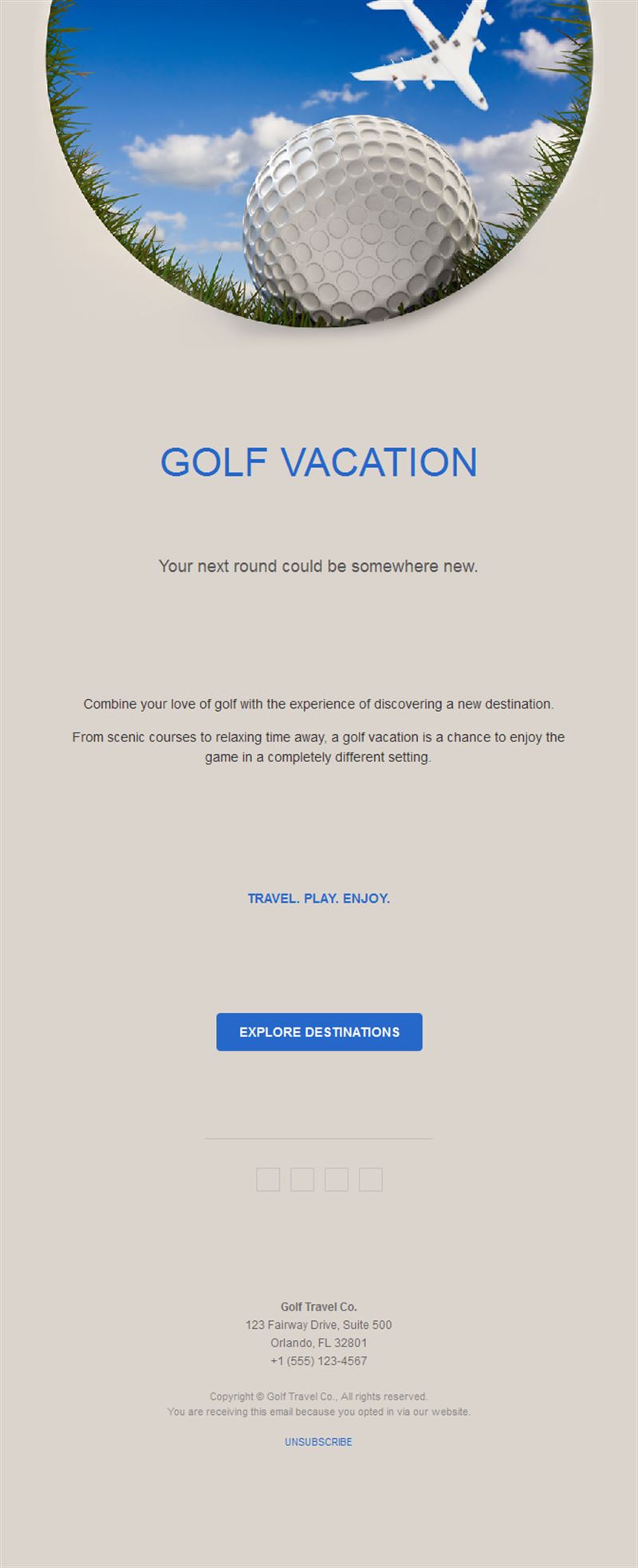
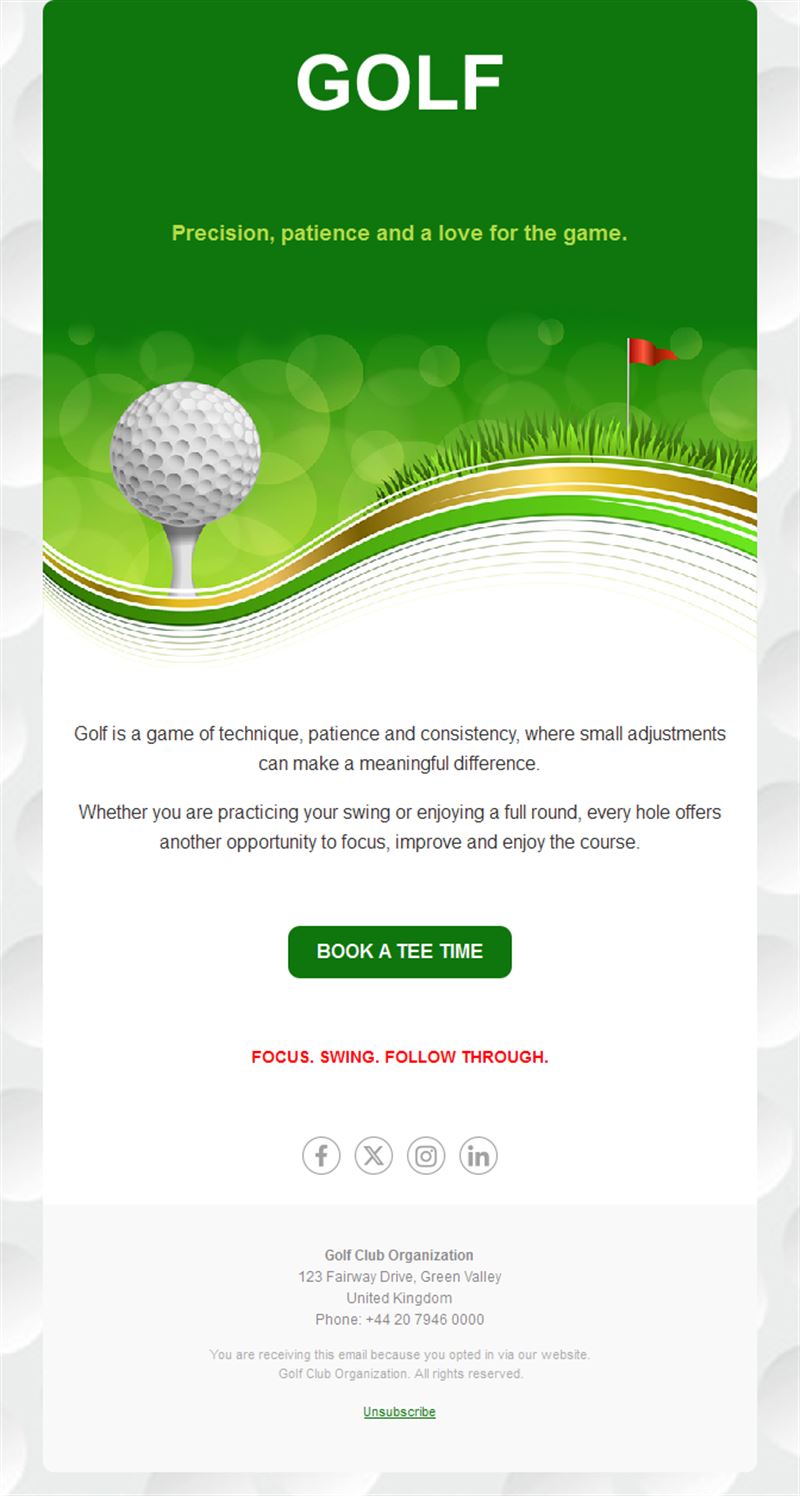
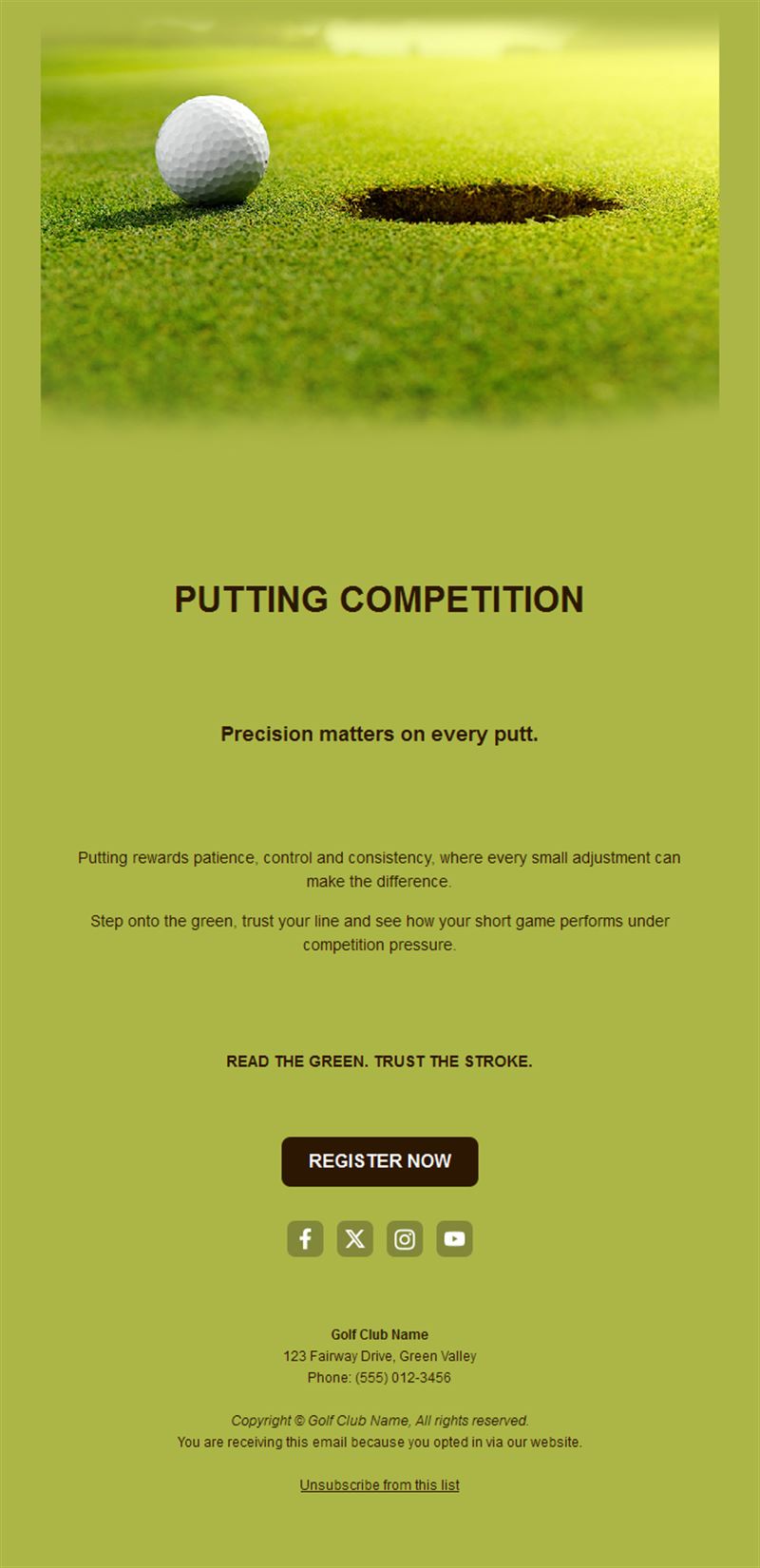
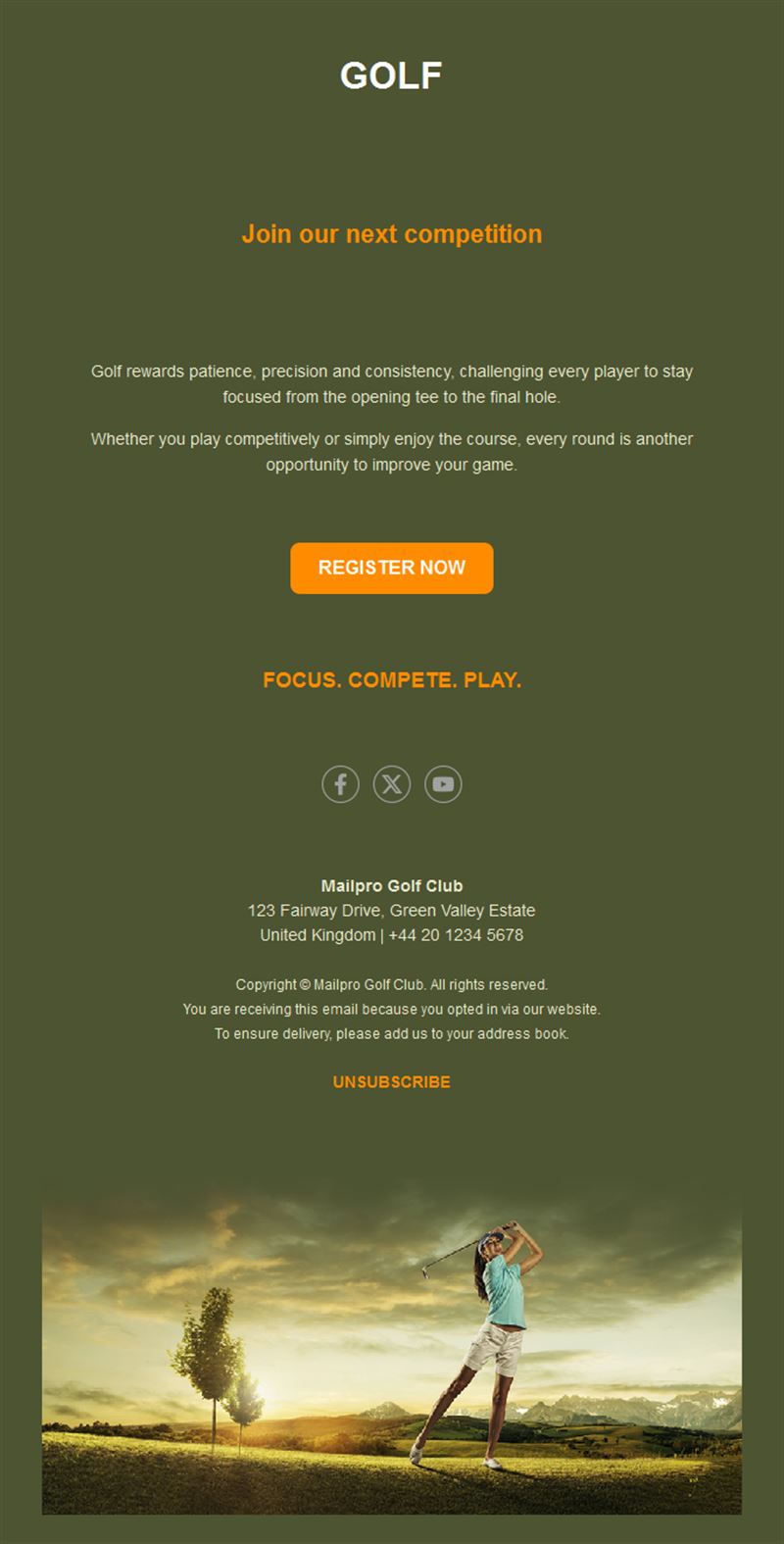
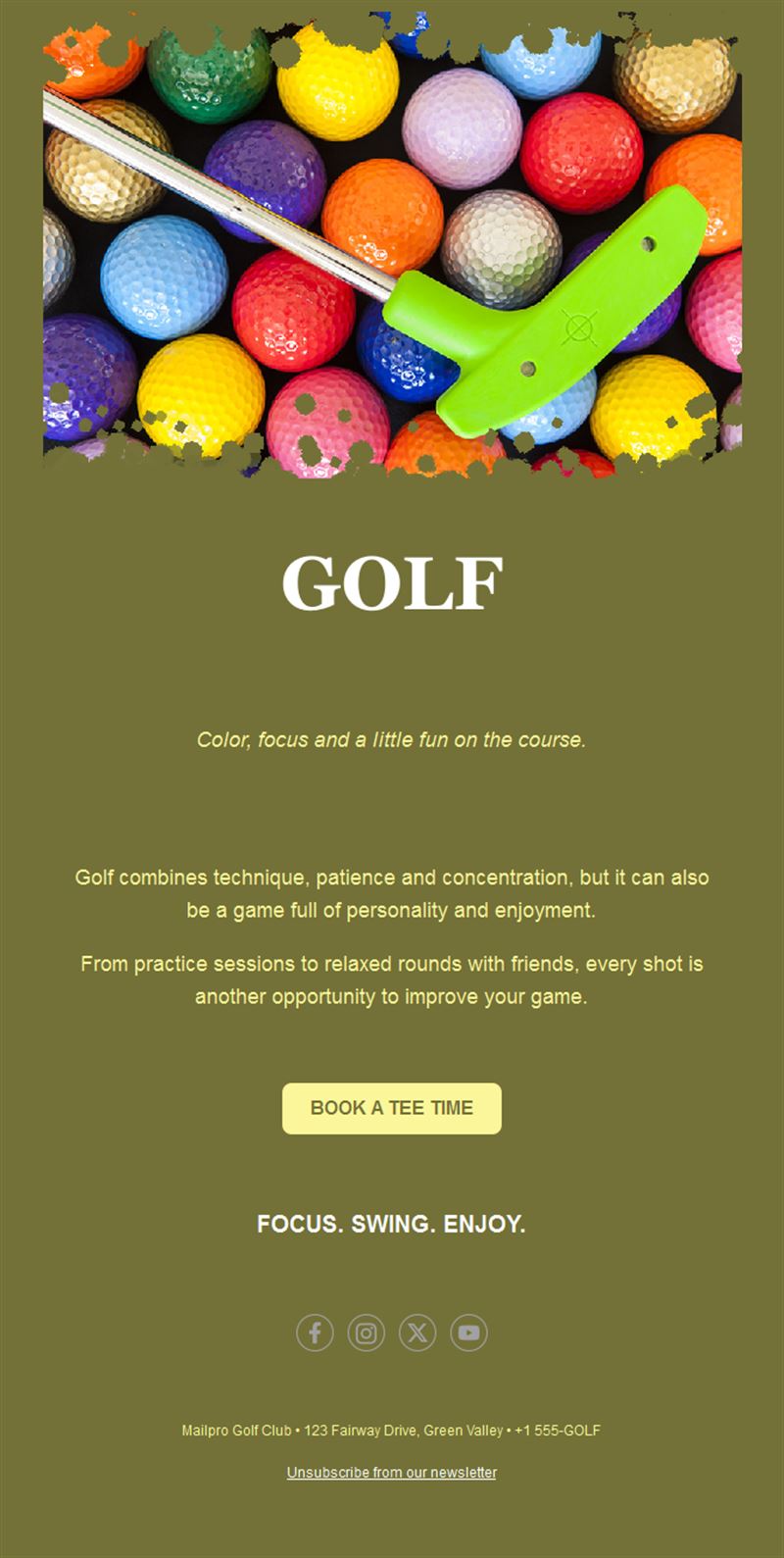
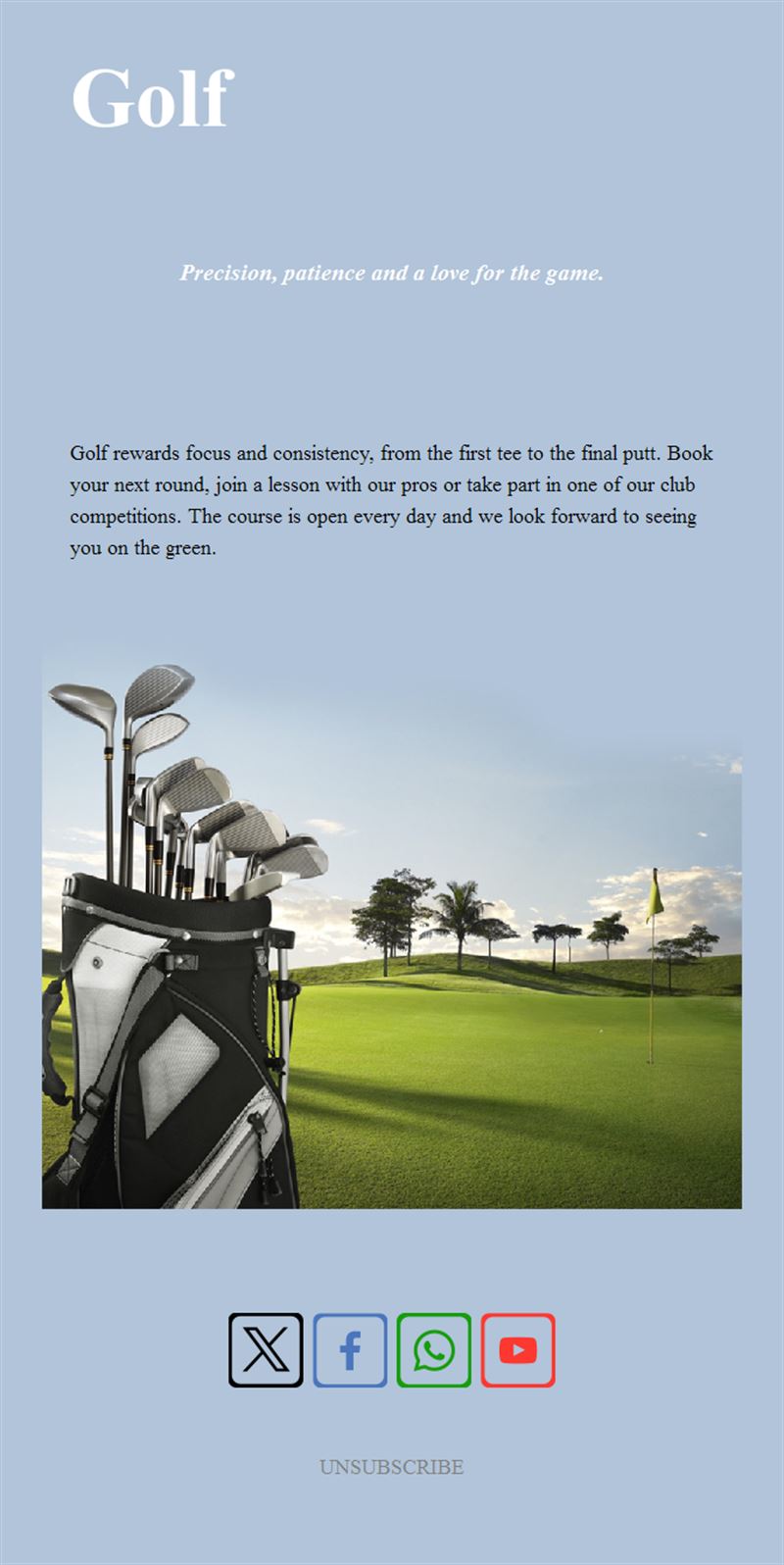
A great club experience starts before the first tee. Pick a ready-made golf email template, customize it in minutes, and send with Mailpro™.
Why use Golf email templates?
Tournaments, tee-time availability, pro-shop arrivals, lesson programs — golf clubs have a full calendar to communicate. A polished newsletter keeps members engaged and the course booked from dawn to dusk.
- Tee-sheet optimization: off-peak offers and open-slot alerts fill quiet rounds.
- Tournament fields: entry campaigns that complete the draw early.
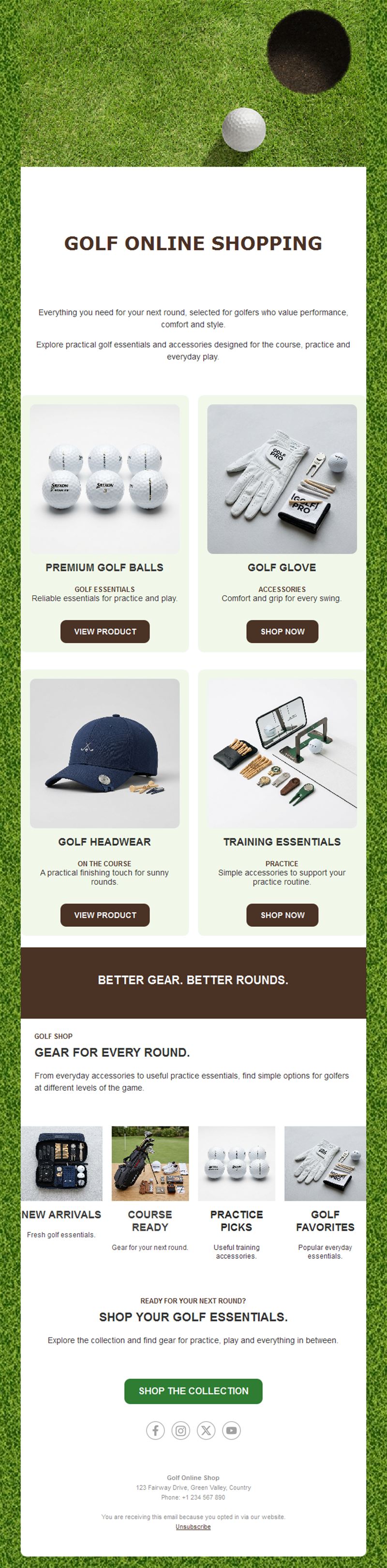
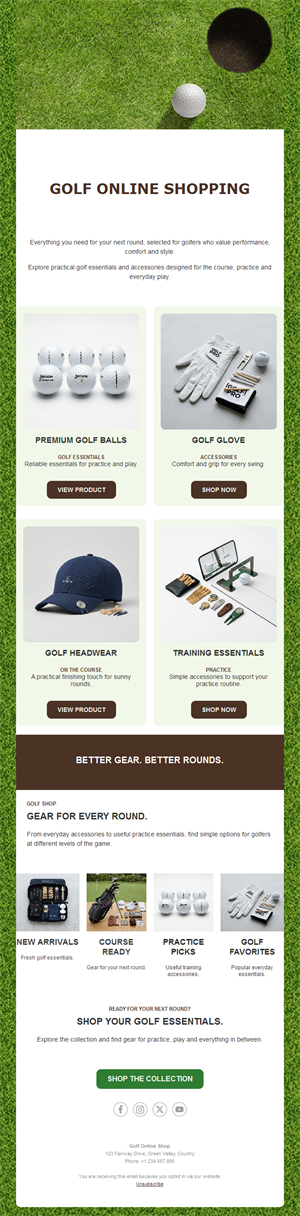
- Pro-shop revenue: new arrivals and season gear promoted to players who care.
- Clubhouse-elegant design: layouts as manicured as the greens.
What can your club send?
1) Tournament announcements
Member competitions, opens, and charity scrambles with entry buttons.
2) Tee-time offers
Twilight rates, off-peak specials, and guest-day promotions.
3) Lessons & academies
Pro clinics, junior academies, and swing-analysis sessions.
4) Course updates
Conditions, maintenance schedules, and seasonal opening news.
5) Club life
Dinners, trophy nights, and membership offers with RSVP.
What's inside each template?
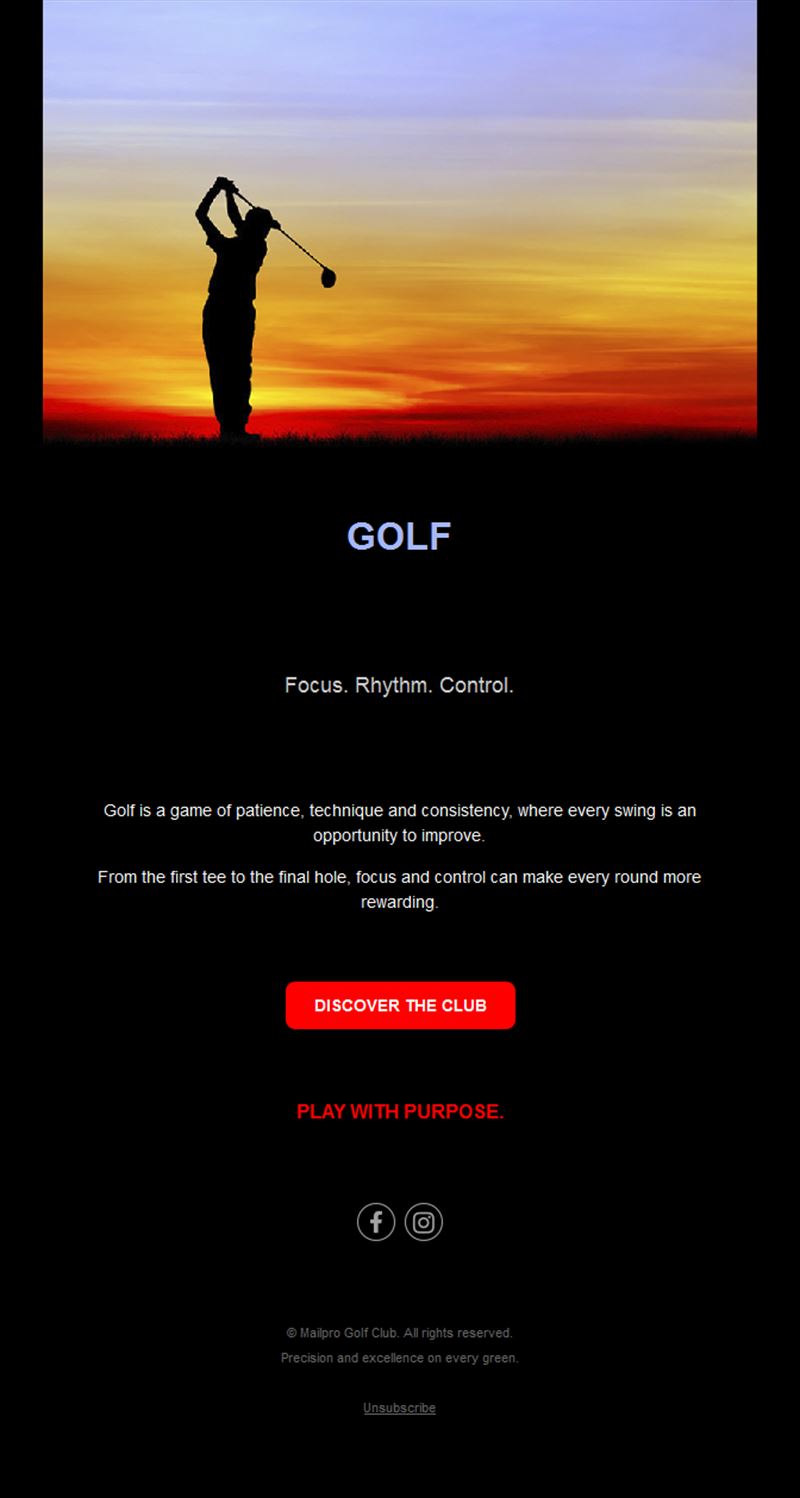
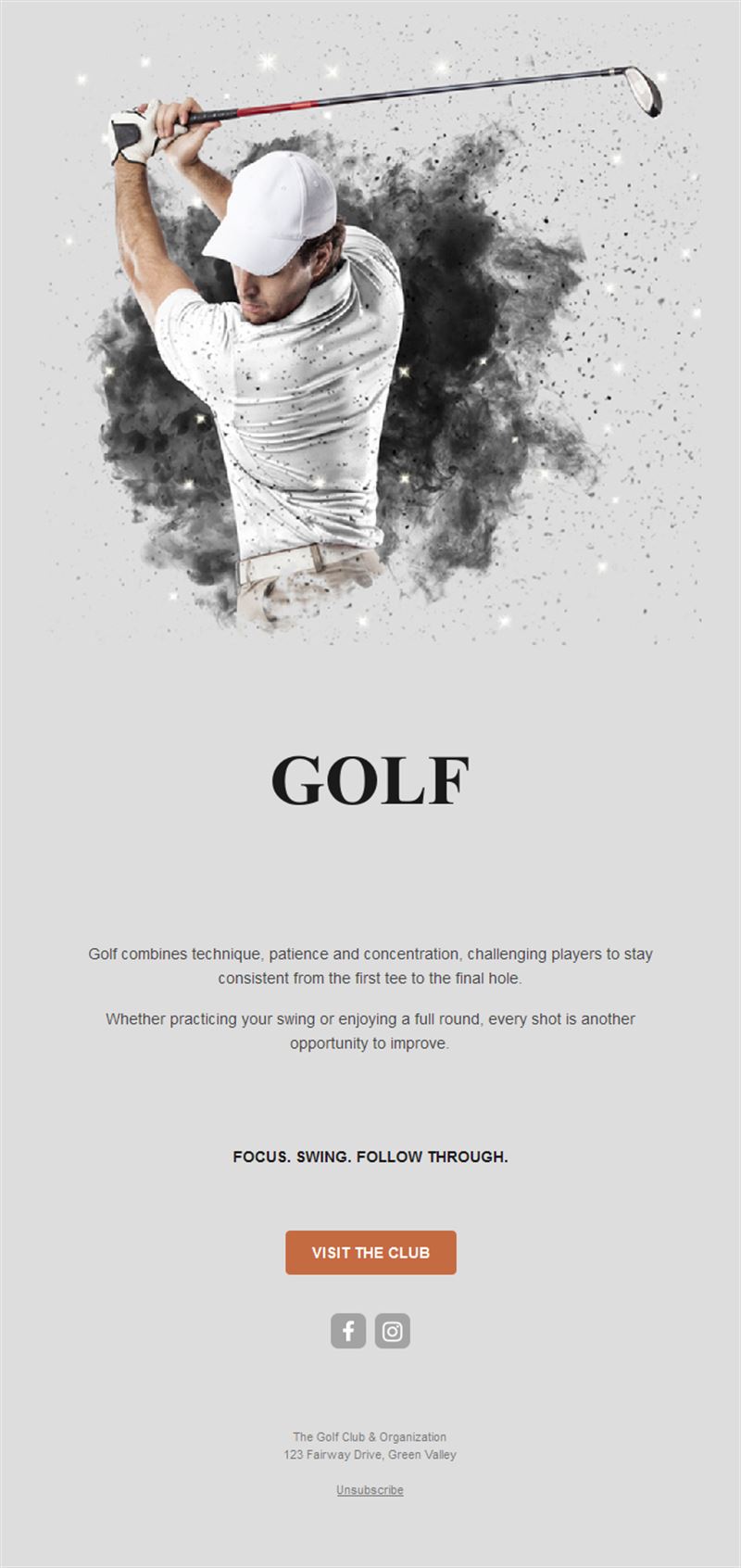
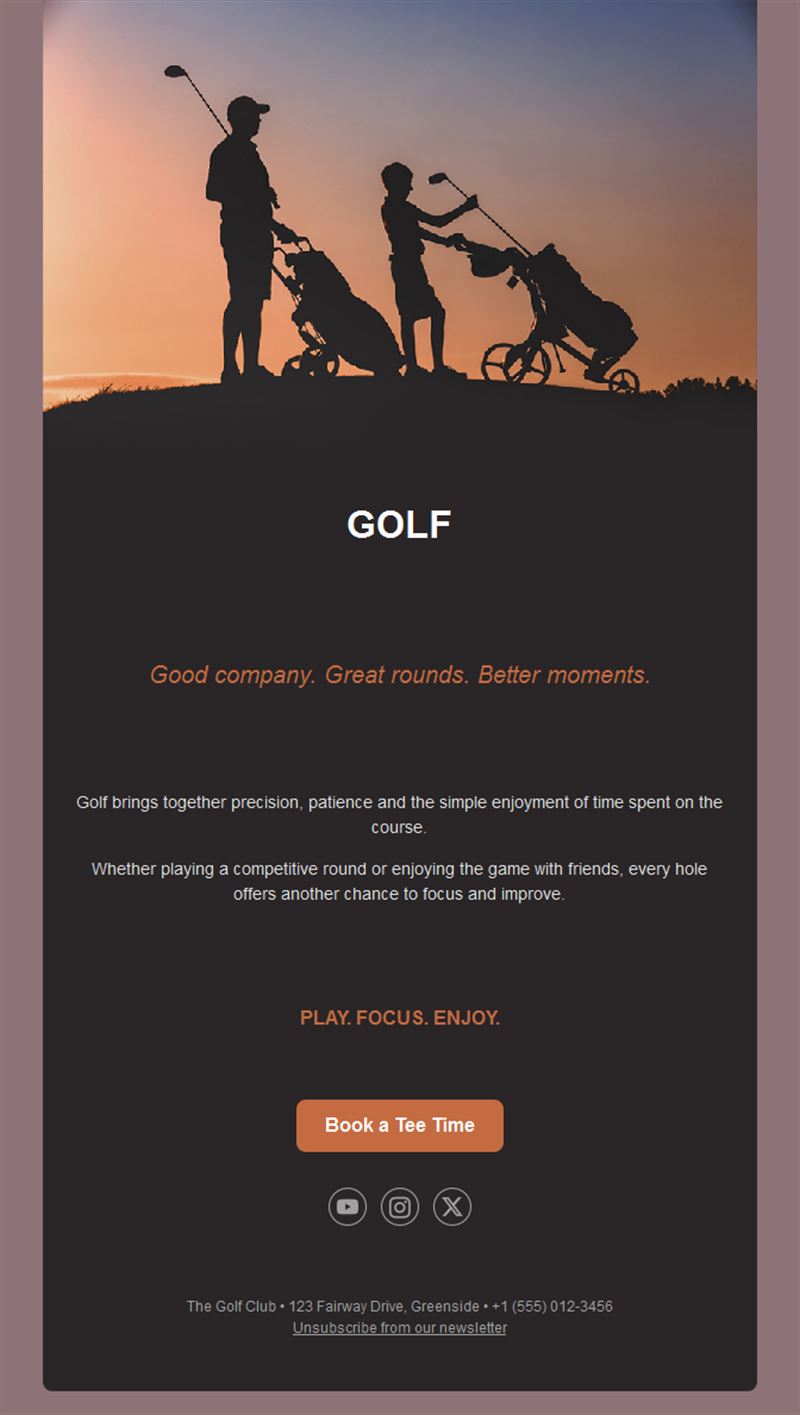
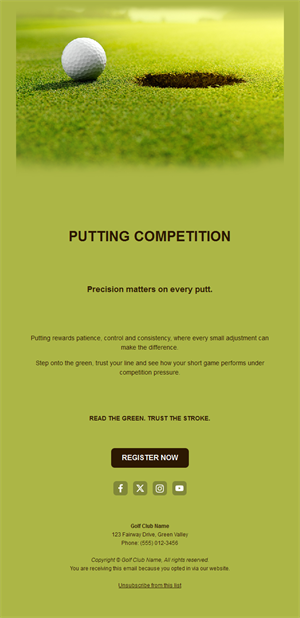
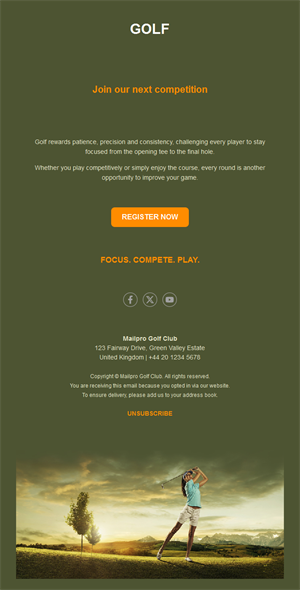
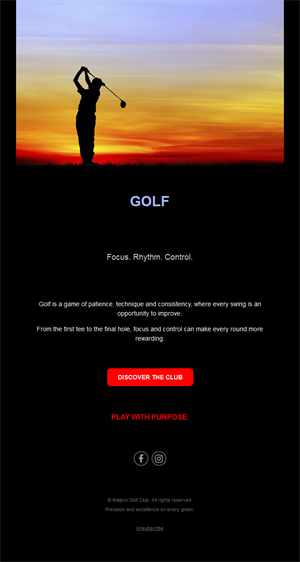
- Hero with course photography at golden hour.
- Event block with dates and entry buttons.
- Offer section for tee times and shop.
- Course-update block.
- Social links and an easy unsubscribe footer.
How to customize your Golf email in Mailpro™
- Pick a template: Open Templates and choose a Golf design.
- Edit copy & images: Course beauty shots sell everything; precise dates and formats.
- Add a countdown (optional): Count down to entry deadlines and season openings. See how the countdown works.
- Segment your audience: Competitive members, social golfers, and juniors differ. Learn segmentation.
- Schedule the send: Weekly digest in season; event-driven otherwise. Schedule email campaigns.
- Track results: Monitor opens, clicks, and conversions. View email statistics.
- Automate follow-ups: Automate entry confirmations and handicap-event reminders. Set up autoresponders.
Subject line & CTA ideas
Subject lines
- Entries open: the Captain’s Cup
- Twilight golf: 9 holes after 5pm
- New in the pro shop this week
- Course update: greens renovation complete
- Trophy night: reserve your table
CTA ideas
- Enter the Tournament
- Book a Tee Time
- Join the Academy
- RSVP to Trophy Night
Best practices for Golf campaigns
- Golden-hour imagery: the course at its best sells memberships.
- Deadline the draws: entry cutoffs create sign-up urgency.
- Monetize the quiet: twilight and off-peak offers fill the tee sheet.
- Junior pipelines: academy campaigns build tomorrow’s membership.
- Condition honesty: transparent course updates build trust.
FAQ: Golf email templates
How do clubs fill tournaments early?
Announce with a firm entry deadline and remind at the cutoff — the draw fills on urgency.
What boosts off-peak play?
Twilight and midweek offers to segmented members with one-tap booking.
How often should a golf club email?
Weekly in season with a consistent digest; monthly through winter.
Can we promote the pro shop effectively?
Yes — new-arrival features tied to season moments (new gloves for opening day) convert well and track in Mailpro statistics.
Get started
Drive engagement down the fairway: pick a golf email template and keep the club swinging.