13 Free Restaurant Email Templates
Adapt for Unlimited Possibilities
Restaurants
Restaurants
Restaurants
Restaurants
Restaurants
Restaurants
Restaurants
Restaurants
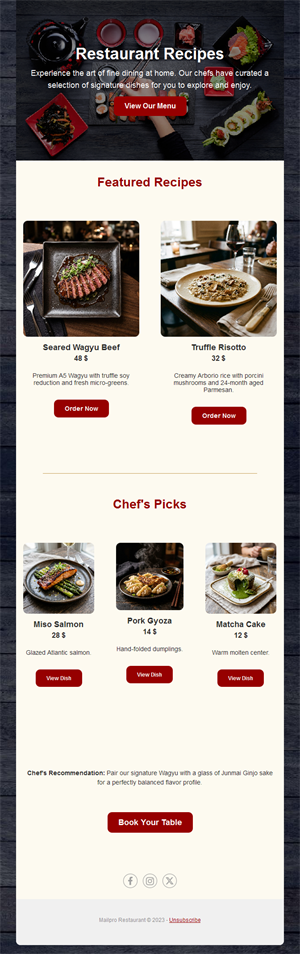
Restaurants
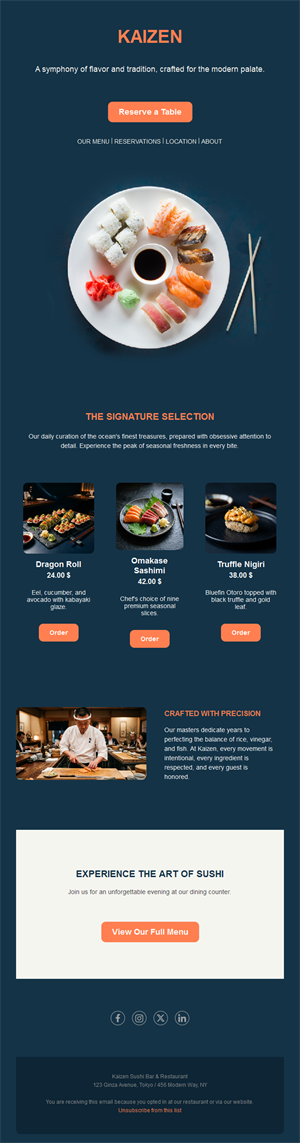
Restaurants
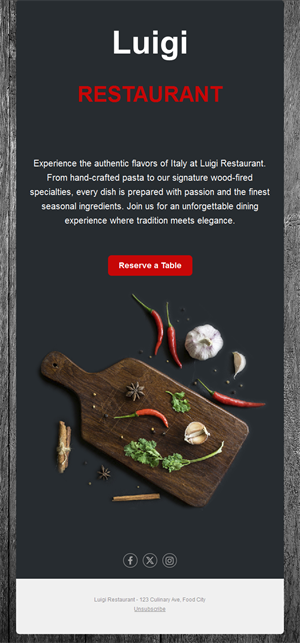
Restaurants
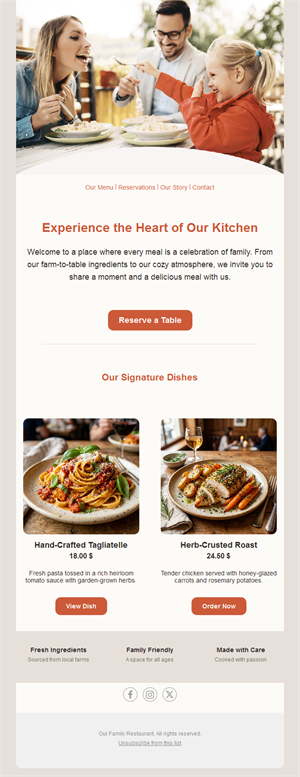
Restaurants
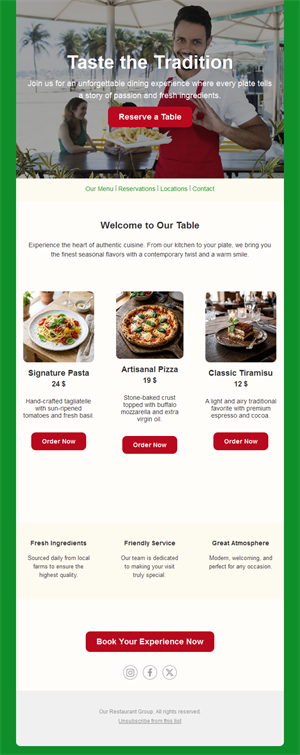
Restaurants
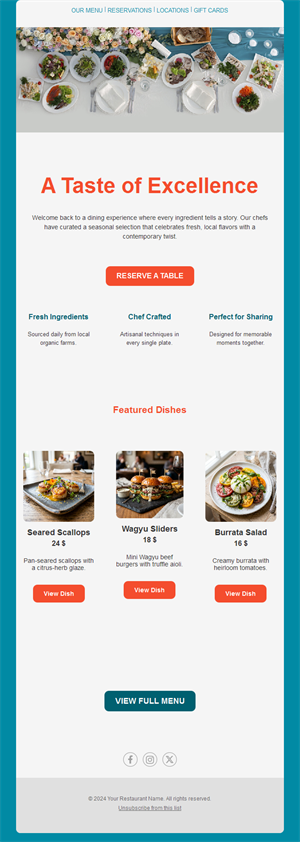
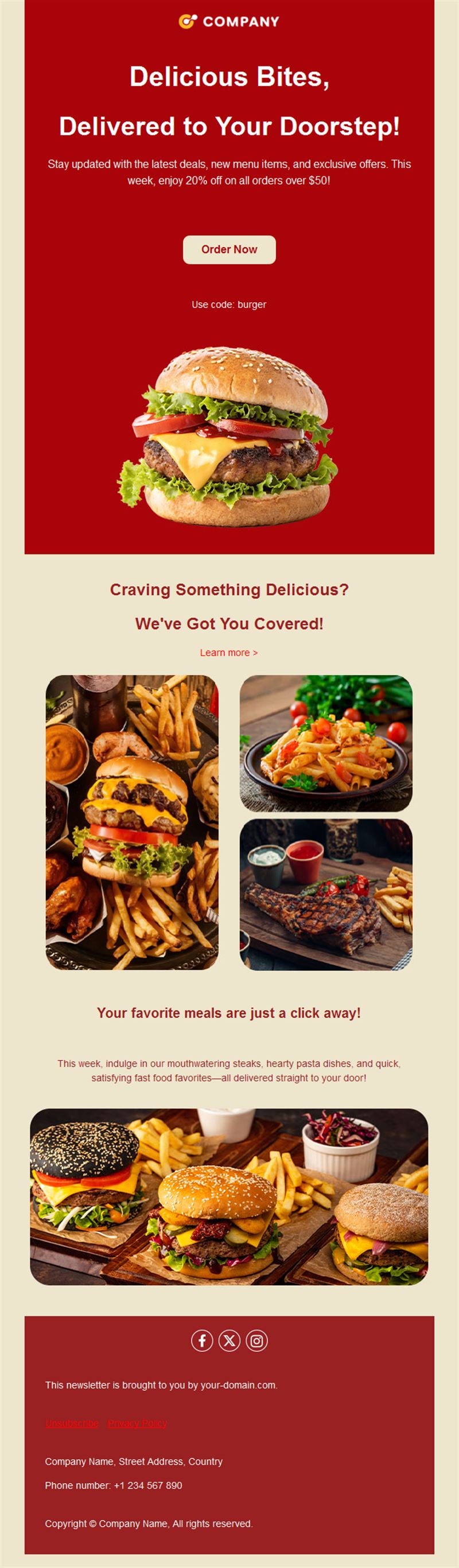
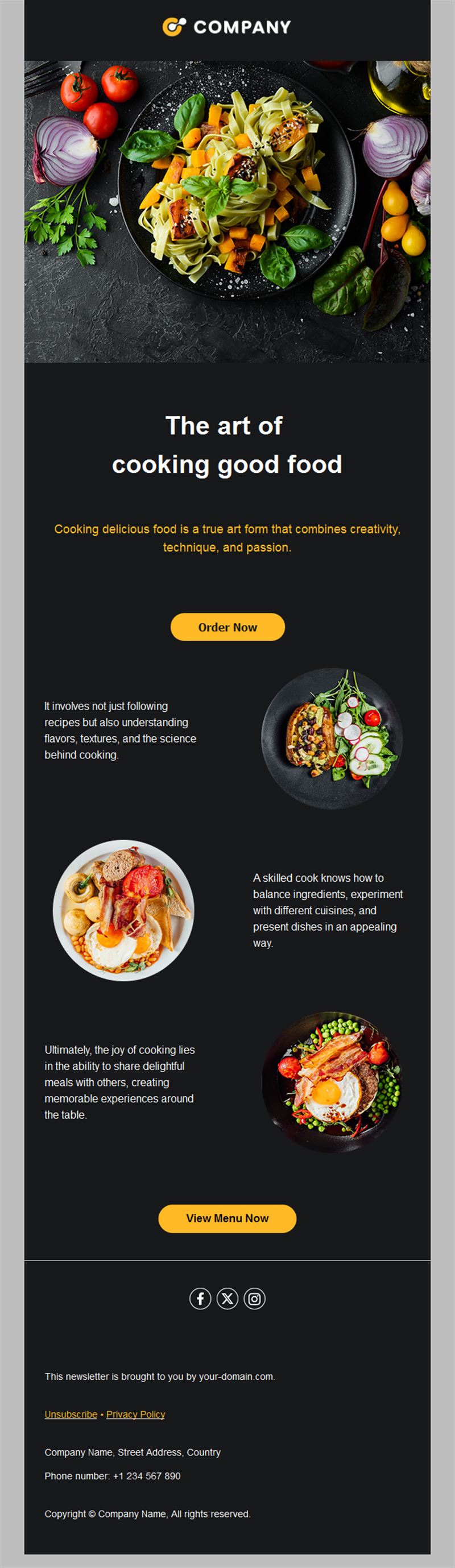
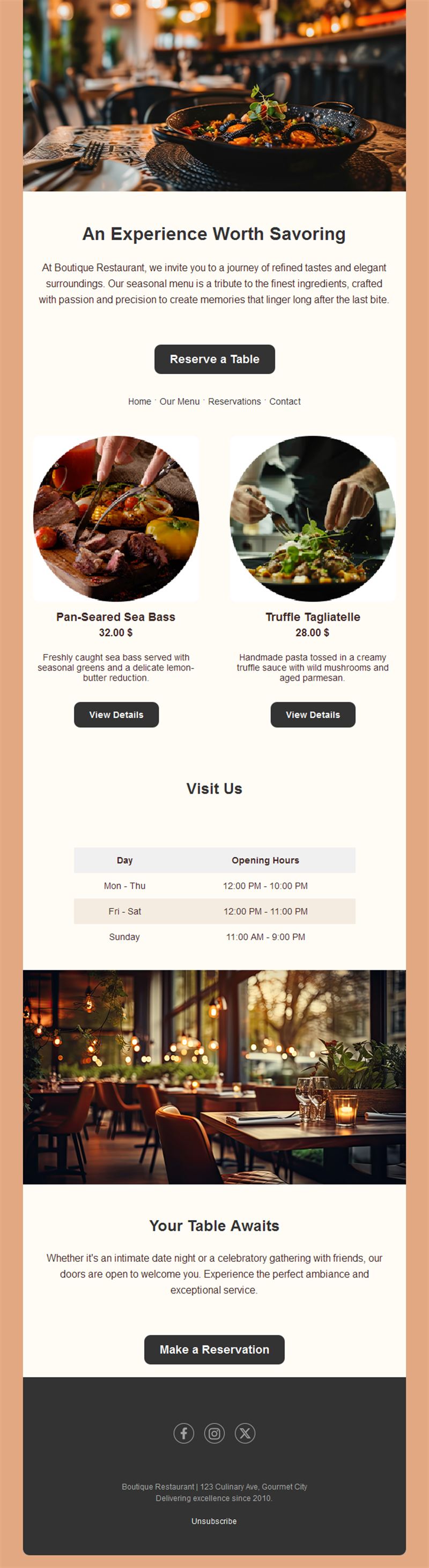
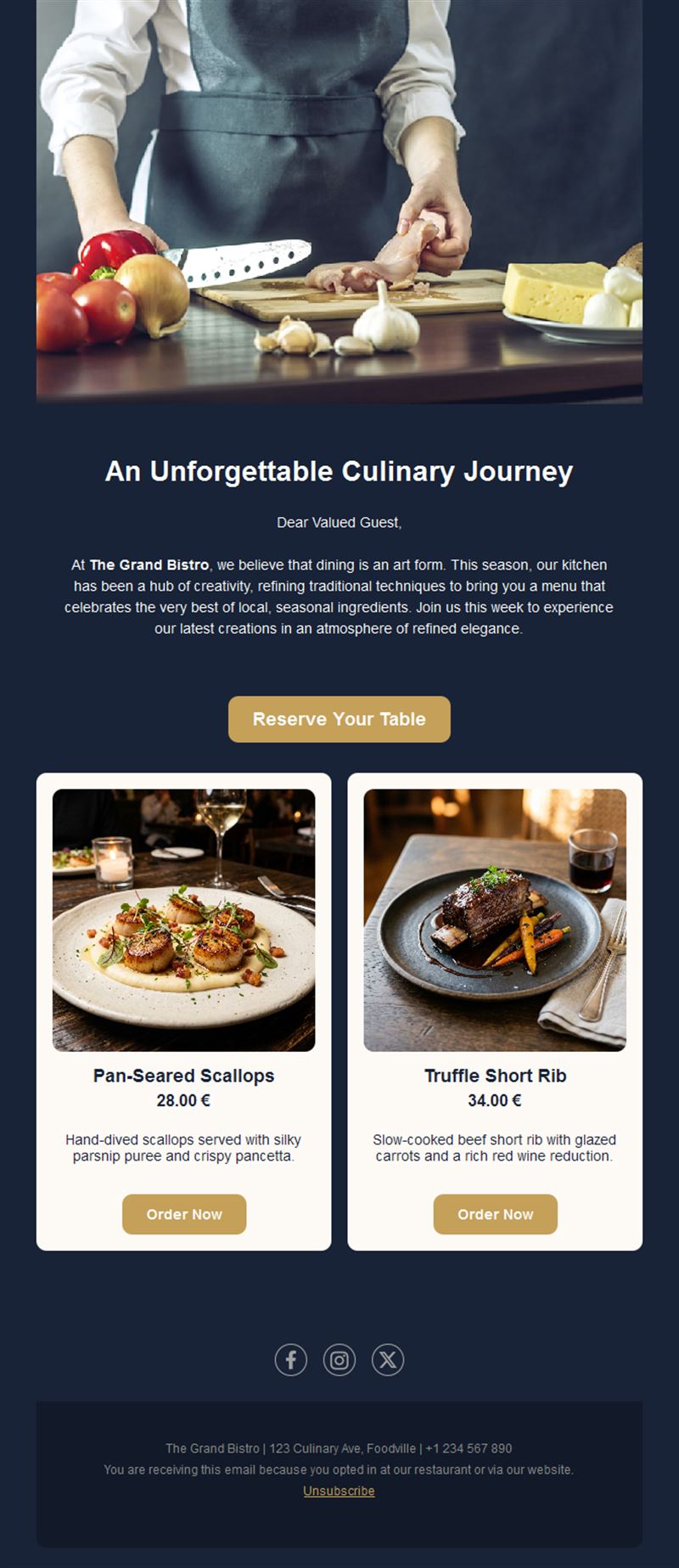
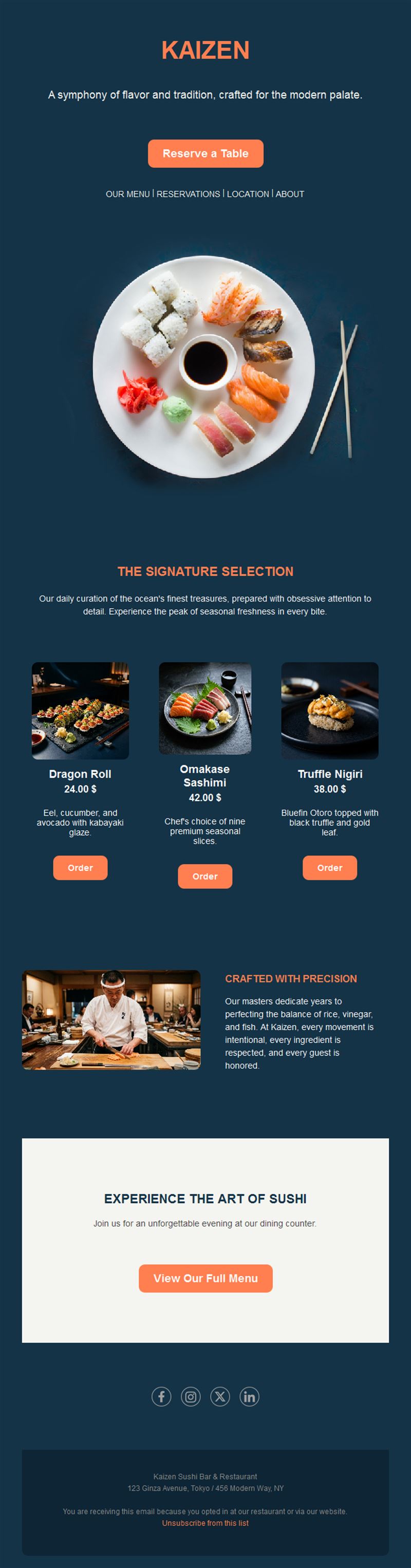
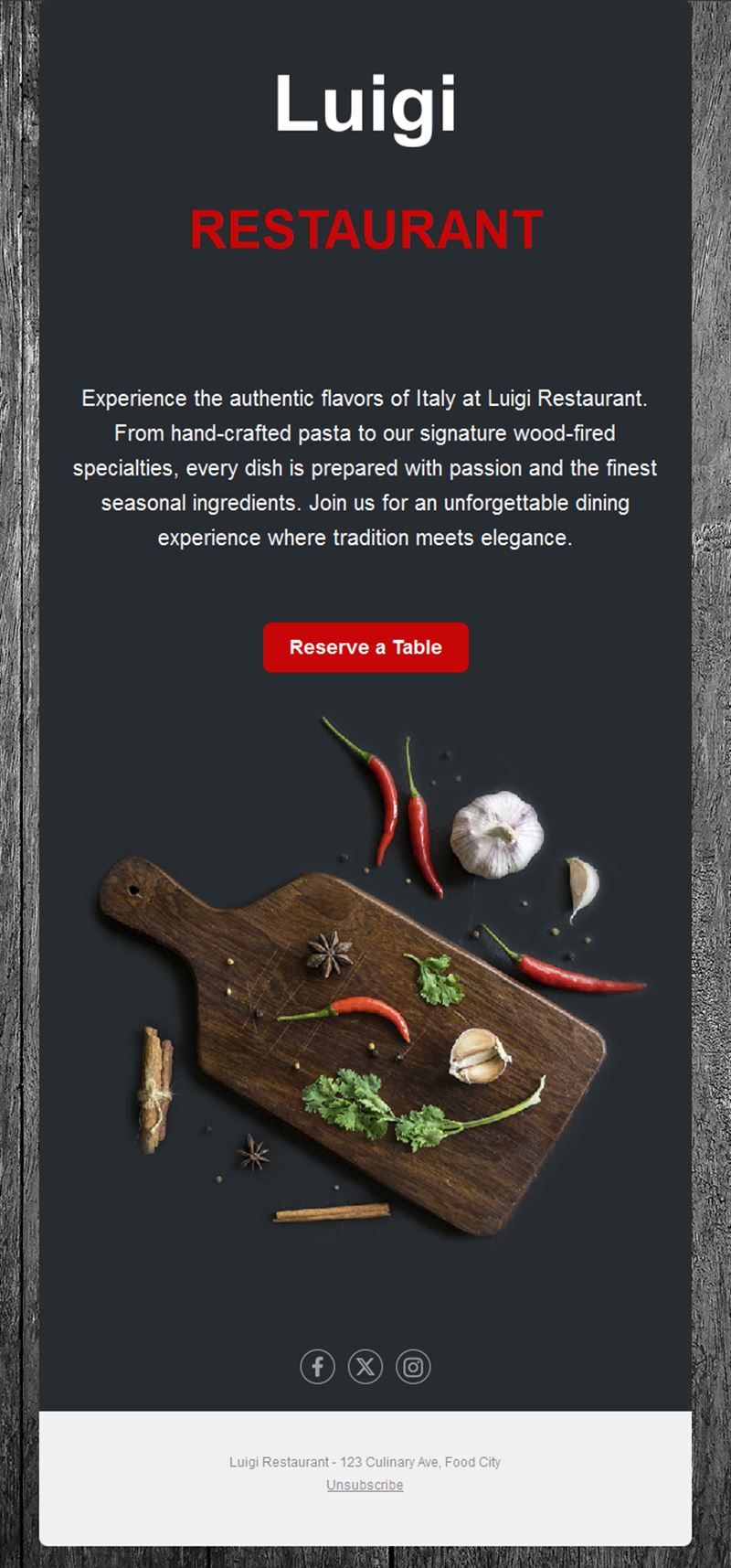
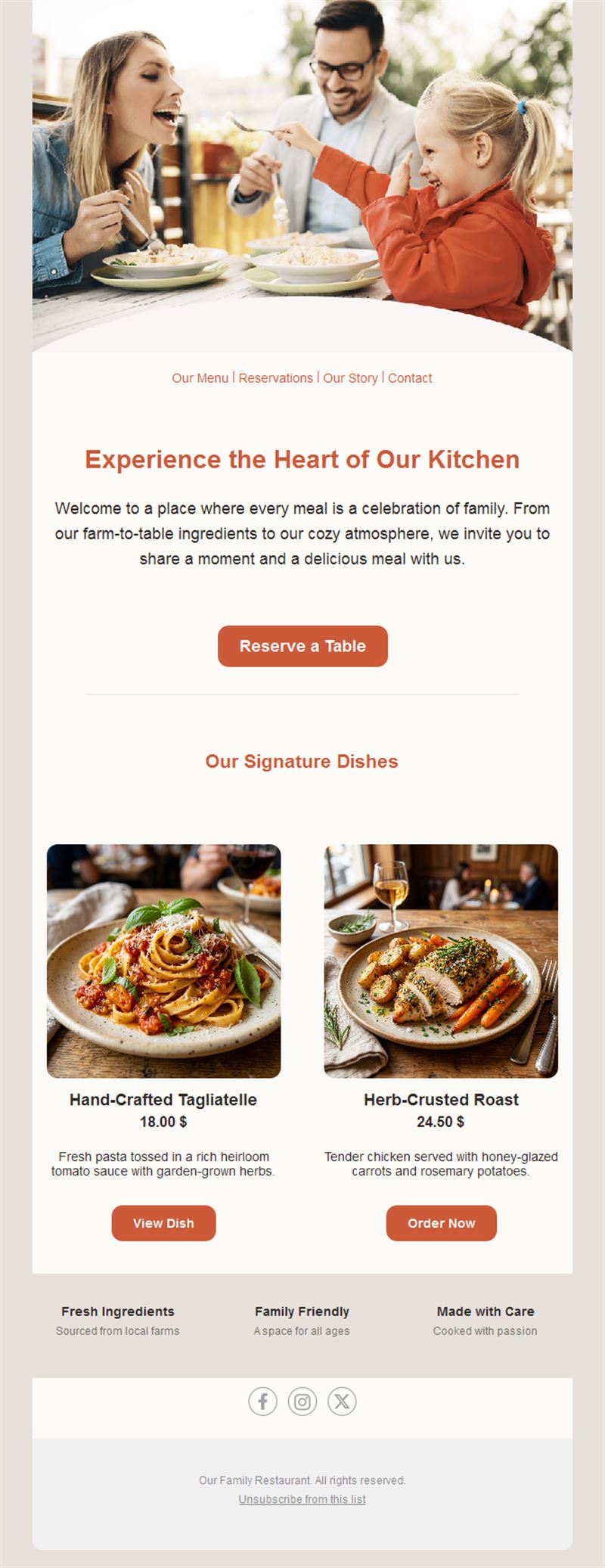
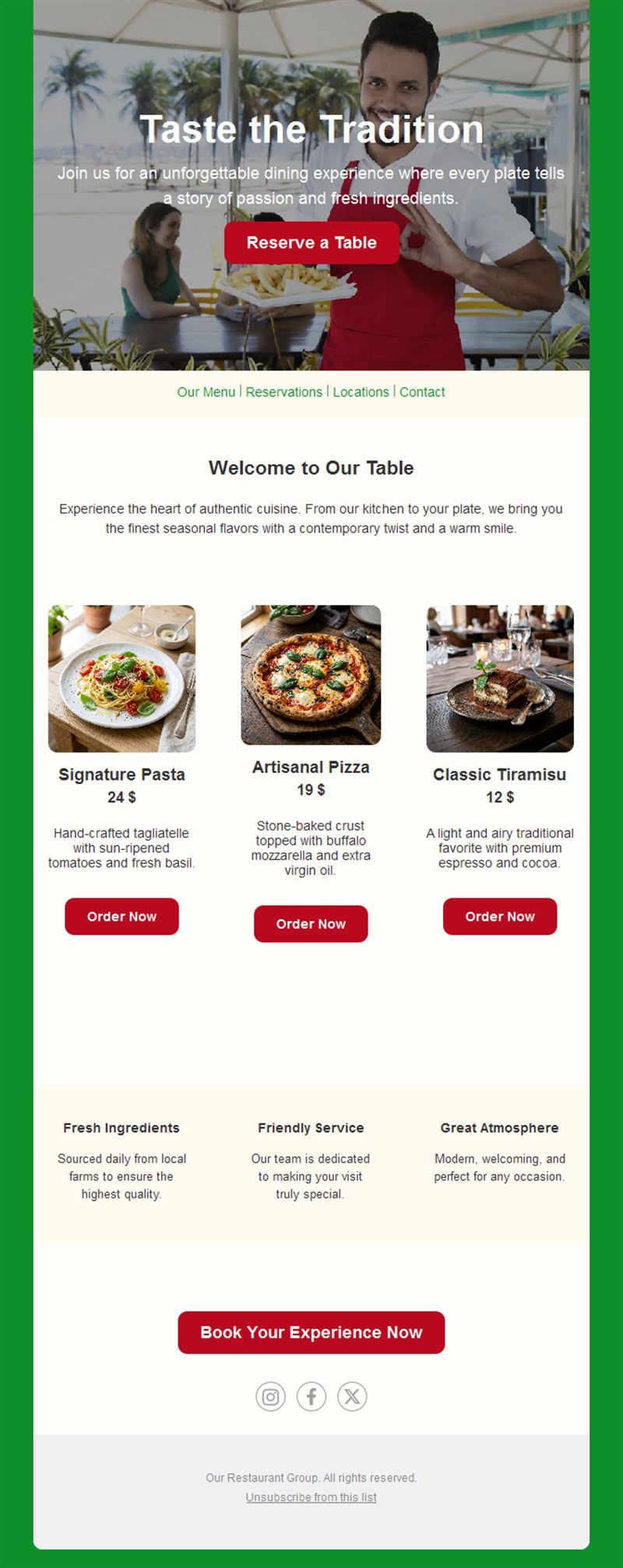
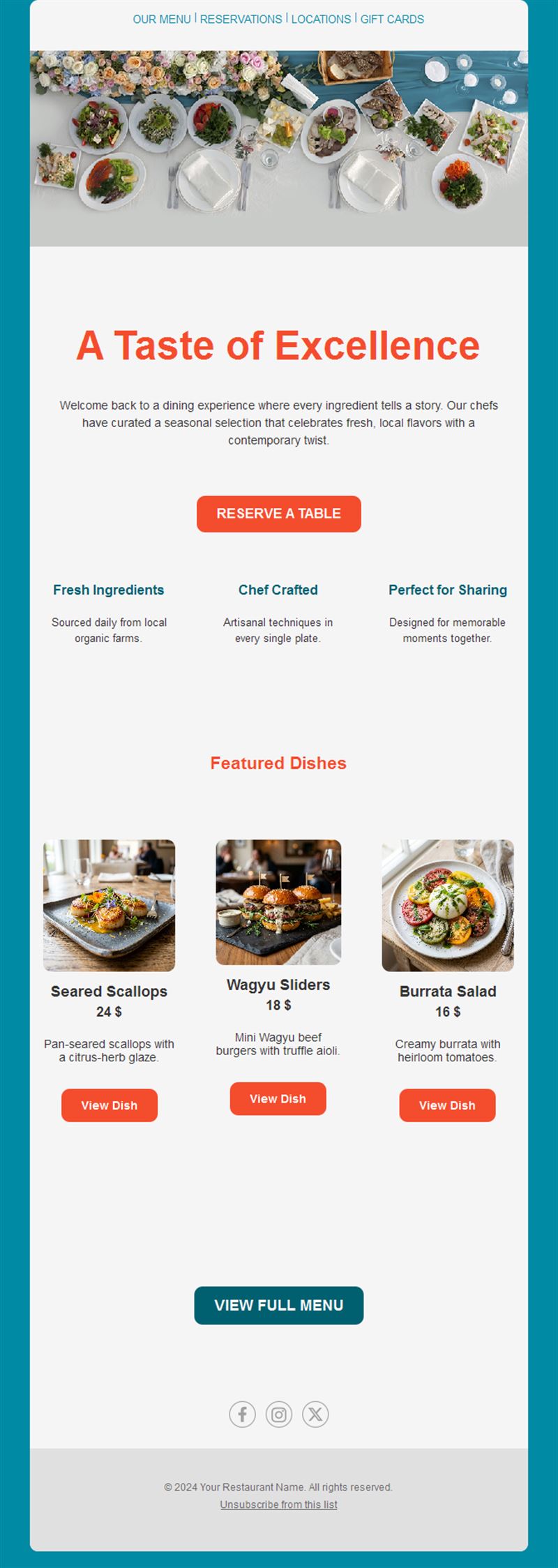
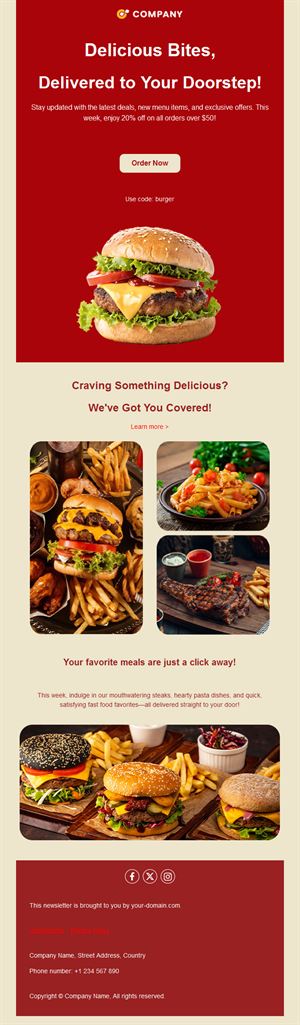
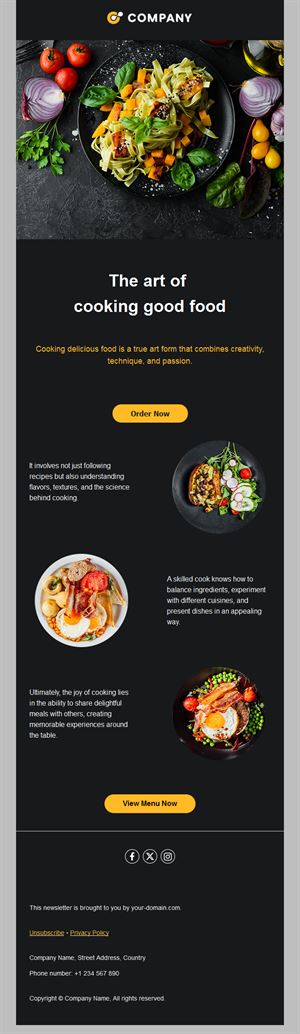
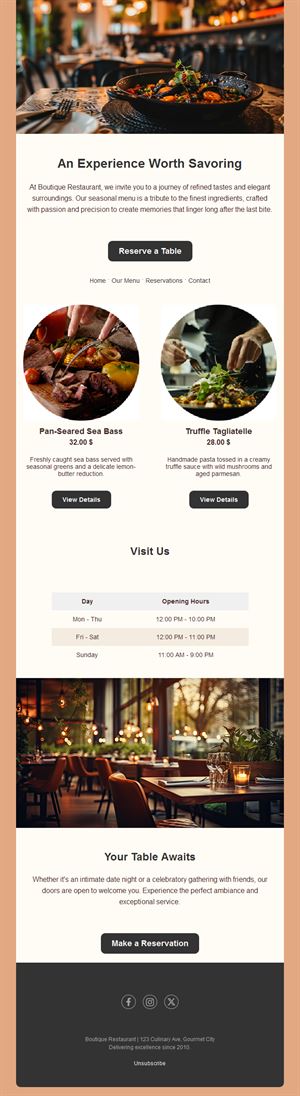
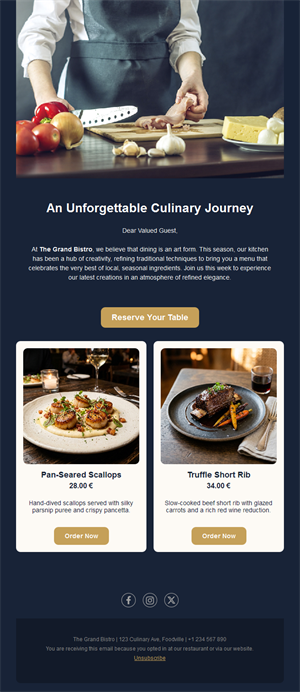
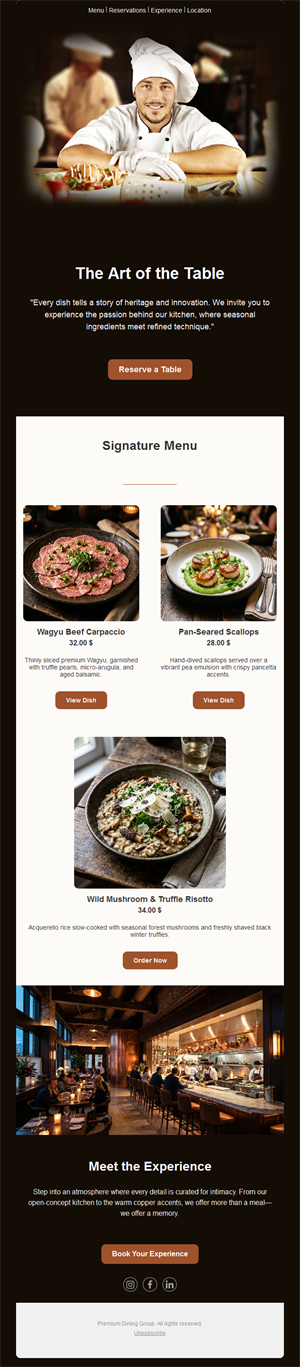
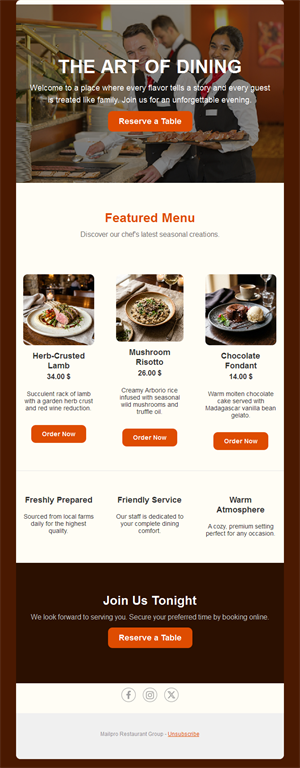
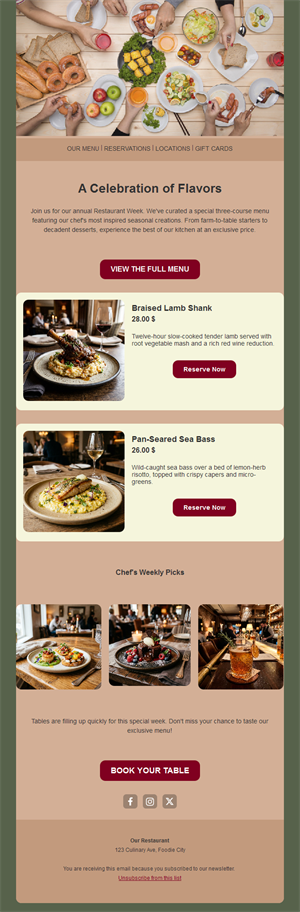
Fill more tables with emails your regulars actually open. Pick one of our 13 free restaurant email templates, add your menu, event or offer, and send it with Mailpro™ in minutes.
Why use restaurant email templates?
Restaurants always have something to say: the menu changes, the seasons change, and there is always an event, a holiday or a quiet Tuesday to fill. A short, good-looking newsletter brings regulars back between visits, and a ready-made template means it takes ten minutes to send, not an afternoon.
- Fill quiet nights: one targeted offer can turn a slow evening into a full room.
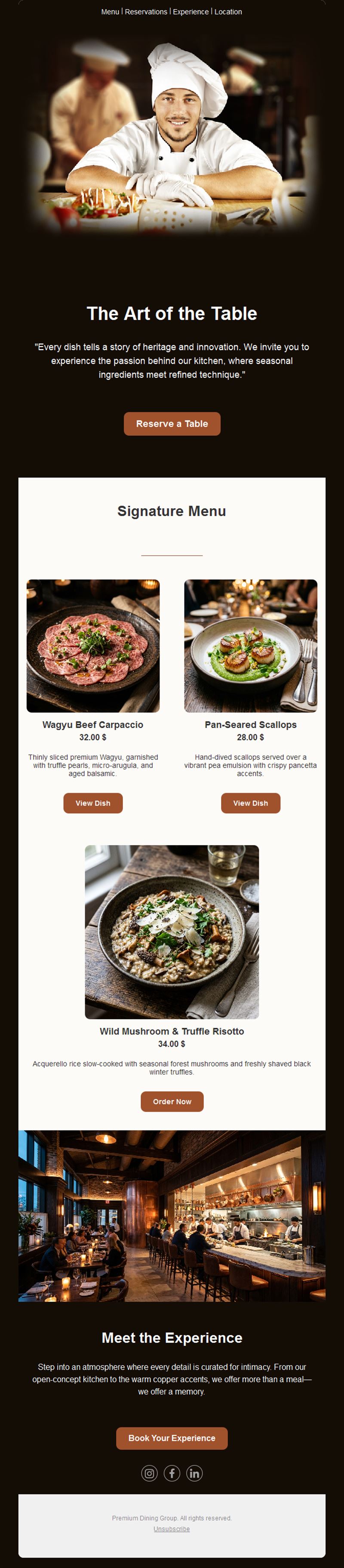
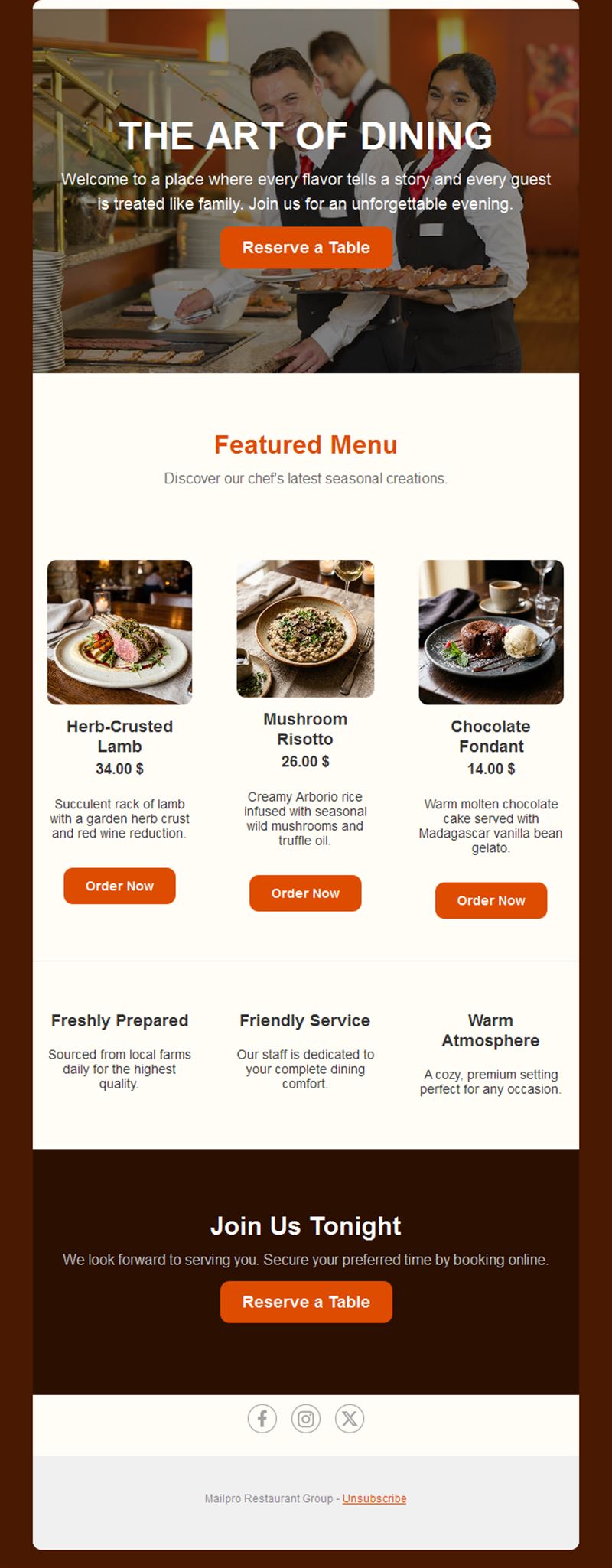
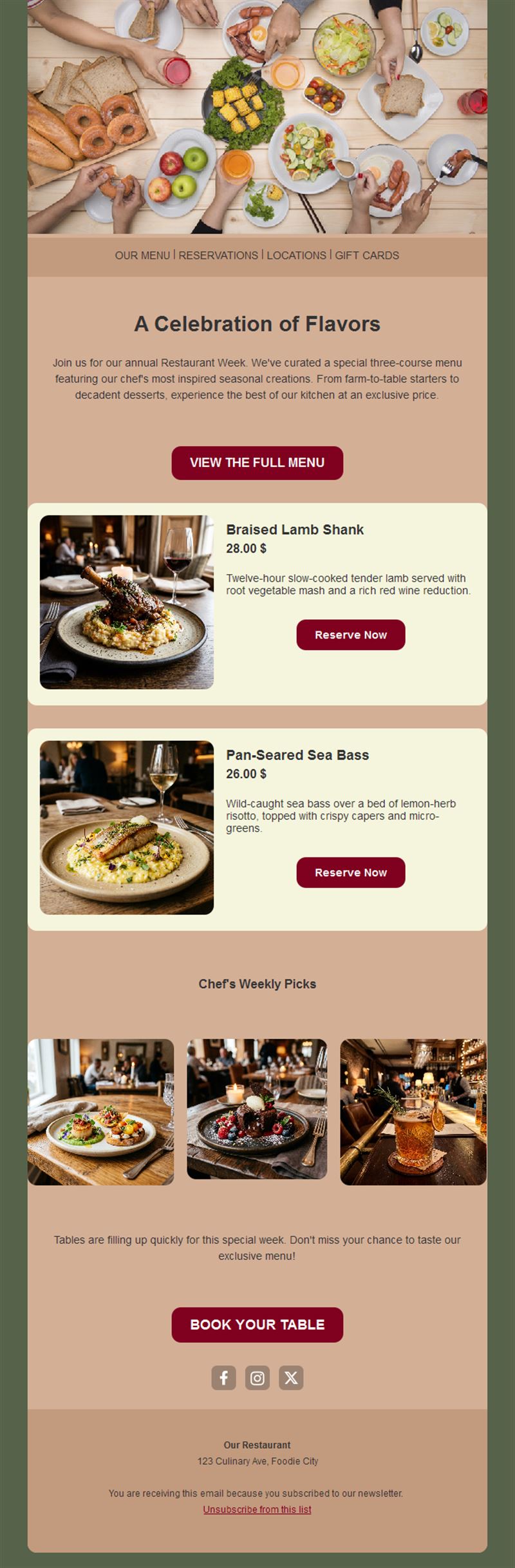
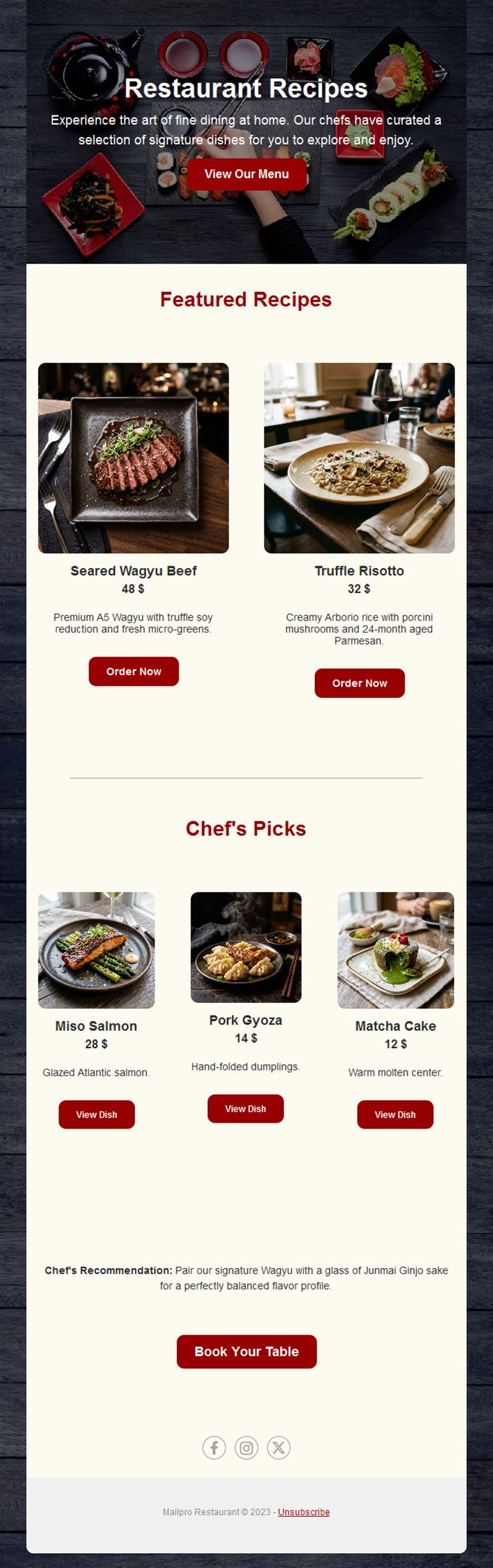
- Show the food: the layouts are built around large dish photos and short descriptions.
- Drive bookings: every template has room for a clear "Book a table" button.
- Mobile-ready: most guests read on their phone, and every Mailpro template is responsive.
What can a restaurant send with these templates?
1) A new menu or seasonal dishes
Three to five new dishes, one great photo and the dates they are available.
2) Events and special nights
Live music, tasting menus, wine evenings or quiz nights, with date, time, price and a booking button.
3) Offers for quiet days
A midweek lunch formula, a happy hour or a set menu for the slow days of the week.
4) Holiday bookings
Valentine's Day, Mother's Day, Christmas and New Year's Eve fill up early: announce them three to four weeks ahead.
5) Feedback after a visit
Ask guests what they thought and turn the answers into improvements; see our guide to creating a restaurant survey.
For a full strategy, read our guides to email marketing for restaurants and email marketing for food and drink businesses.
How to customize your restaurant newsletter in Mailpro™
- Pick a template: choose one of the 13 restaurant designs above.
- Add your photos and menu: use your own dish photos and describe each image in the alt text, for example "grilled sea bass with lemon".
- Personalize: greet guests by first name with dynamic fields.
- Segment: send lunch offers to office workers and weekend events to families with email segmentation.
- Track bookings: follow opens and clicks on your booking button in the email statistics.
When should a restaurant send its newsletter?
- Weekend bookings: Thursday or Friday around 11 a.m.
- Events: two weeks before, with a short reminder two days before.
- Holidays: three to four weeks ahead, because the best tables go first.
- Frequency: once or twice a month is enough for most restaurants.
FAQ: restaurant email templates
Are these restaurant email templates free?
Yes. All 13 restaurant templates are free with a Mailpro account, including the free plan.
What should a restaurant newsletter include?
One main message — a new menu, an event or an offer — a strong food photo, opening hours and a single button to book or call.
How can I take reservations from the email?
Add a button that links to your online booking page, or a tap-to-call phone number for mobile readers.
Can I send a birthday offer to my guests?
Yes. Store the date of birth and send an automatic message with our birthday email templates.