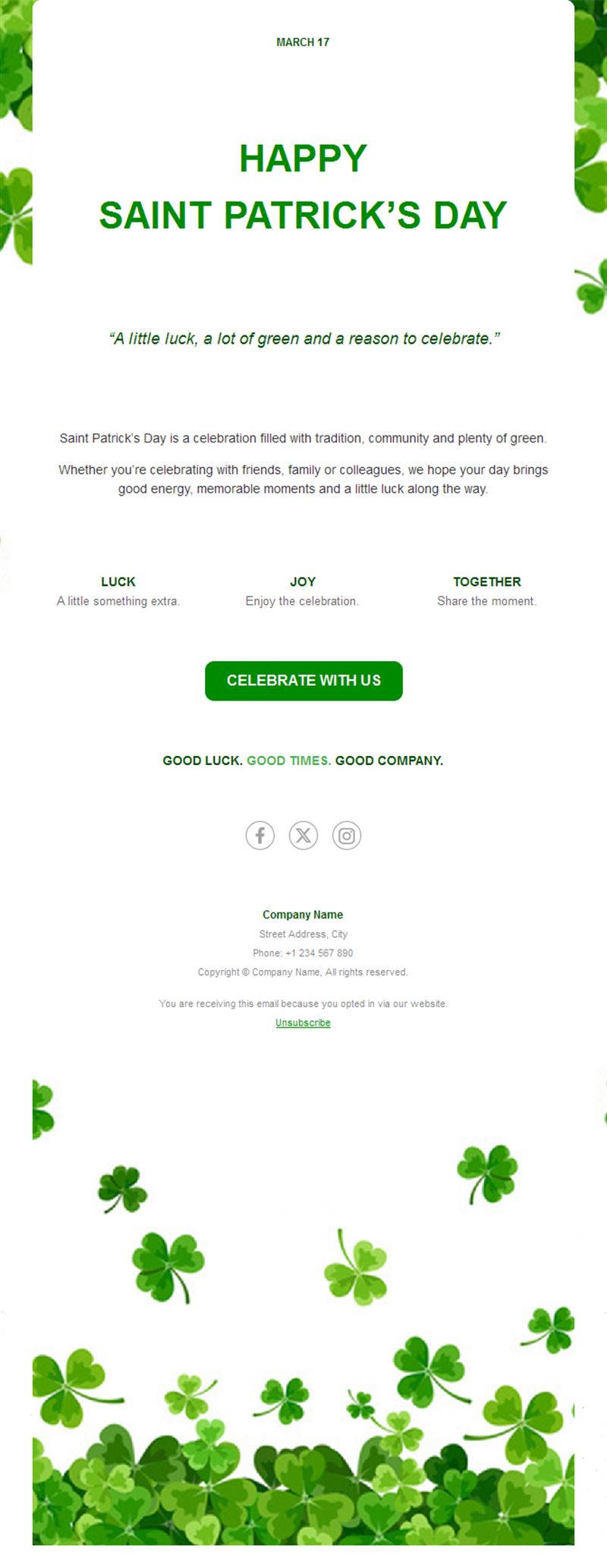
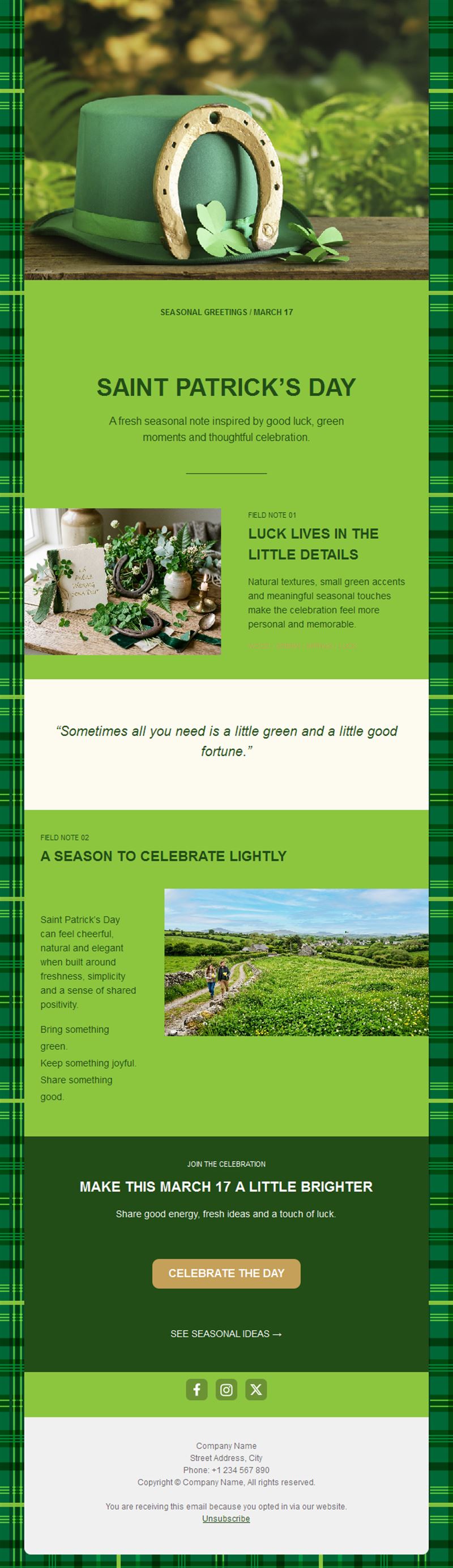
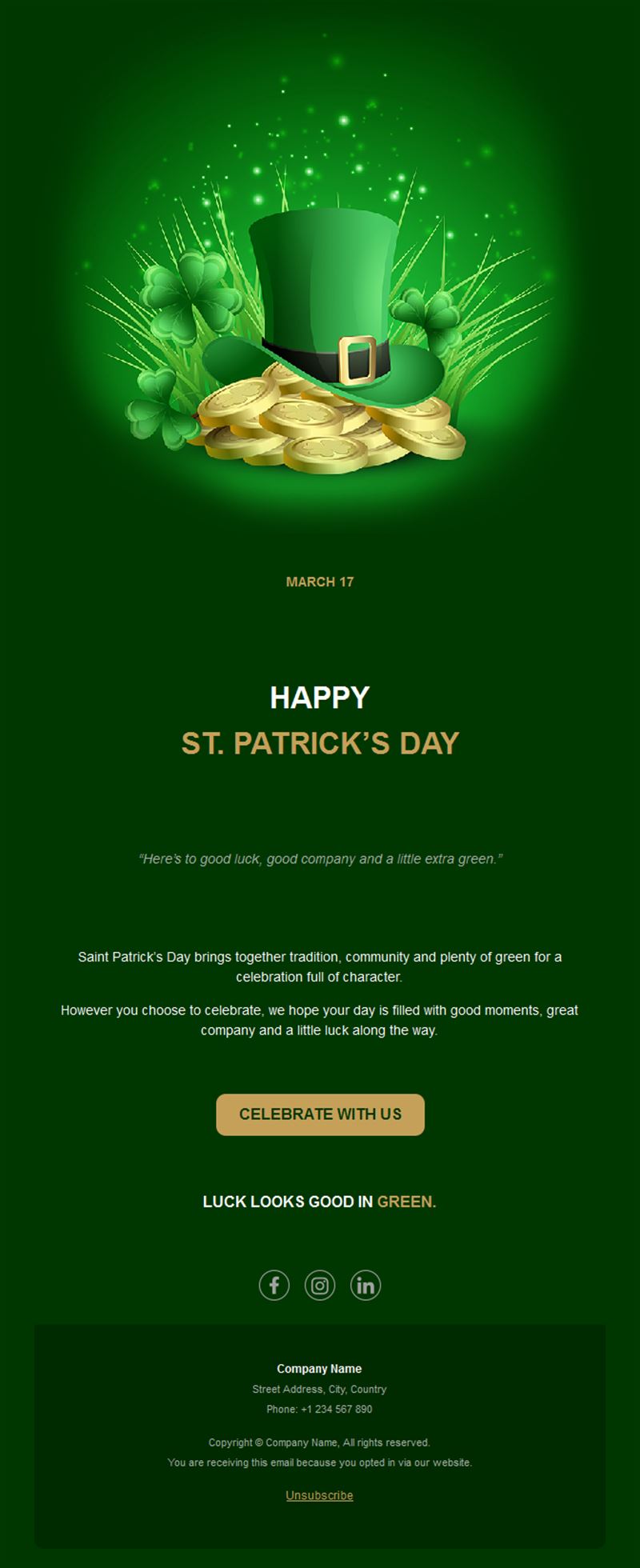
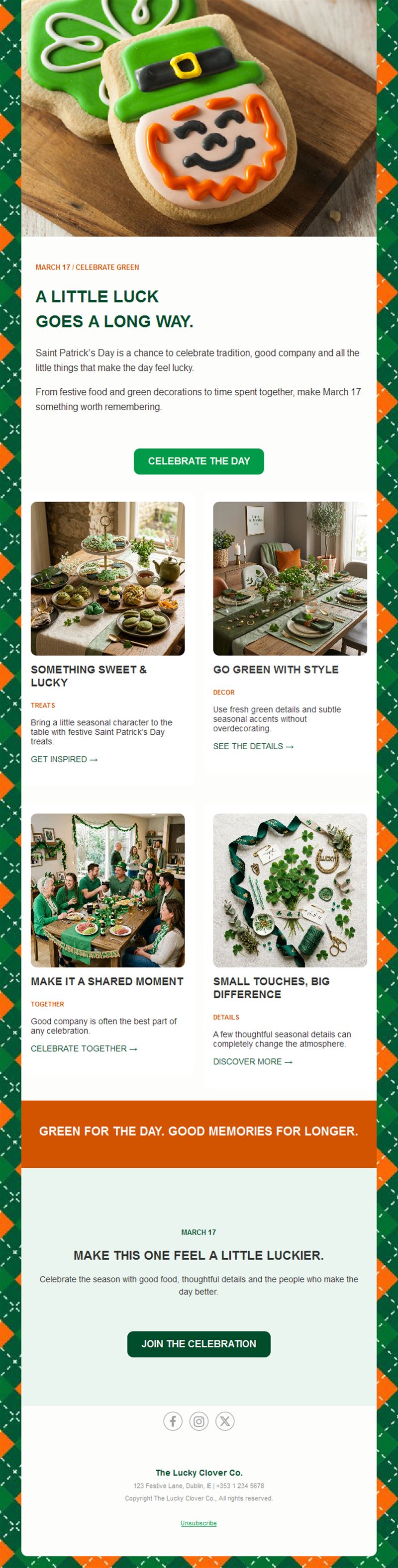
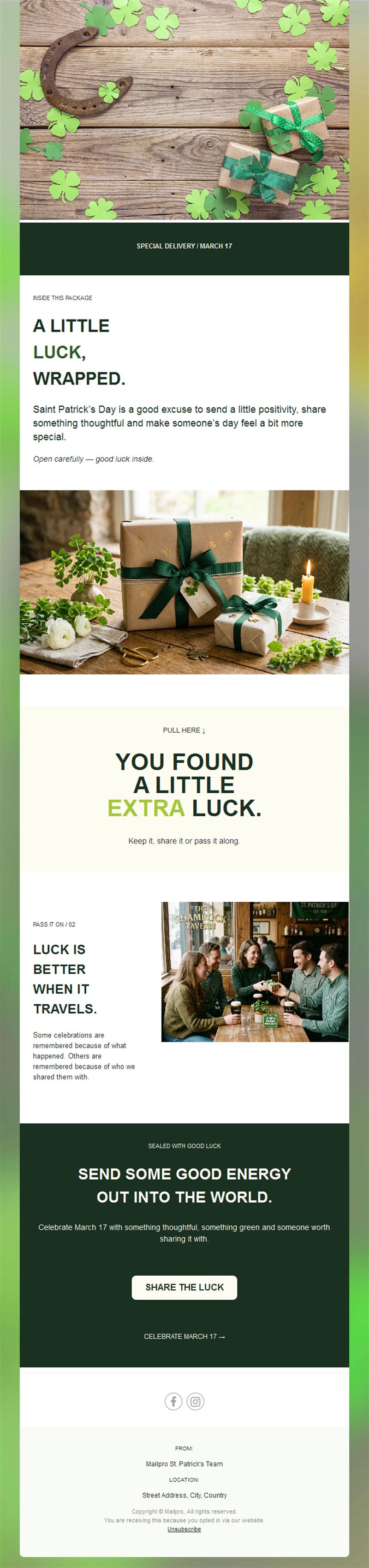
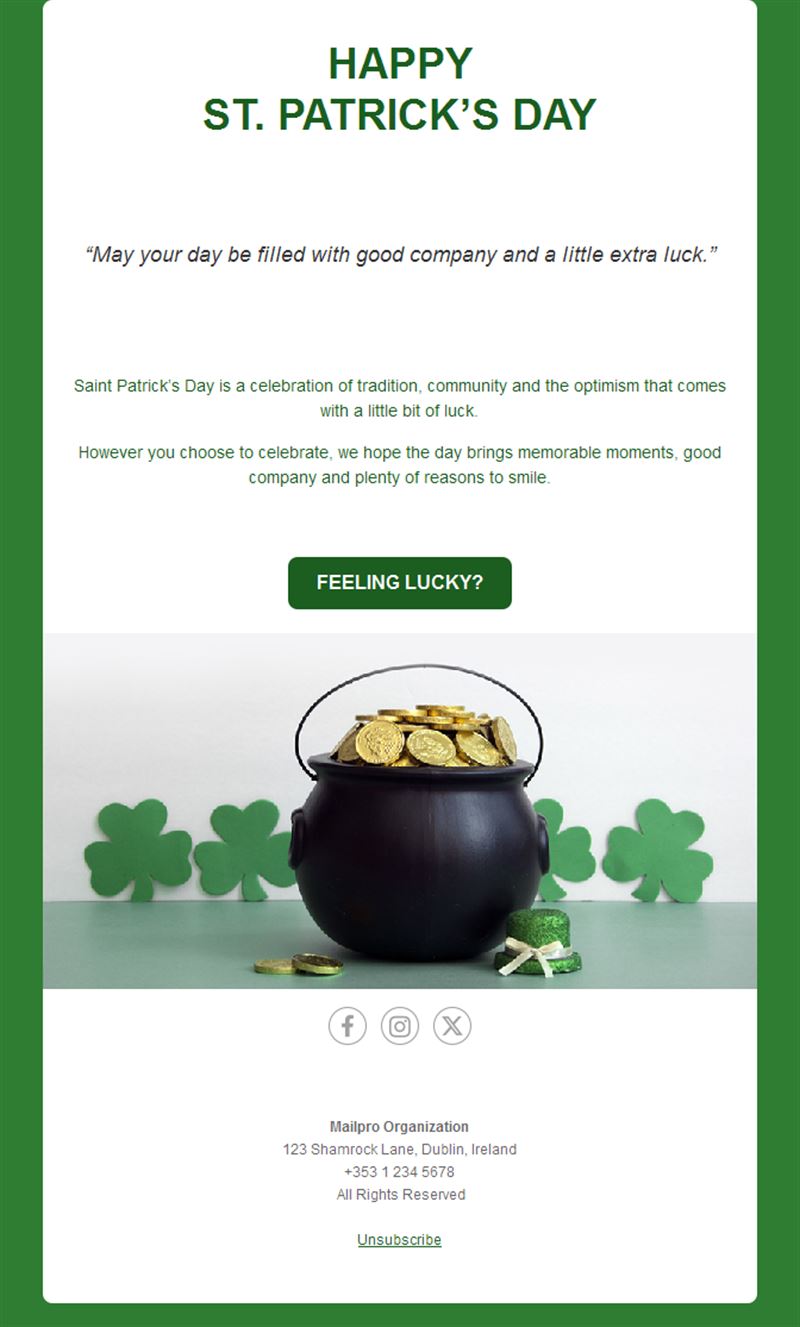
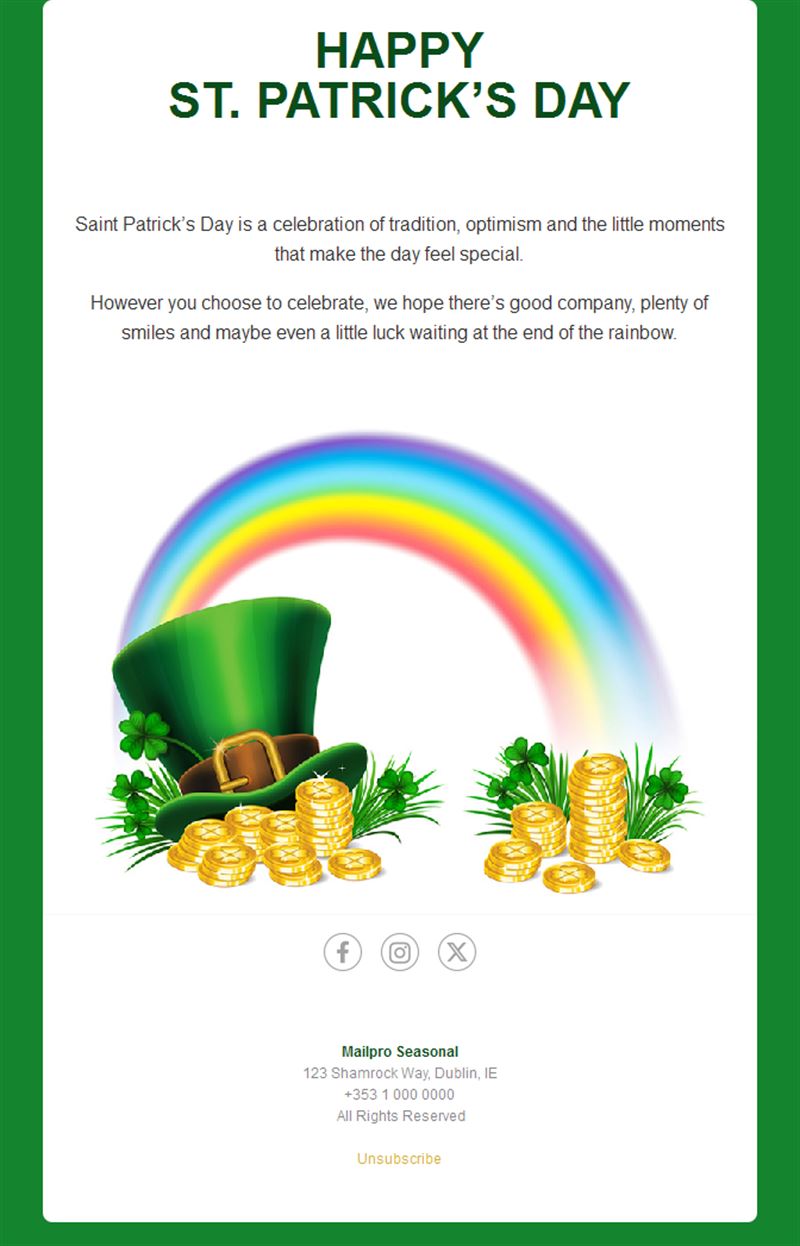
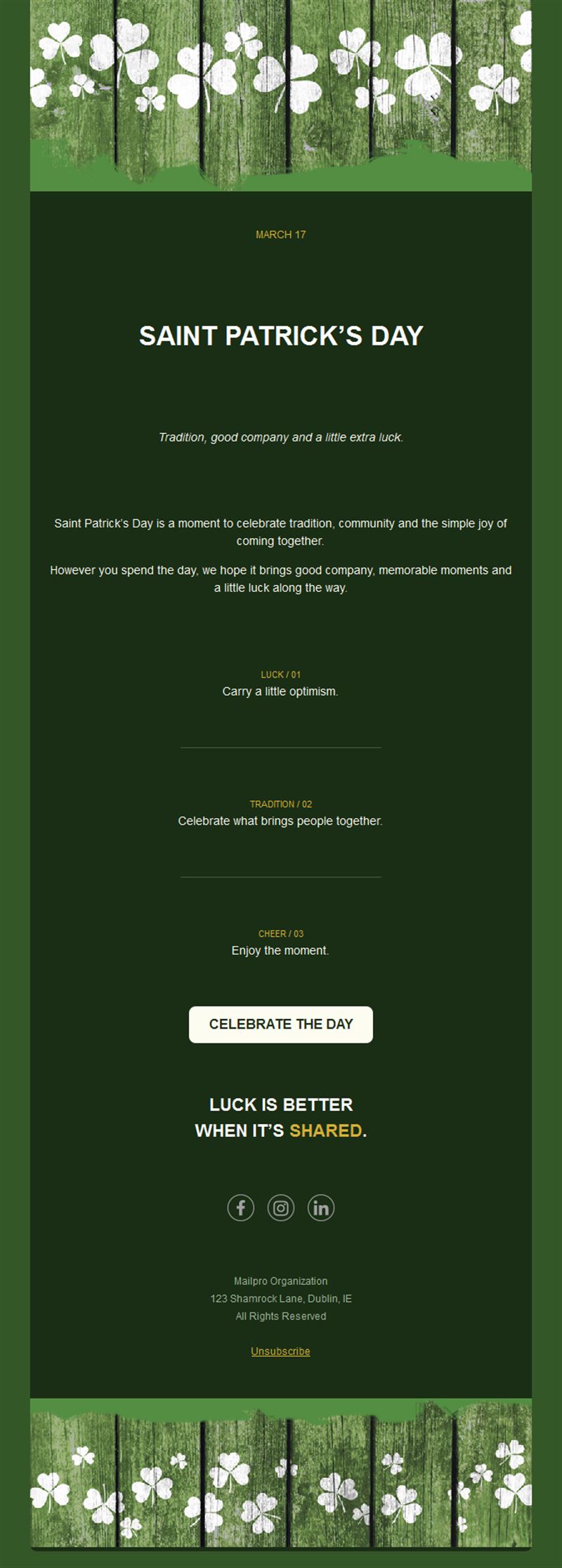
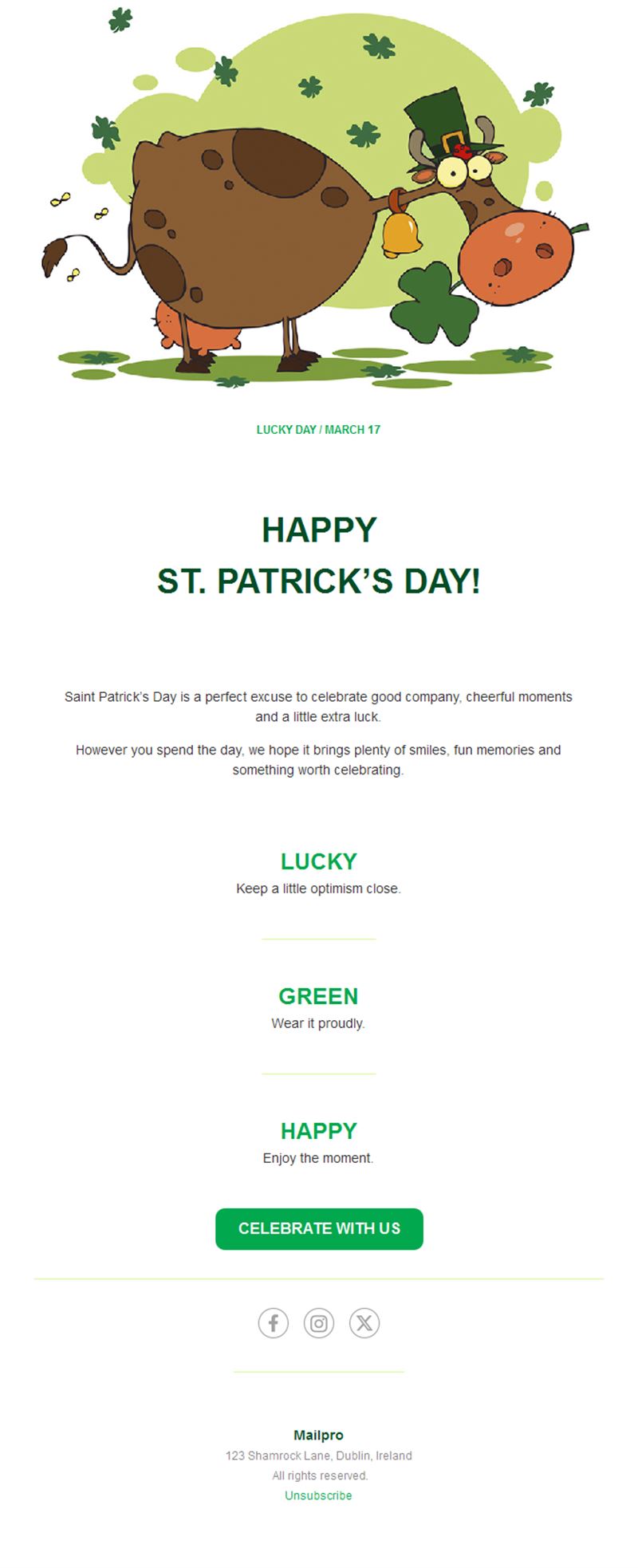
St. Patrick's Day Email Templates
Adapt for Unlimited Possibilities
St. Patrick's Day
St. Patrick's Day
St. Patrick's Day
St. Patrick's Day
St. Patrick's Day
St. Patrick's Day

St. Patrick's Day
St. Patrick's Day
St. Patrick's Day
St. Patrick's Day
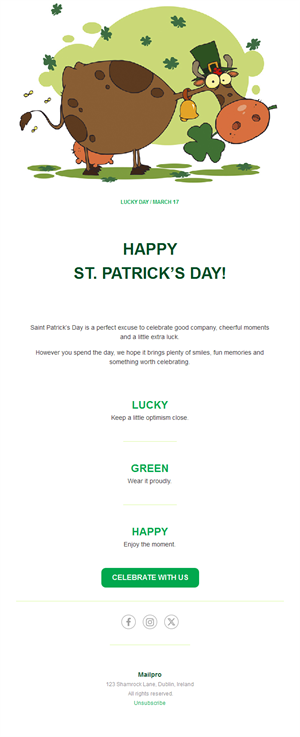
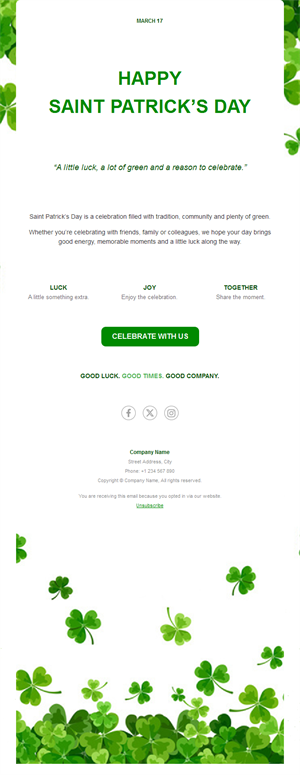
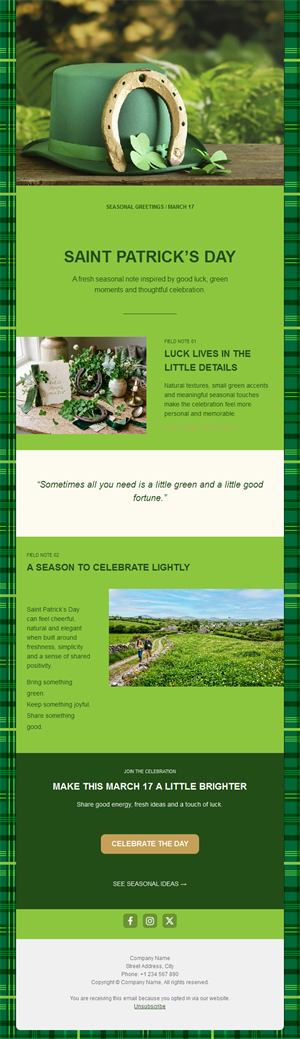
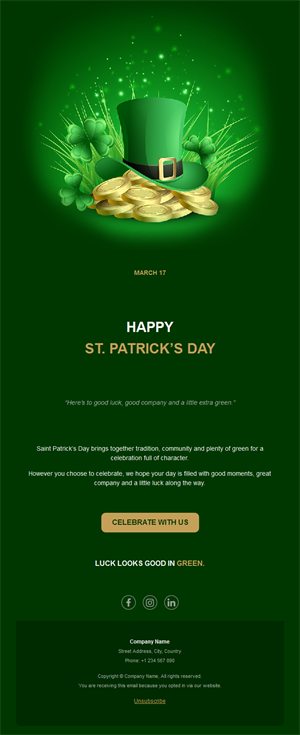
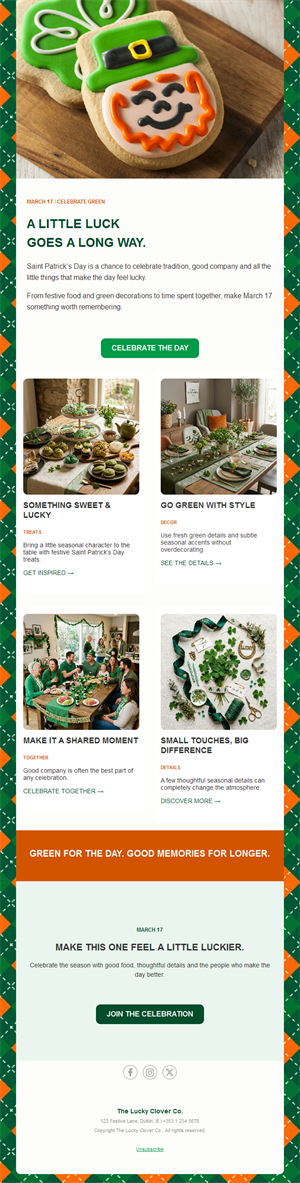
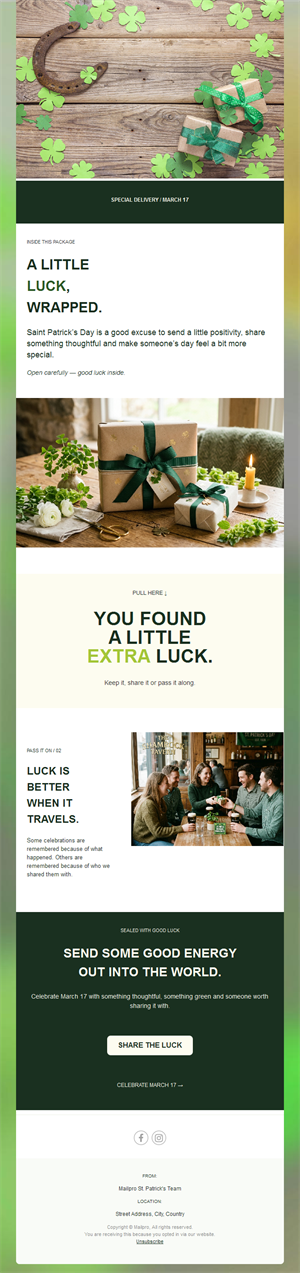
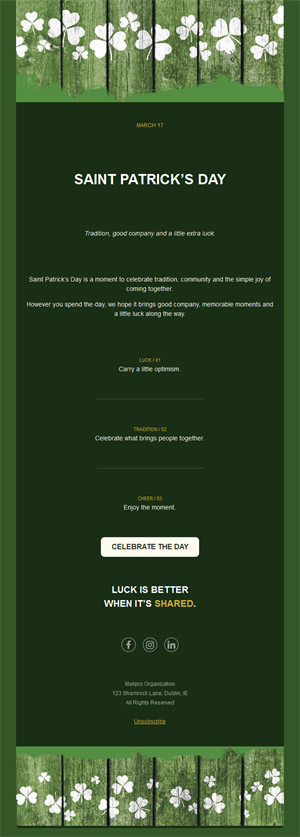
Go green this March and give your subscribers a reason to celebrate. Pick a ready-made St. Patrick's Day email template, customize it in minutes, and send with Mailpro™.
Why use St. Patrick's Day email templates?
St. Patrick's Day has become a worldwide excuse to celebrate — pubs fill up, shops run green promotions, and travel to Ireland peaks. A festive green email is the easiest way to attach your business to the party.
- A ready-made theme: shamrocks, green, and gold — instantly recognizable in any inbox.
- Perfect for hospitality: pubs, bars, and restaurants see some of their best nights of the year.
- Works beyond pubs: green-themed sales fit retail, travel, and events too.
- Fast to launch: customize a template in minutes, no designer needed.
What can you promote for St. Patrick's Day?
1) Pub & bar nights
Irish beers, green cocktails, and live music on March 17 — with a reserve-a-table button.
2) Irish menus & specials
Restaurants: a themed menu for the week of St. Patrick — stew, soda bread, and a pint included.
3) Green sales
Retail promotions on anything green, Irish, or festive — a fun frame for a March offer.
4) Events & parades
Community events, parade meetups, and party invitations with all the practical details.
5) Greetings & goodwill
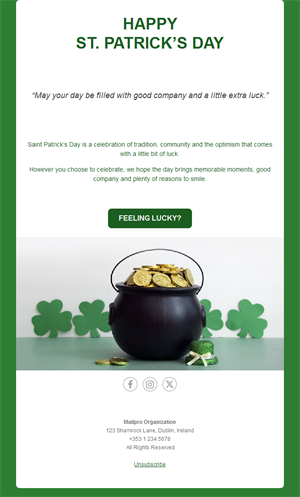
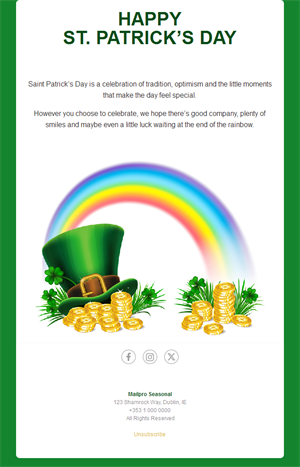
A simple “Happy St. Patrick’s Day” message keeps your brand warm with customers and partners.
What's inside each template?
- Hero section with festive green visual and headline.
- Offer or menu block with prices and dates.
- Event section with date, venue, and RSVP button.
- Optional countdown to March 17.
- Social links and an easy unsubscribe footer.
How to customize your St. Patrick's Day email in Mailpro™
- Pick a template: Open Templates and choose a St. Patrick's Day design.
- Edit copy & images: Add your menu, event photos, or product picks; use descriptive alt text like “green cocktail with shamrock”.
- Add a countdown (optional): Count down to March 17 or to the end of your green sale. See how the countdown works.
- Segment your audience: Locals get the pub night, everyone else gets the promotion. Learn segmentation.
- Schedule the send: Announce a week ahead; remind on March 16. Schedule email campaigns.
- Track results: Monitor opens, clicks, and conversions. View email statistics.
- Automate follow-ups: Send an automatic reminder to non-openers the day before. Set up autoresponders.
Subject line & CTA ideas
Subject lines
- It's almost St. Paddy's — table booked? ☘️
- Green beer, live music, March 17
- Lucky you: 17% off everything green
- Sláinte! Our Irish menu is here
- Wear green, drink green, save green
CTA ideas
- Reserve My Table
- See the Irish Menu
- Shop the Green Sale
- Join the Party
Best practices for St. Patrick's Day campaigns
- Book early: pub tables for March 17 fill days ahead — start promoting a week out.
- One festive visual: a single strong green hero beats a cluttered collage.
- Keep the offer simple: a themed menu or one discount, clearly dated.
- Mobile first: most RSVPs happen on the phone.
- Day-before reminder: March 16 is your highest-converting send.
FAQ: St. Patrick's Day email templates
When should I send St. Patrick's Day emails?
Announce events and menus about a week before March 17, then send a reminder on March 16 for last-minute deciders.
What if my business isn’t Irish-themed?
The green theme works as a fun frame for any March promotion — “lucky” discounts and green product picks fit almost every industry.
Can I edit the designs?
Yes — images, texts, colors, and links are all editable in Mailpro’s drag-and-drop builder.
How do I know if it worked?
Compare opens, clicks, and reservations against a normal week in Mailpro statistics.
Get started
May your open rates be ever in your favor: pick a St. Patrick's Day email template and raise a glass with your subscribers.