Tennis Email Templates
Adapt for Unlimited Possibilities
Tennis
Tennis
Tennis

Tennis
Tennis
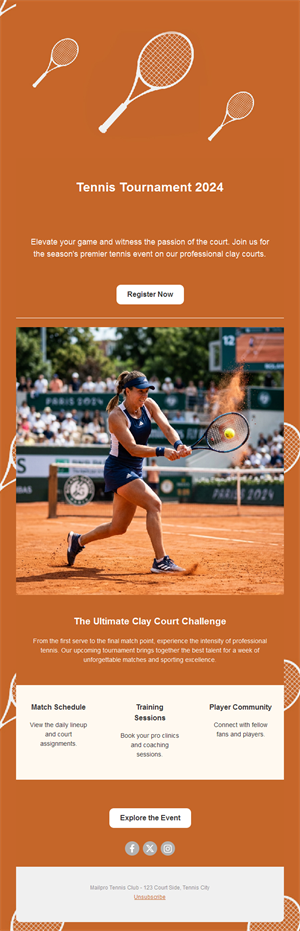
Tennis
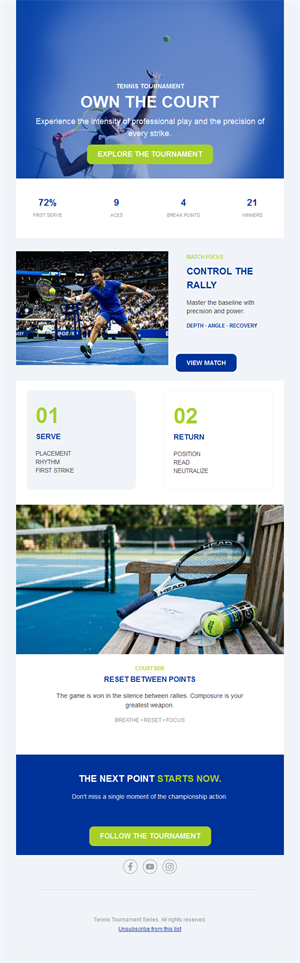
Tennis
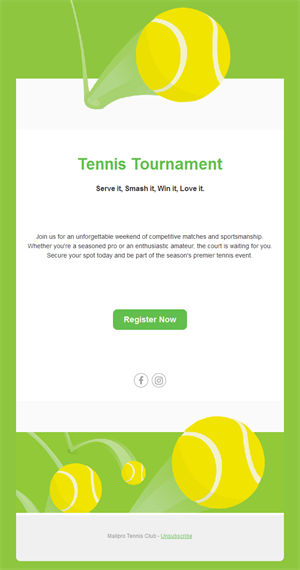
Tennis
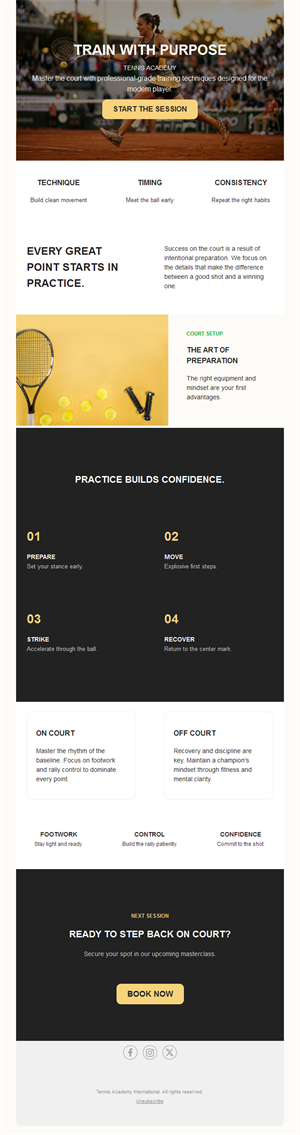
Tennis
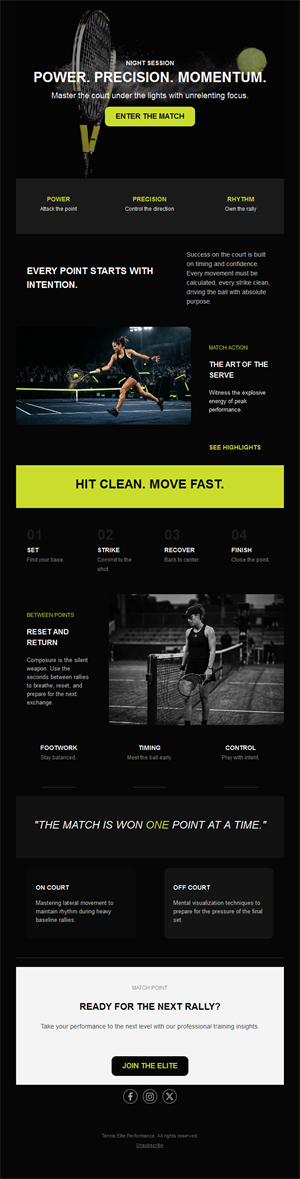
Tennis
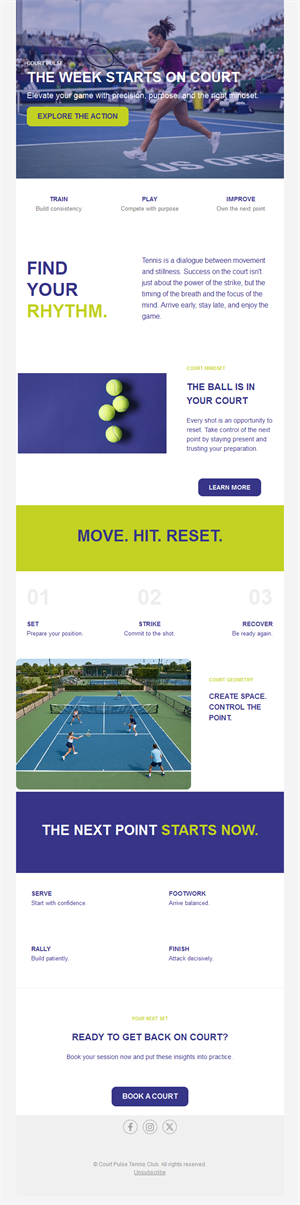
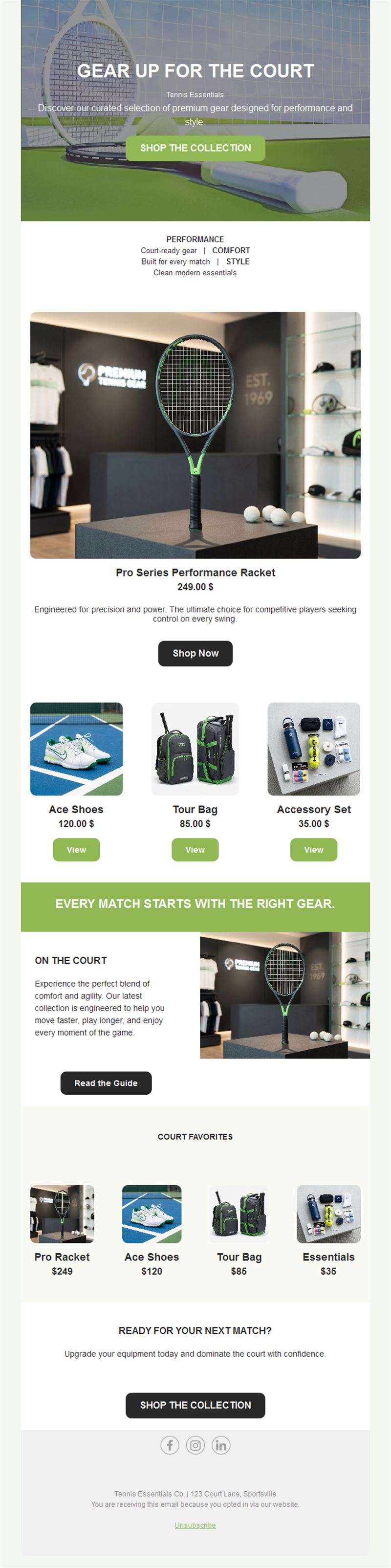
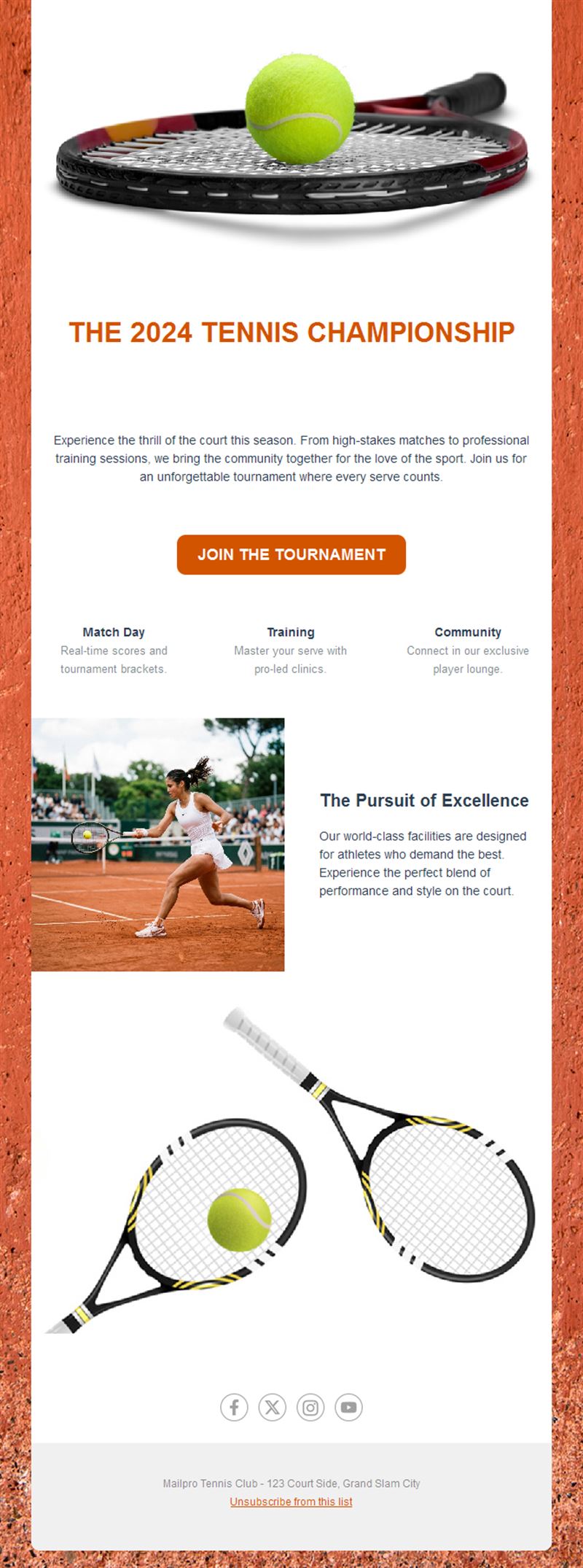
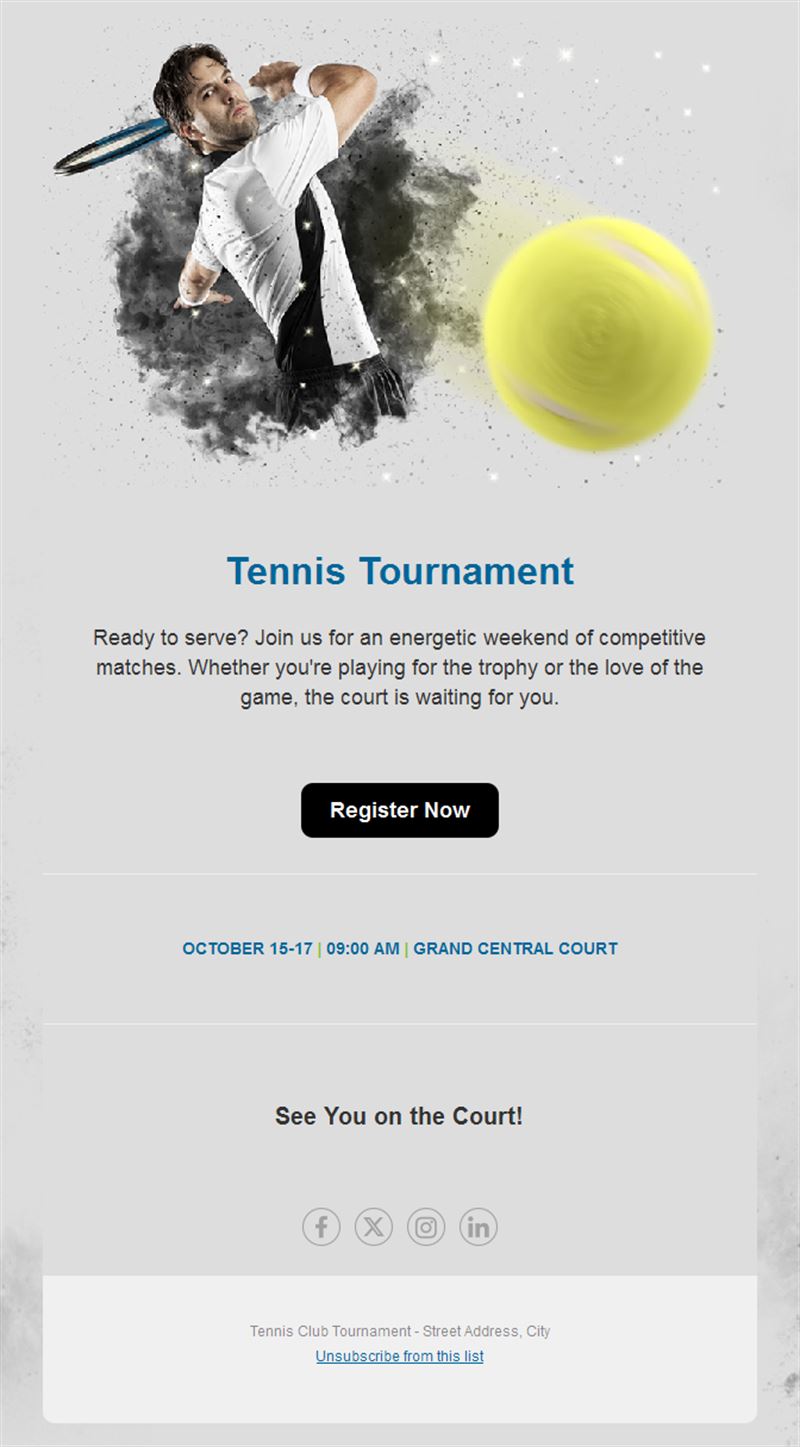
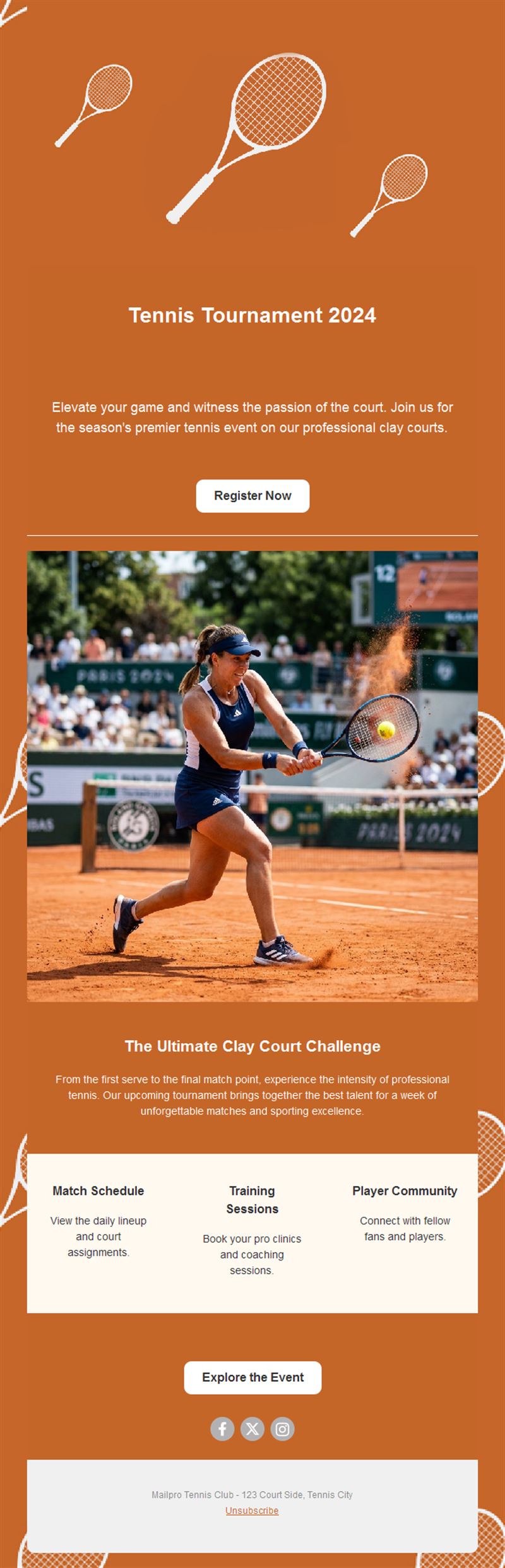
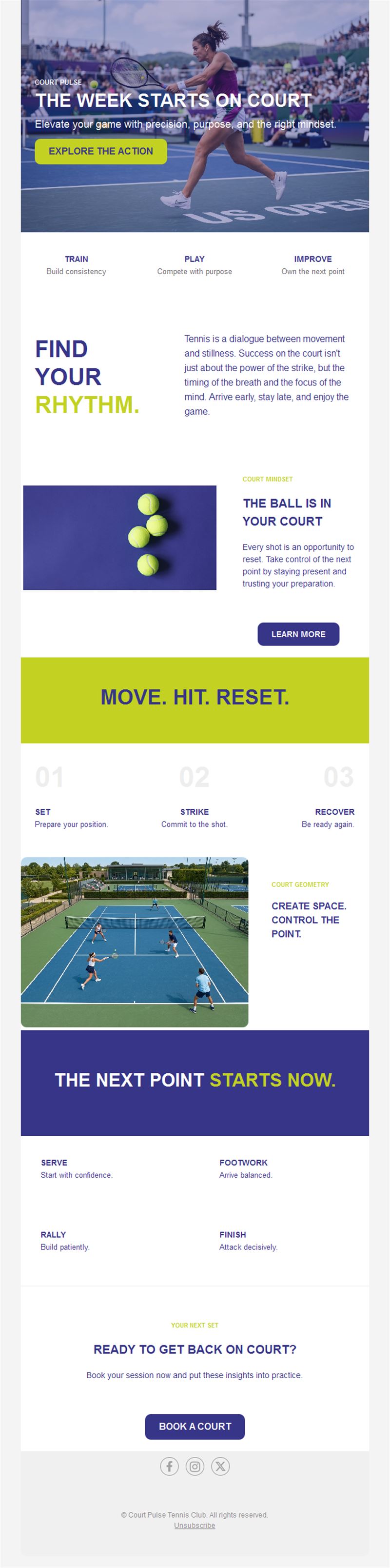
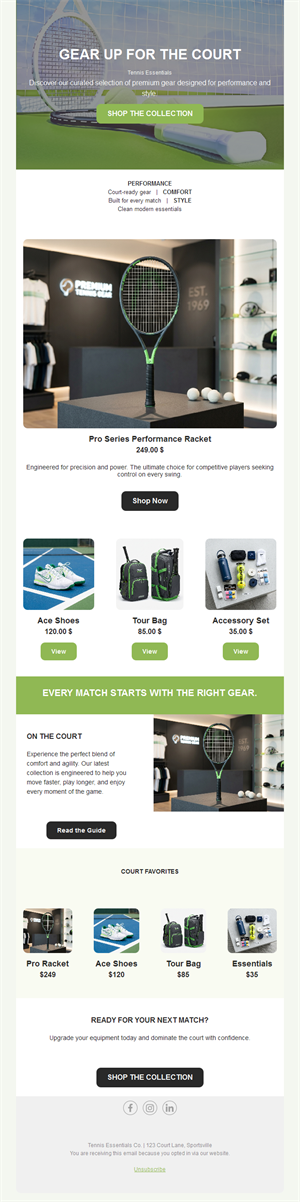
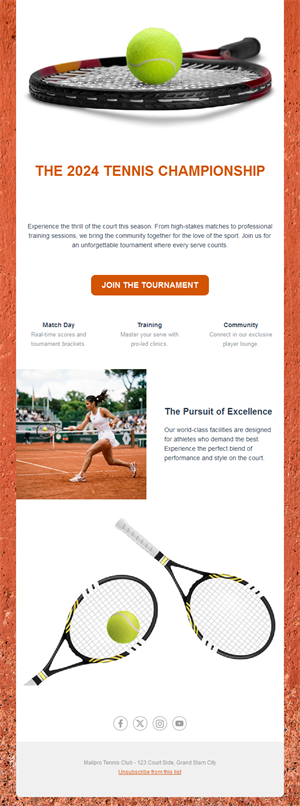
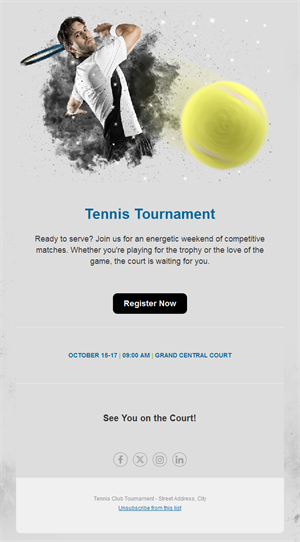
A well-run tennis club communicates like it plays: precisely. Pick a ready-made tennis email template, customize it in minutes, and send with Mailpro™.
Why use Tennis email templates?
Tournament draws, lesson schedules, court availability, social mixers — tennis clubs juggle constant scheduling. A clean weekly email keeps members informed, courts booked, and events full.
- Court utilization: open-slot alerts and booking links fill quiet hours.
- Tournament turnout: entry deadlines and draw announcements that players act on.
- Lesson pipelines: clinic and coaching promotions for every level.
- Club-crisp design: clean layouts worthy of the whites.
What can your club send?
1) Tournament announcements
Entry windows, draws, and results for club and open events.
2) Lessons & clinics
Junior programs, adult beginners, and cardio-tennis with signup buttons.
3) Court news
Booking availability, resurfacing notices, and seasonal hours.
4) Social events
Mixers, finals-viewing parties, and season dinners with RSVP.
5) Membership campaigns
Renewals, summer passes, and bring-a-guest offers.
What's inside each template?
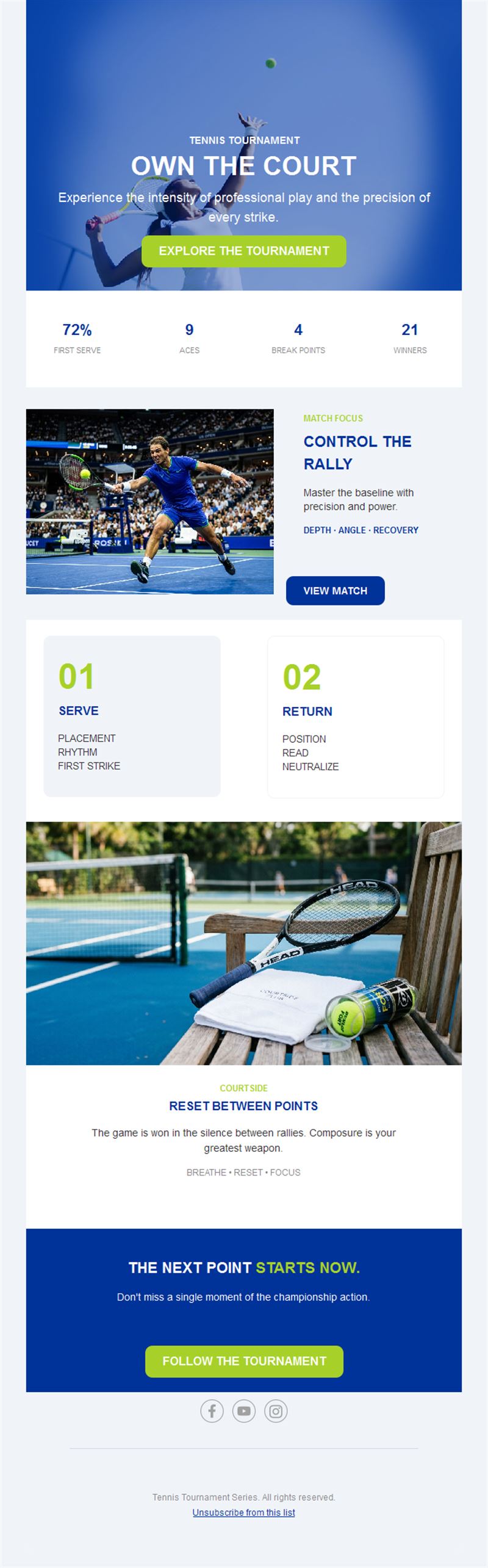
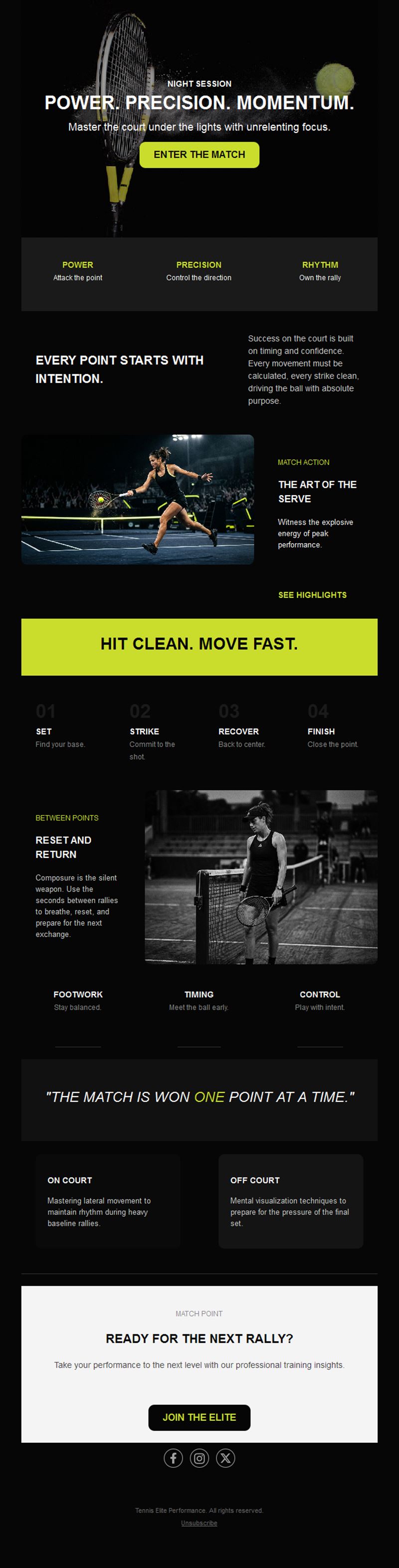
- Hero with court or match imagery.
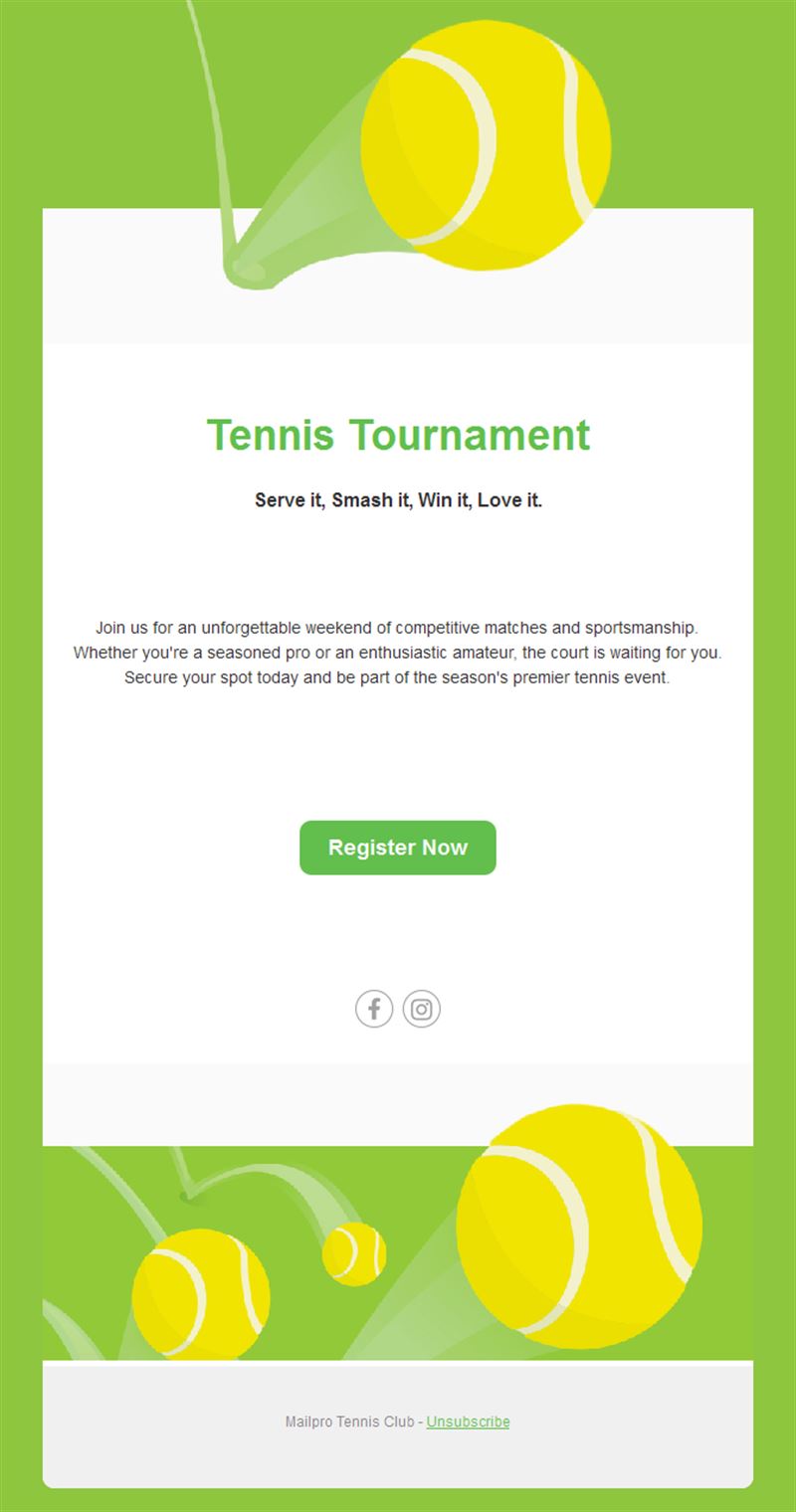
- Event block with dates and entry buttons.
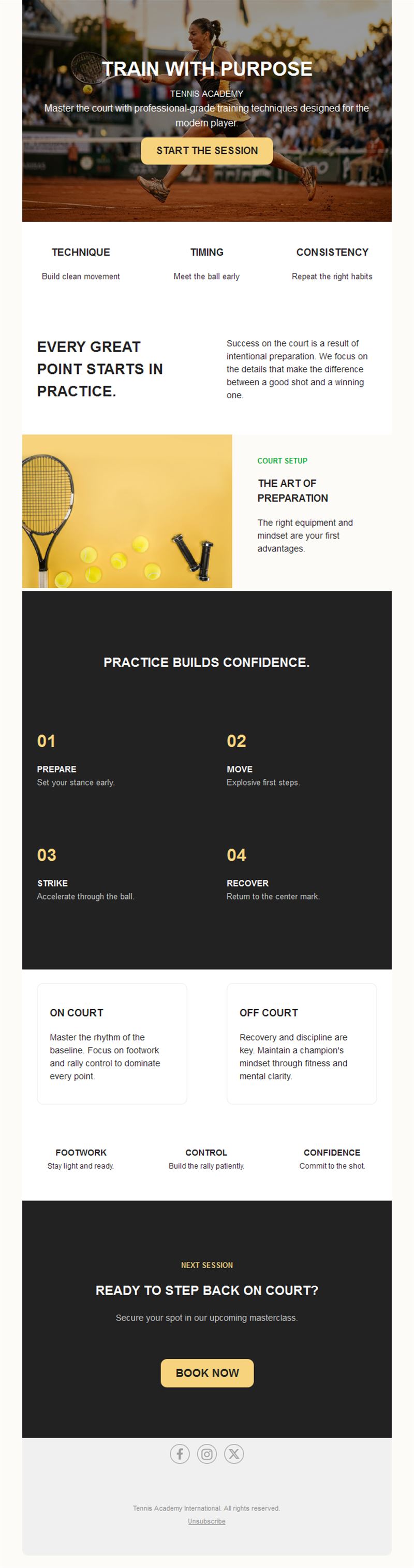
- Lesson section with levels and times.
- News block for club updates.
- Social links and an easy unsubscribe footer.
How to customize your Tennis email in Mailpro™
- Pick a template: Open Templates and choose a Tennis design.
- Edit copy & images: Crisp court photography; precise dates and deadlines.
- Add a countdown (optional): Count down to tournament entry deadlines. See how the countdown works.
- Segment your audience: Competitive players, social members, and juniors differ. Learn segmentation.
- Schedule the send: Weekly digest plus event-driven announcements. Schedule email campaigns.
- Track results: Monitor opens, clicks, and conversions. View email statistics.
- Automate follow-ups: Automate entry confirmations and renewal reminders. Set up autoresponders.
Subject line & CTA ideas
Subject lines
- Entries open: Spring Club Championship
- New: cardio tennis Thursday evenings
- Court 3 reopens Monday — book now
- Finals night: watch party at the clubhouse
- Renew now and bring a guest free in May
CTA ideas
- Enter the Tournament
- Book a Court
- Join the Clinic
- Renew Membership
Best practices for Tennis campaigns
- Deadline discipline: entry cutoffs drive immediate action — state them twice.
- Level-appropriate offers: segment by playing level for relevance.
- Fill the quiet hours: off-peak booking offers monetize empty courts.
- Celebrate results: champions and improvers alike deserve the spotlight.
- Season the calendar: summer passes and winter indoor pushes match demand.
FAQ: Tennis email templates
How do clubs fill tournaments?
Announce with a clear entry deadline, remind at the cutoff, and publish the draw by email — anticipation drives entries.
What boosts court bookings?
Open-slot alerts for off-peak hours with one-tap booking links.
How often should a tennis club email?
A weekly digest in season with event-driven extras; monthly in the off-season.
Can juniors’ parents get separate emails?
Yes — segment junior-program families so lessons and camps reach the right households.
Get started
Serve your members better: pick a tennis email template and ace this season’s communication.