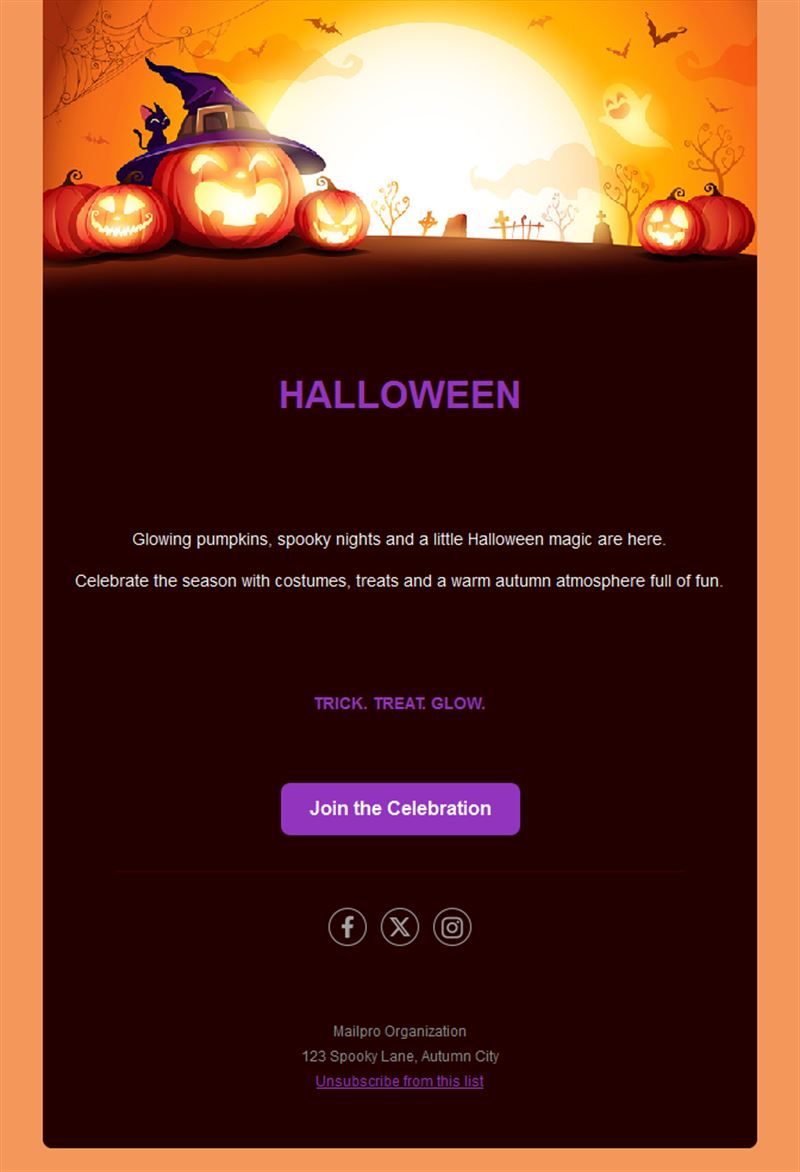
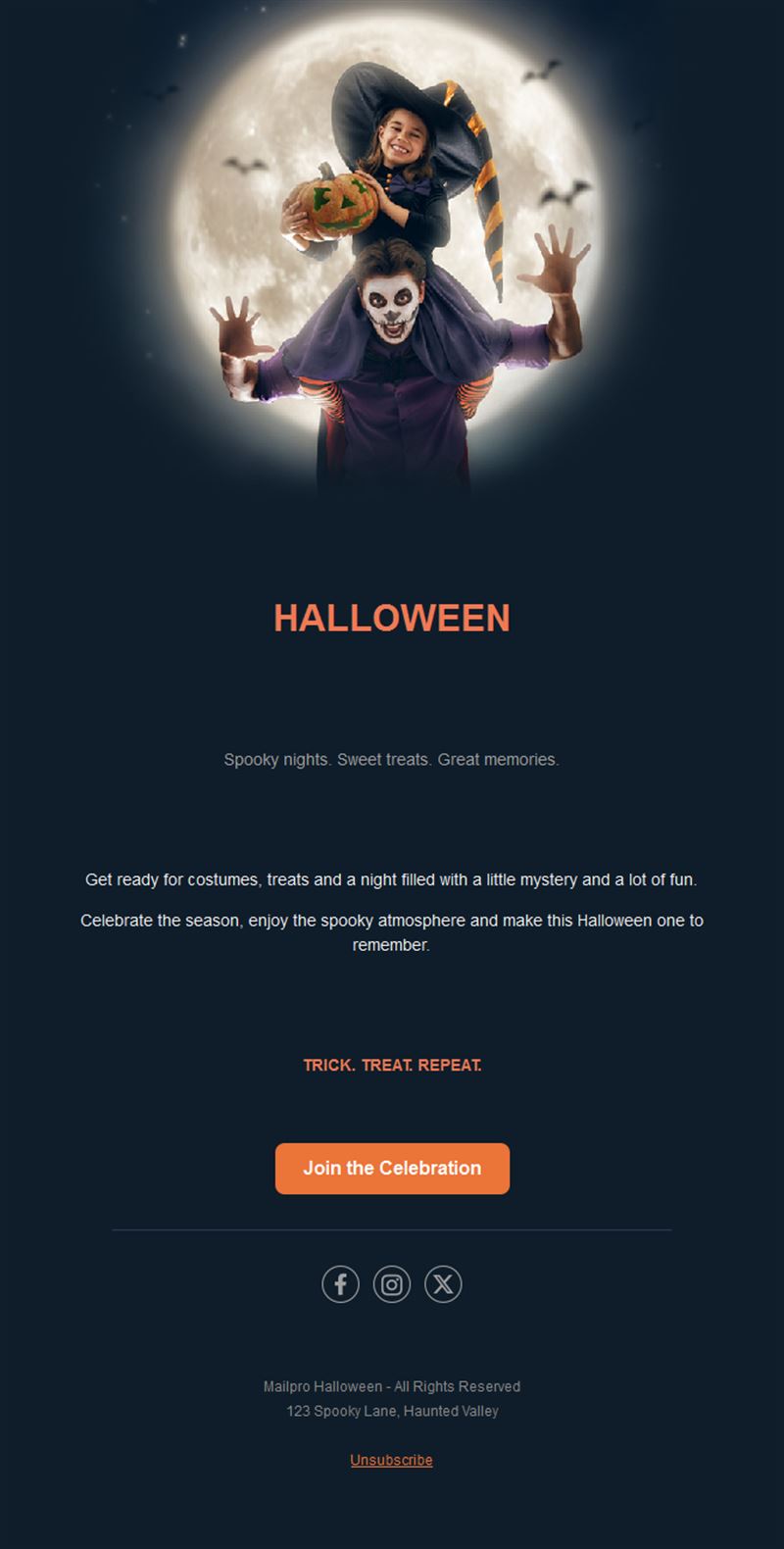
10 Free Halloween Email & Newsletter Templates
Adapt for Unlimited Possibilities
Halloween
Halloween
Halloween
Halloween
Halloween
Halloween
Halloween
Halloween
Halloween
Halloween
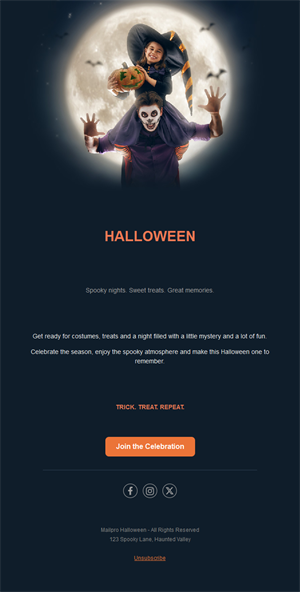
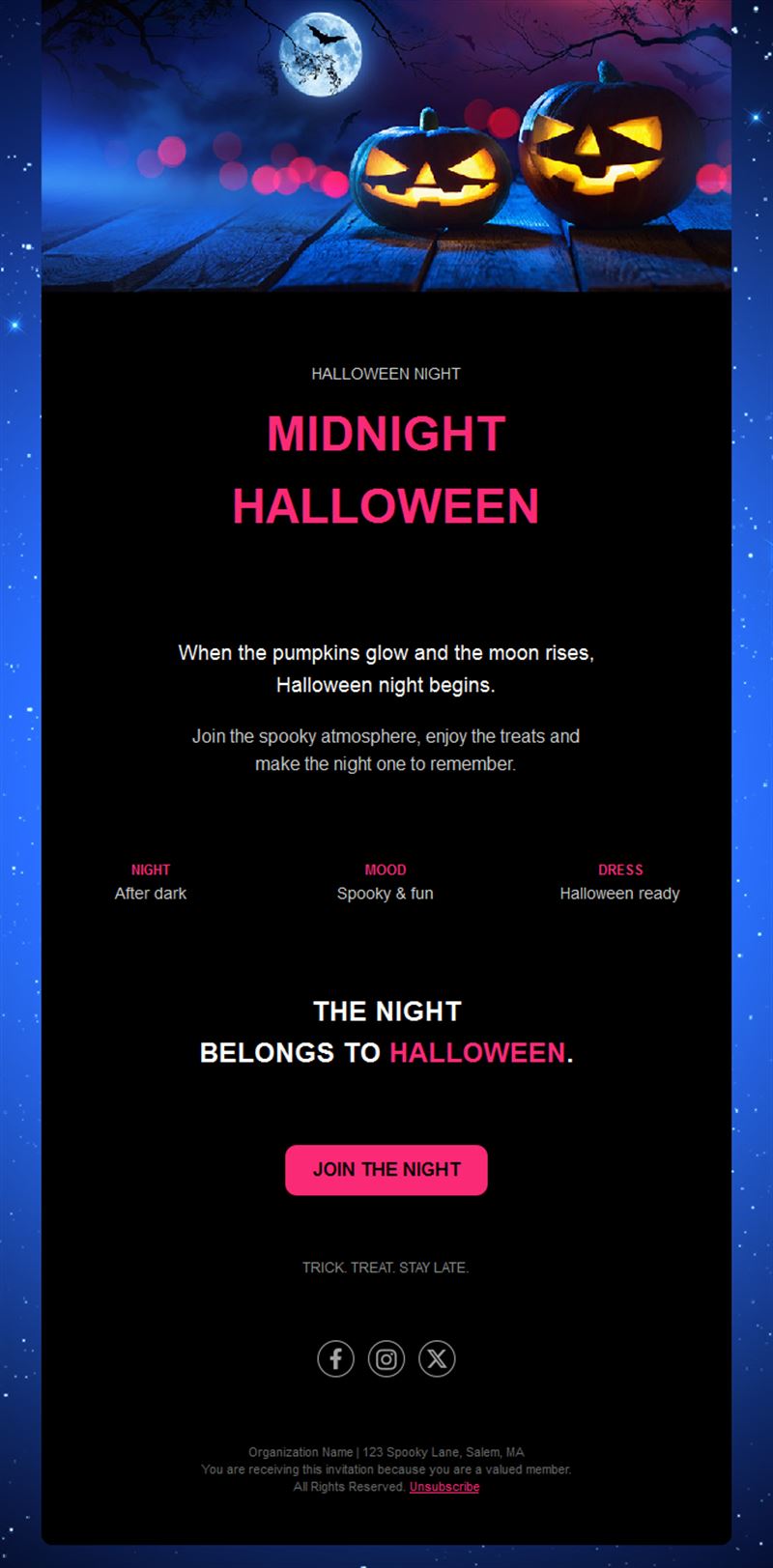
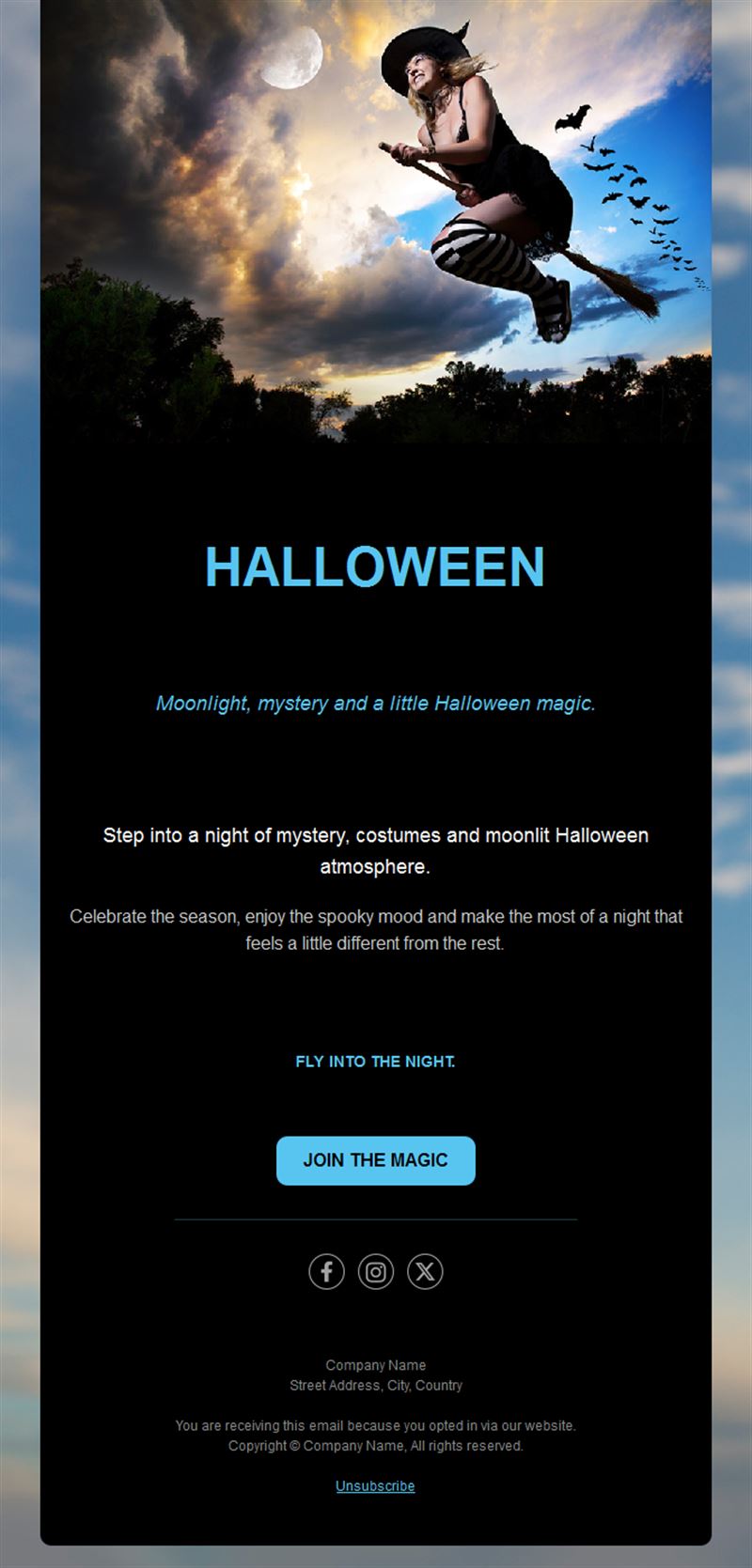
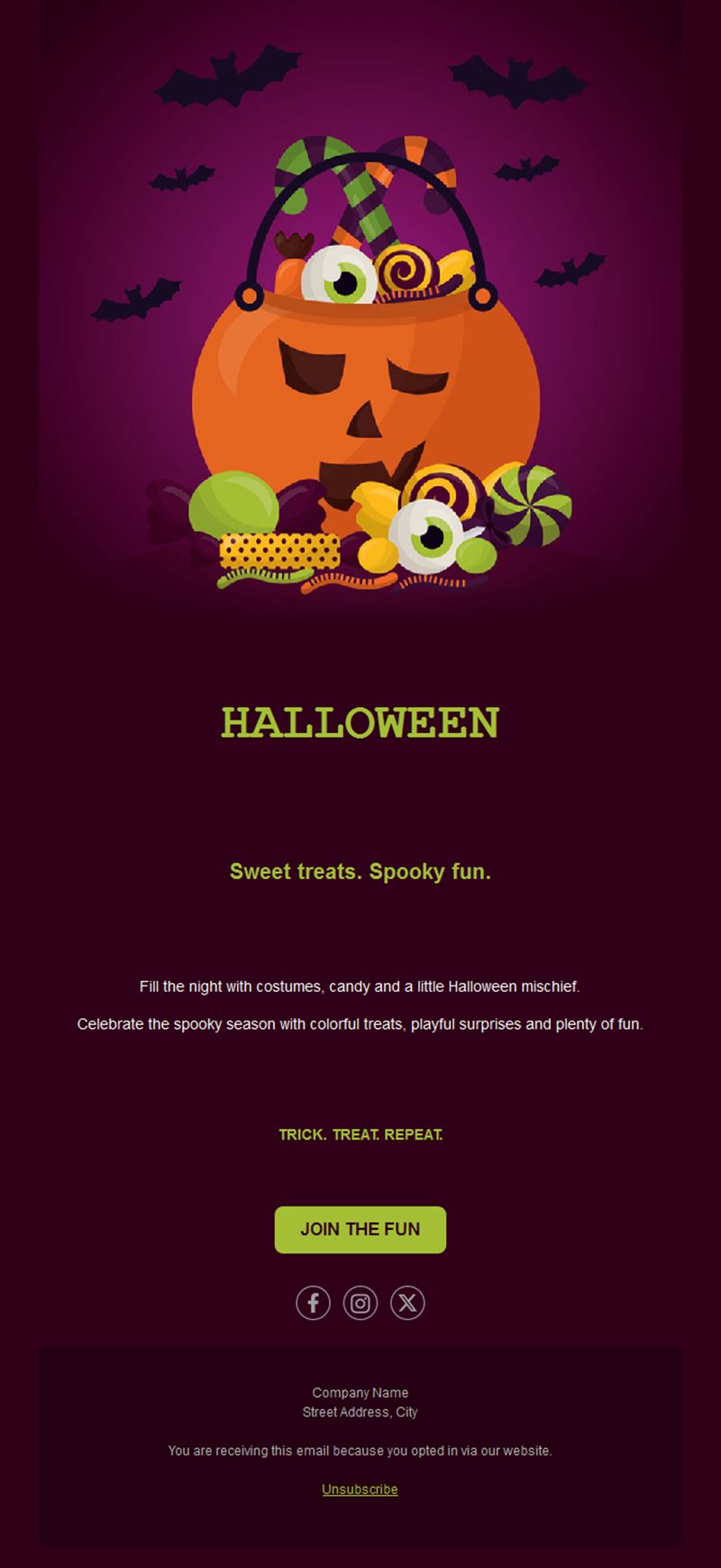
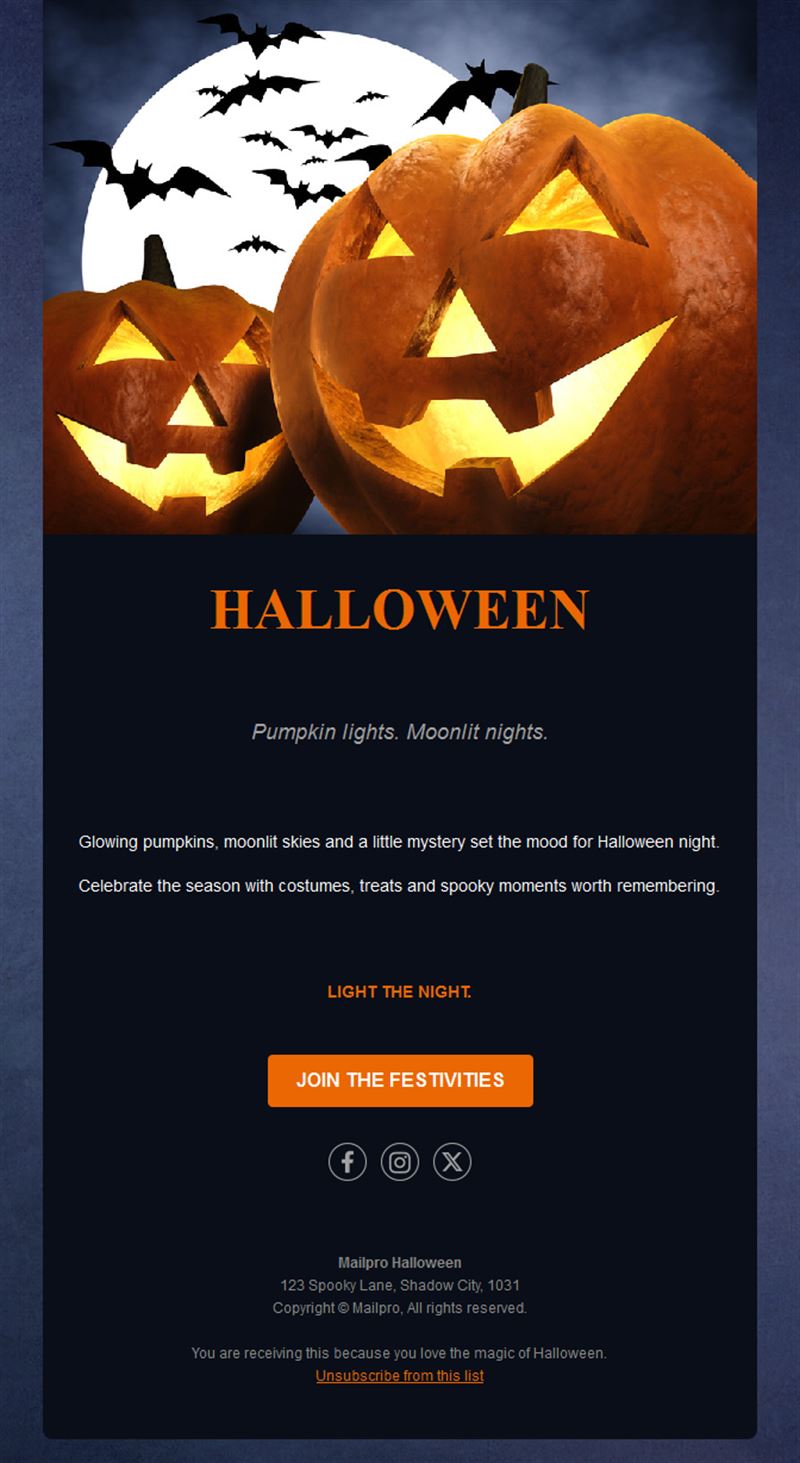
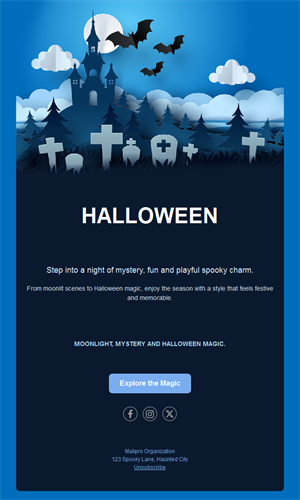
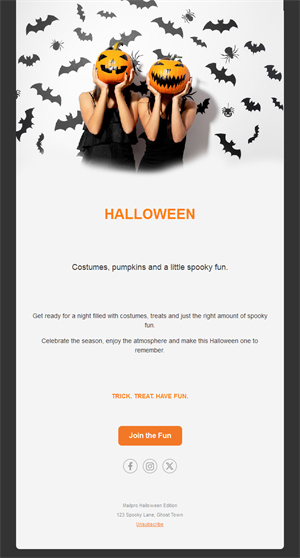
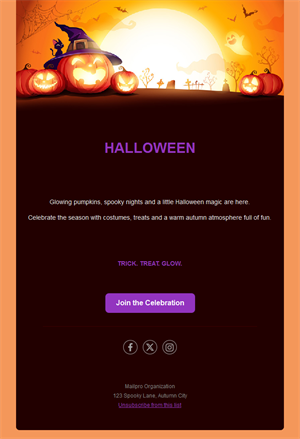
Cast a spell on your subscribers this October. Pick one of our 10 free Halloween email and newsletter templates, customize it in minutes, and send it with Mailpro™.
Why use Halloween email templates?
Halloween has grown into one of the biggest retail moments of the fall. Costumes, candy, parties, themed menus — your audience is actively looking for ideas, and a striking orange-and-black email puts your offer in front of them at the right moment.
- Seasonal urgency: Halloween has a hard deadline — offers naturally drive action before October 31.
- Eye-catching designs: Spooky visuals get opened and clicked more than plain promos.
- Works for any business: Shops, bars, gyms, schools — everyone can run a Halloween angle.
- Mobile-ready: Every Mailpro template is responsive out of the box.
What can you send with a Halloween newsletter template?
1) Costume & candy promotions
Retail offers with a countdown to October 31 — costumes, decor, sweets, and last-minute gift ideas.
2) Halloween parties & events
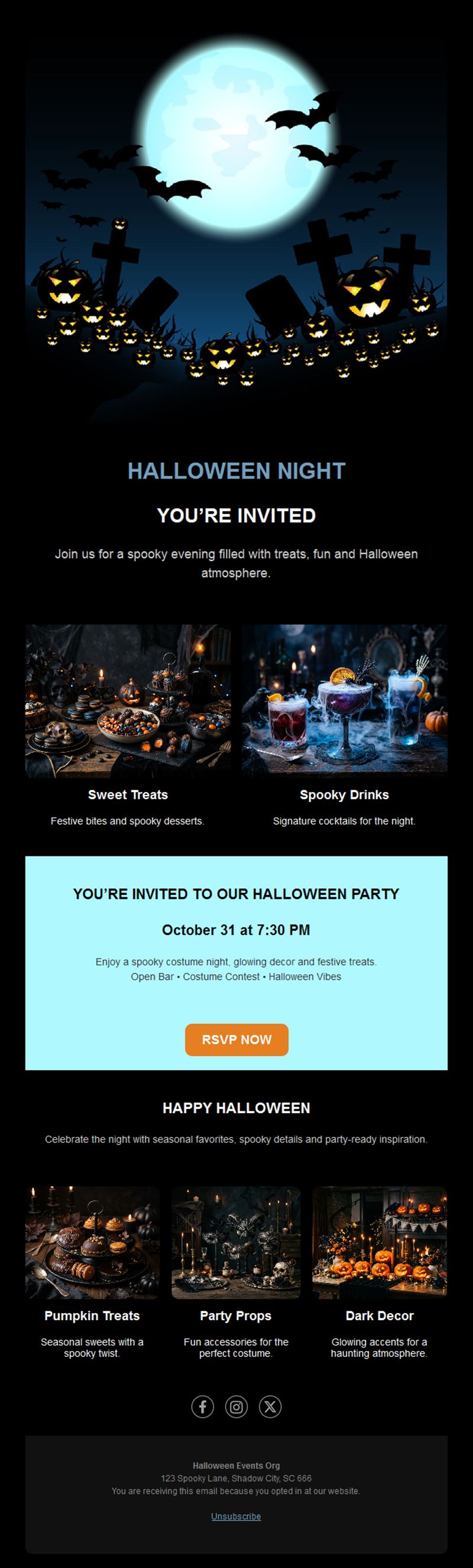
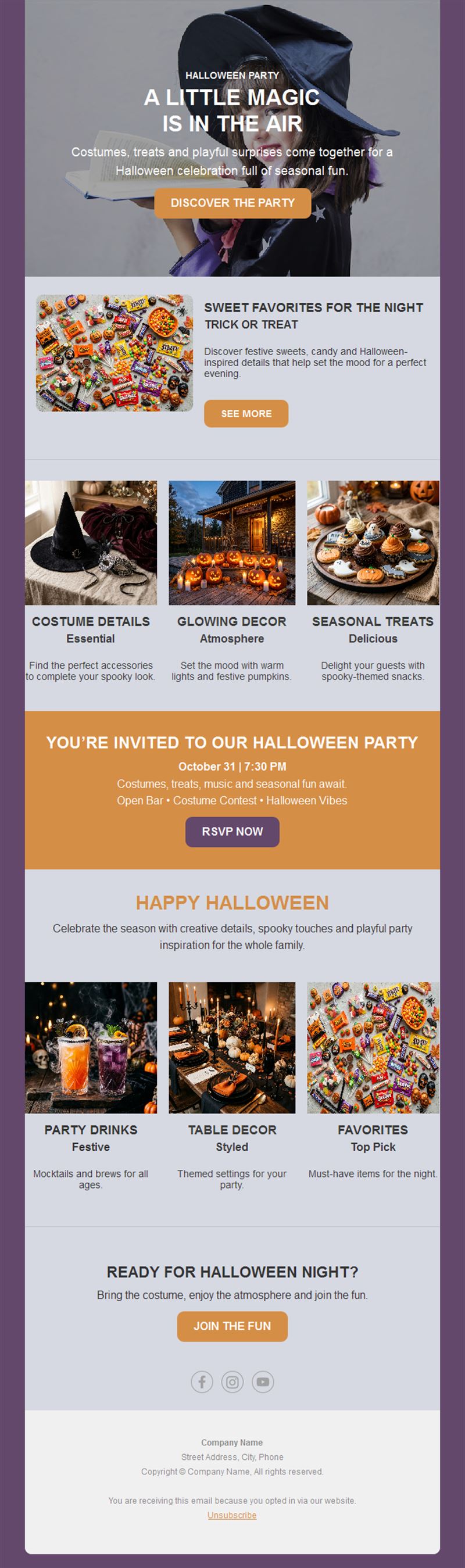
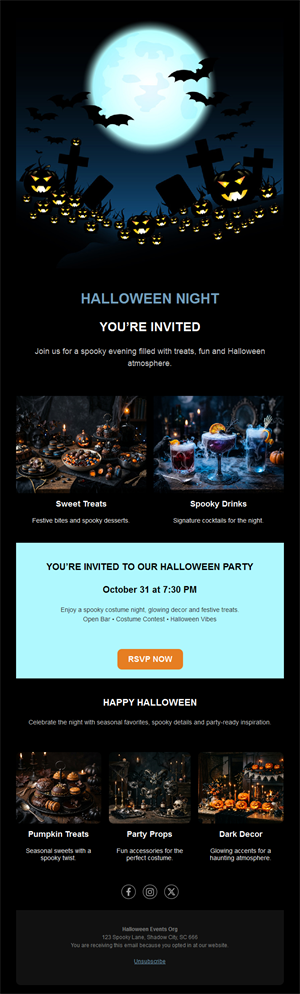
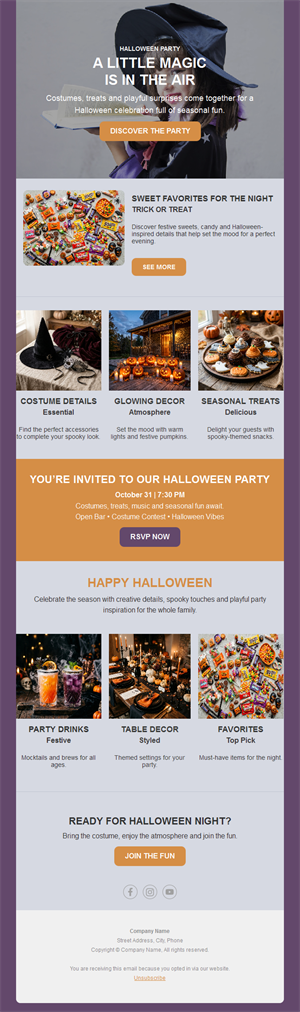
Invitations for themed nights, kids’ events, haunted tours, or club parties with RSVP buttons.
3) Spooky menus & specials
Restaurants and bars: pumpkin dishes, themed cocktails, and trick-or-treat deals.
4) October sales
A themed frame for your regular monthly promotion — same offer, much higher open rates.
5) Community & school activities
Schools, clubs, and associations announcing costume contests and neighborhood events.
Looking for more angles? Our 15 Halloween newsletter ideas cover shops, restaurants, schools, B2B and internal newsletters, with the best send date for each.
What's inside each template?
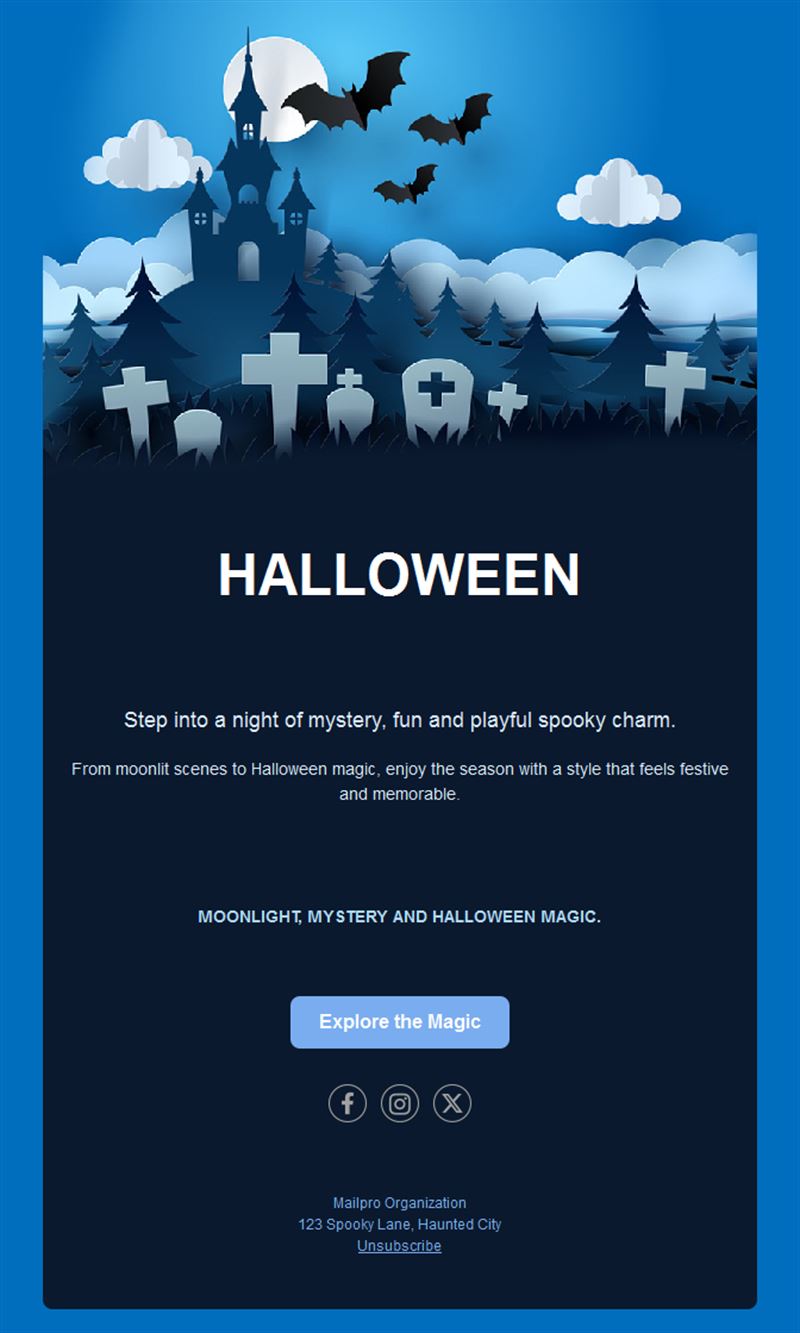
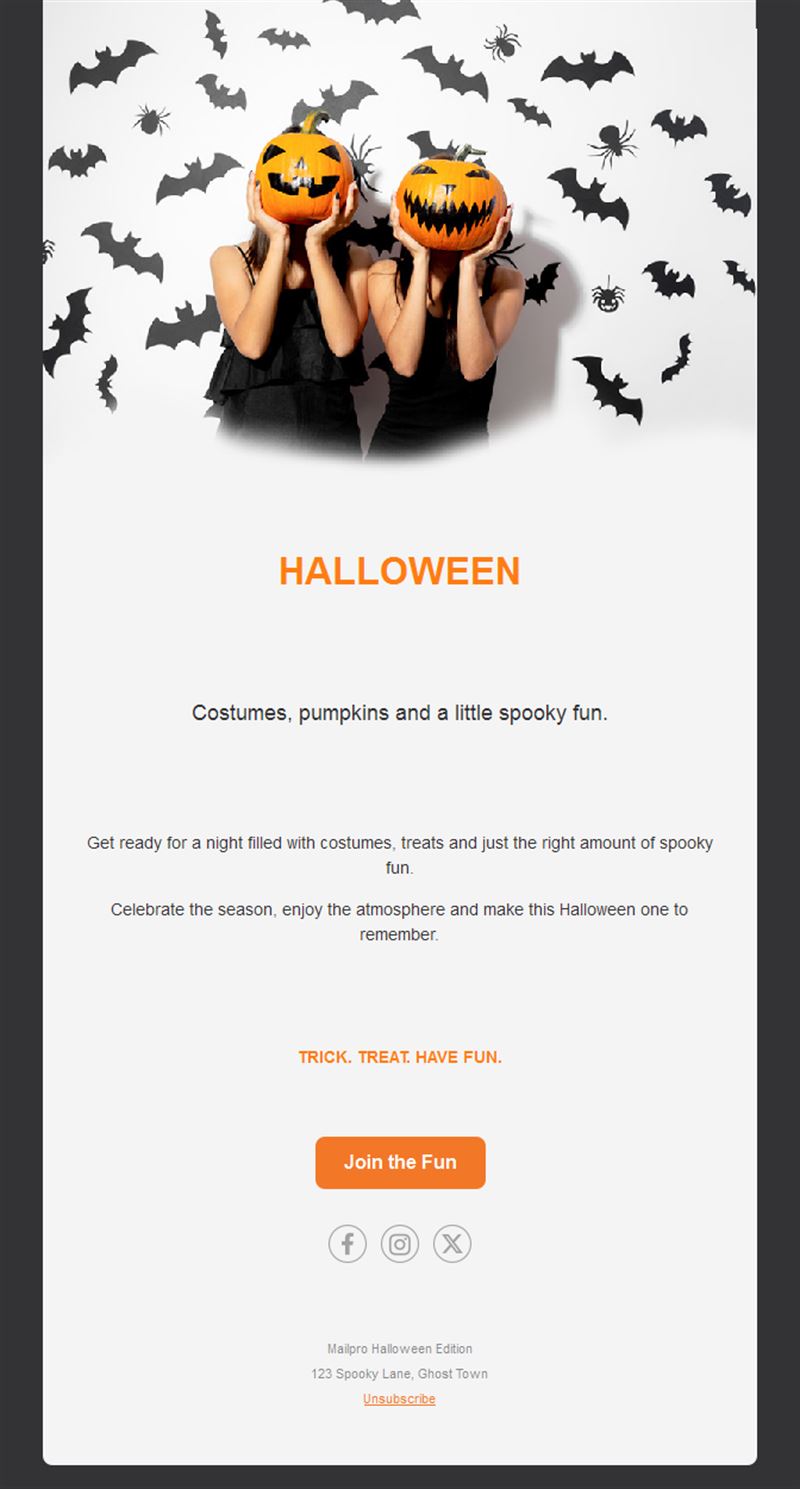
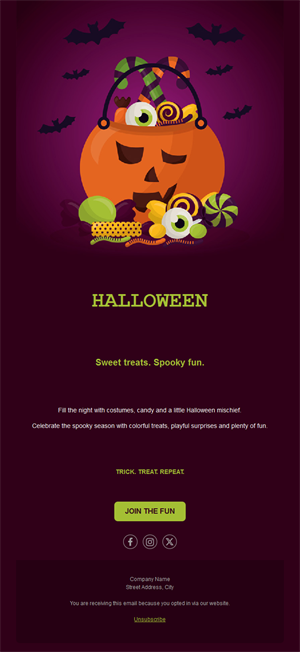
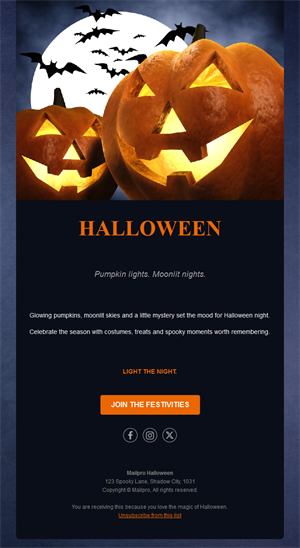
- Hero section with a spooky visual, headline, and a bold call-to-action.
- Offer block for promotions with prices and deadline.
- Event section with date, venue, and RSVP button.
- Optional countdown zone for October 31.
- Social links and an easy unsubscribe footer.
How to customize your Halloween email in Mailpro™
- Pick a template: Open Templates and choose a Halloween design.
- Edit copy & images: Swap in your products, party photos, or menu; add descriptive alt text like “pumpkin cocktail on black background”.
- Add a countdown (optional): Count down to Halloween night or to the end of your promotion. See how the countdown works.
- Segment your audience: Families get the kids’ event, party-goers get the club night. Learn segmentation.
- Schedule the send: Mid-October for costumes and decor, the final week for parties and menus. Schedule email campaigns.
- Track results: Monitor opens, clicks, and conversions. View email statistics.
- Automate follow-ups: Remind non-openers two days before Halloween. Set up autoresponders.
Subject line & CTA ideas
Subject lines
- Something wicked this way comes… 🎃
- Last chance: costumes up to 40% off
- Trick or treat? Open to find out
- Your table for Halloween night awaits
- Free candy with every order this week
CTA ideas
- Shop the Halloween Sale
- Reserve for Halloween Night
- Get My Costume
- See the Spooky Menu
Need more? Browse our list of 150 Halloween subject lines.
Best practices for Halloween campaigns
- Start mid-October: shoppers buy costumes and decor 2–3 weeks ahead; parties fill the final week.
- Lean into the theme: orange, black, and a touch of humor outperform generic layouts in October.
- One deadline, stated clearly: “ends Oct 31” beats vague urgency.
- Mobile first: short headlines, big buttons, compressed images.
- Follow up once: a single last-chance reminder on October 29–30 catches late deciders.
For day-by-day timing by audience, see our Halloween email calendar, and read whether Halloween email marketing is worth it for your business.
FAQ: Halloween email templates
Are these Halloween newsletter templates free?
Yes. All 10 Halloween templates are free with a Mailpro account, including the free plan. Each design works as a promotional email or as a seasonal newsletter.
When should I send Halloween emails?
Send product and decor offers around October 10–15, event invitations a week ahead, and a last-chance reminder on October 29–30.
What works best in a Halloween email?
A strong themed visual, one clear offer with a deadline, and a single call-to-action. Costume contests and “trick or treat” mystery discounts drive great engagement.
Can I adapt the templates to my brand?
Yes — every image, text, color, and link is editable in Mailpro’s drag-and-drop builder, no code needed.
How do I measure results?
Track opens, clicks, and conversions in Mailpro statistics and compare against your regular campaigns to see the seasonal lift.
Get started
Don’t let October slip by: pick a Halloween email template, add your offer, and haunt some inboxes.