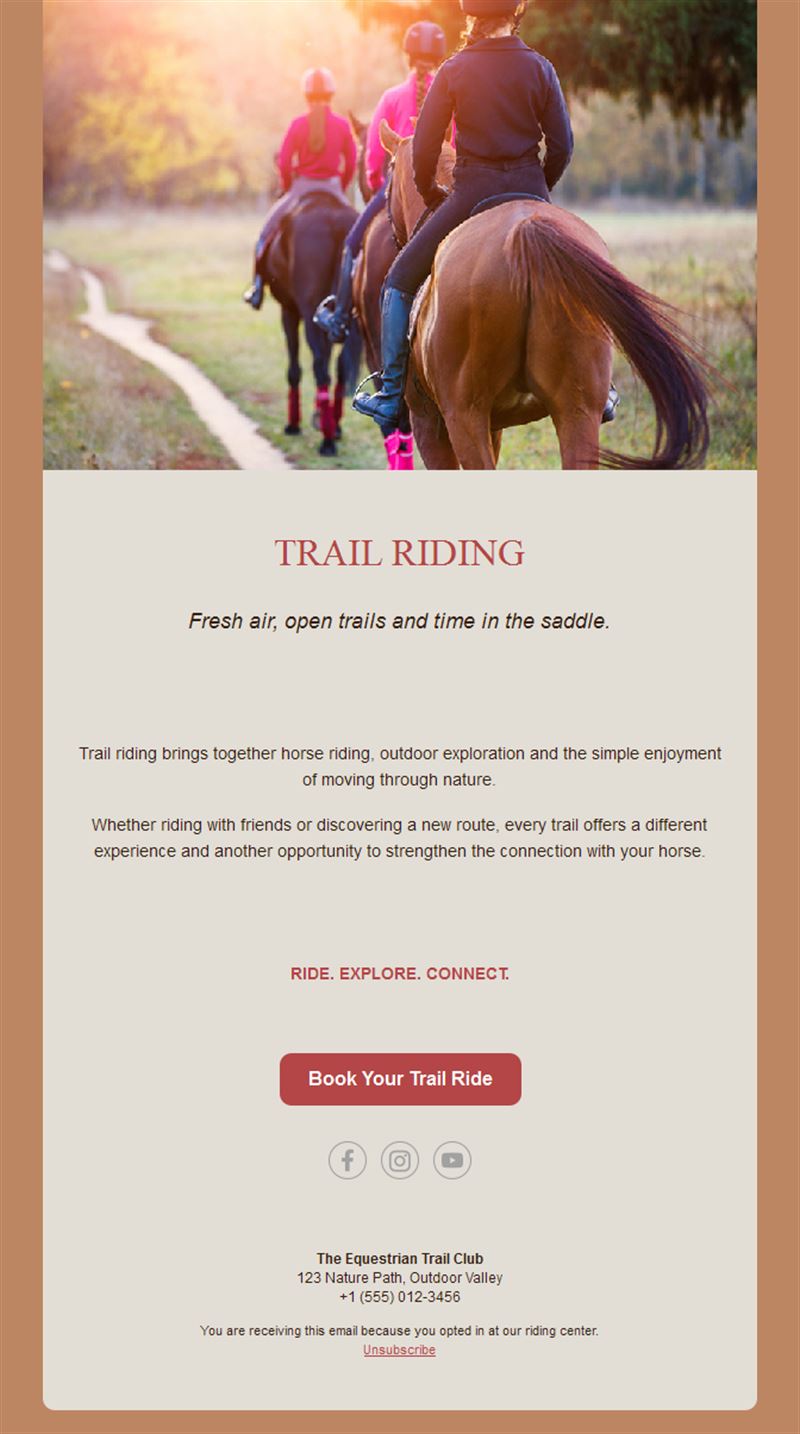
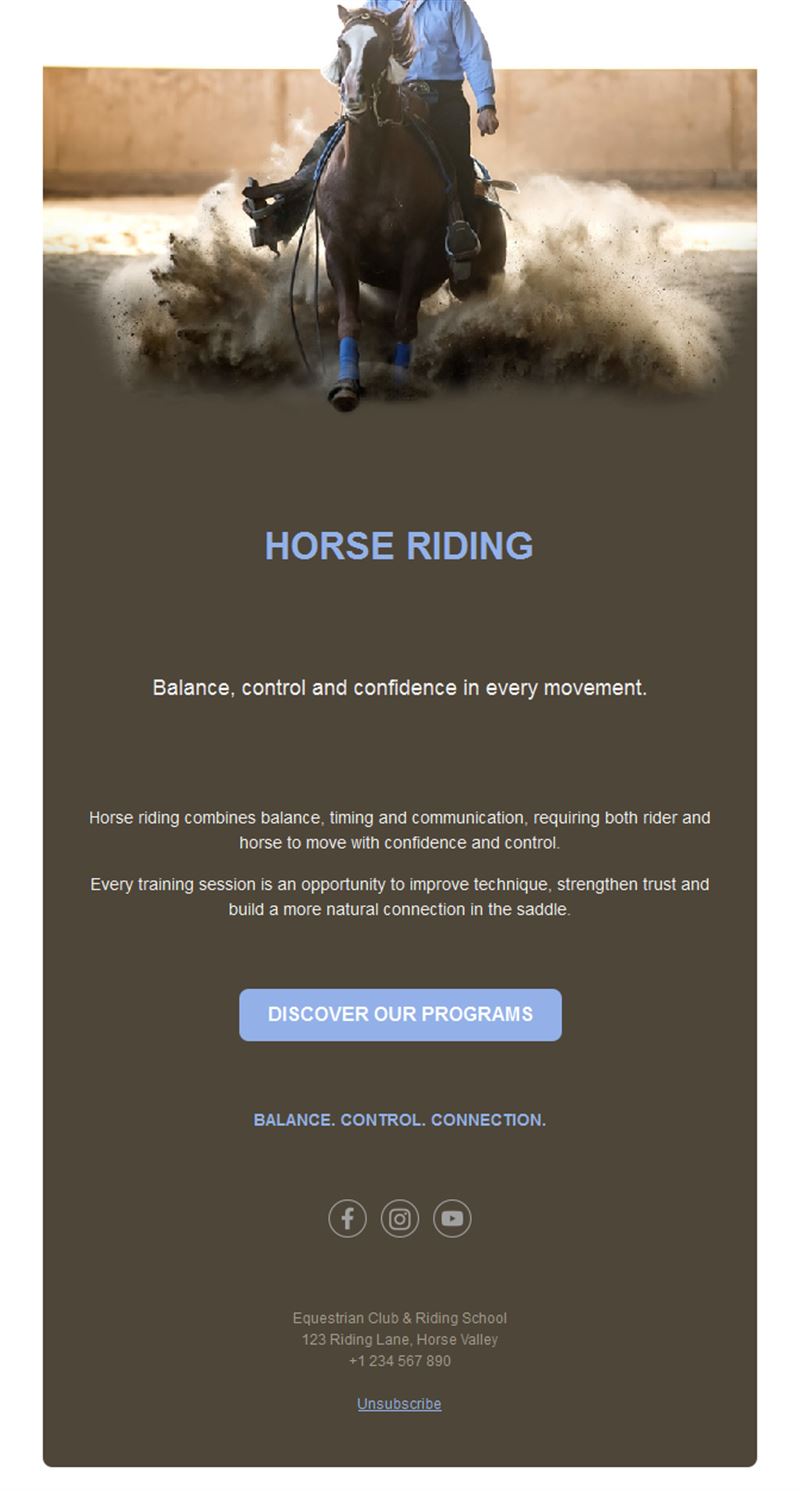
Horse Riding Email Templates
Adapt for Unlimited Possibilities
Horseriding
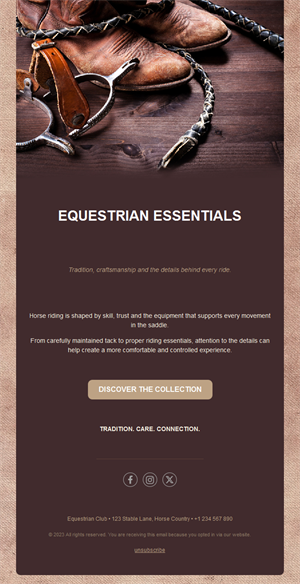
Horseriding
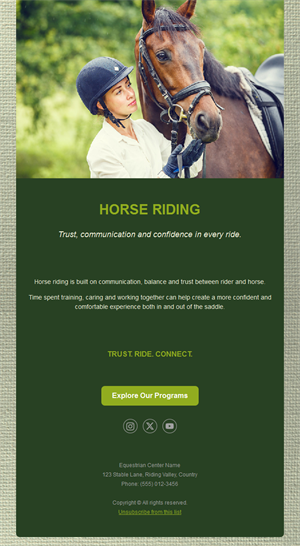
Horseriding
Horseriding
Horseriding
Horseriding
Horseriding
Horseriding
Horseriding
Horseriding
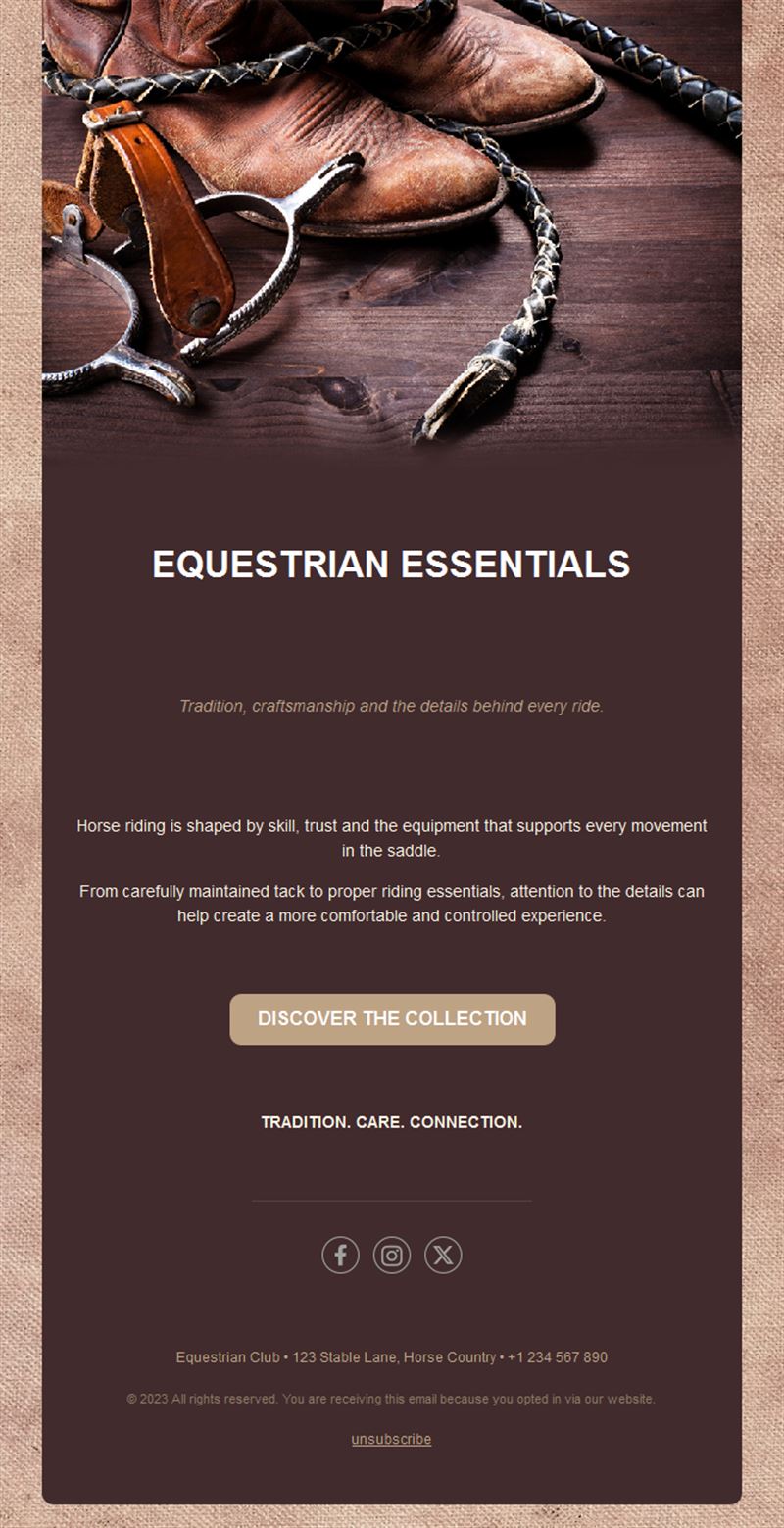
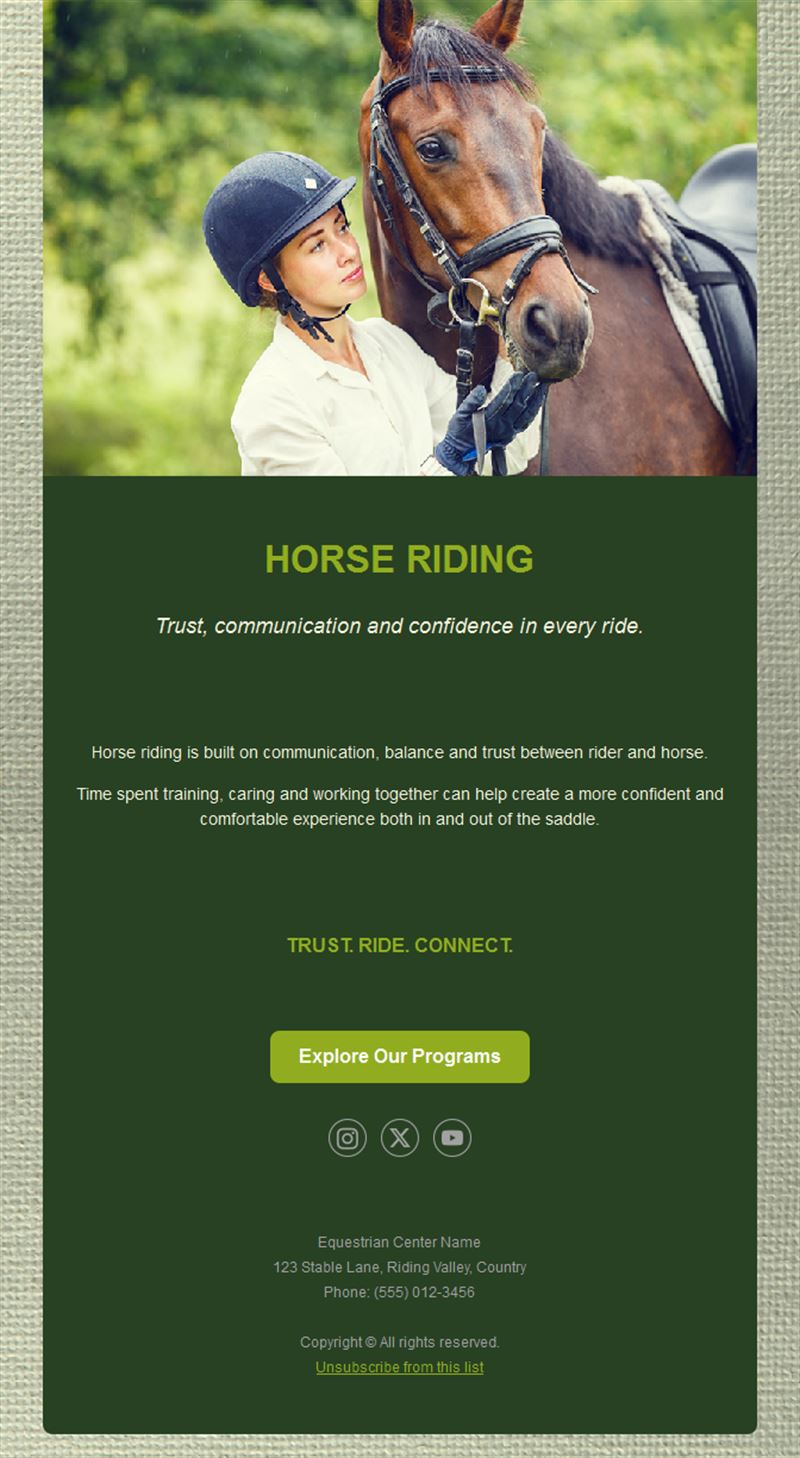
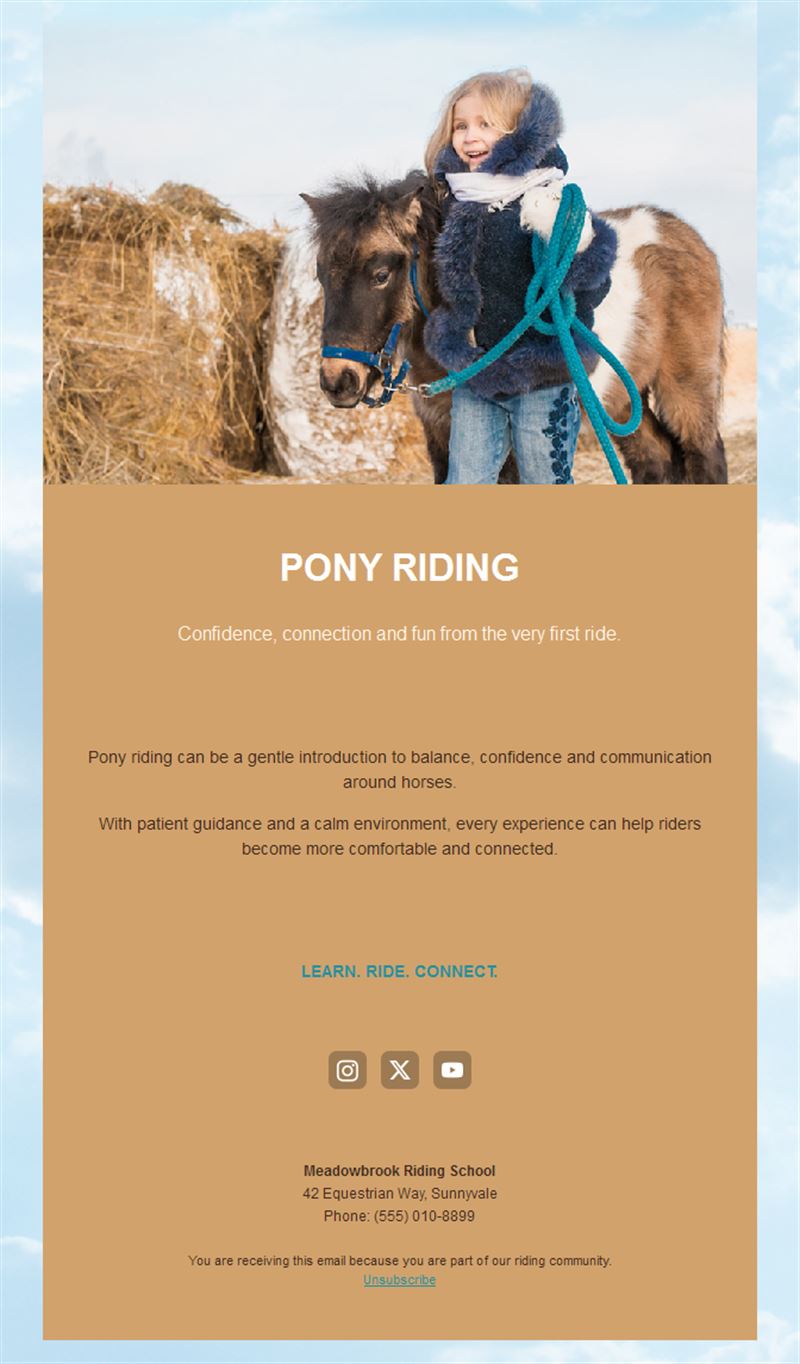
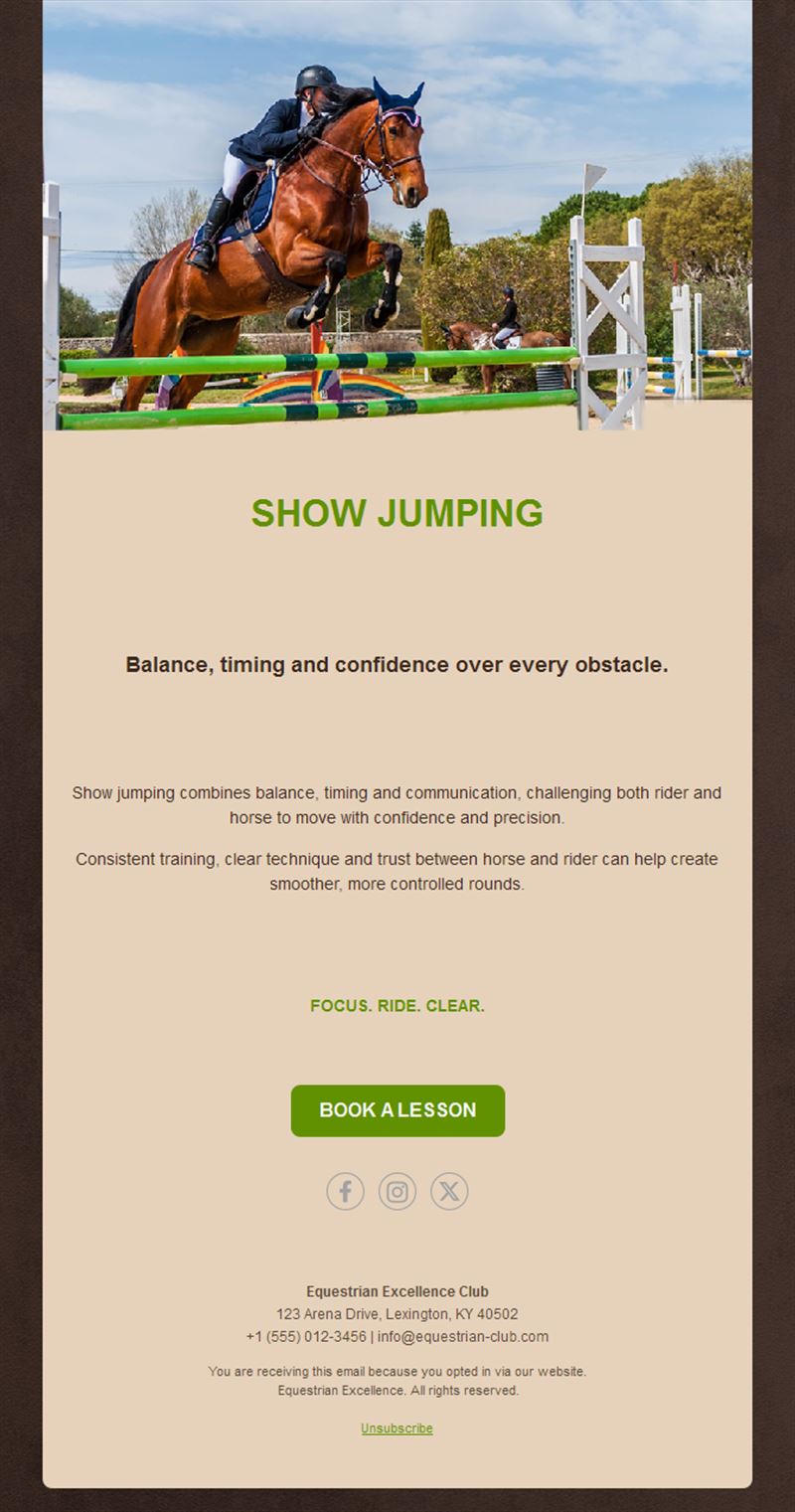
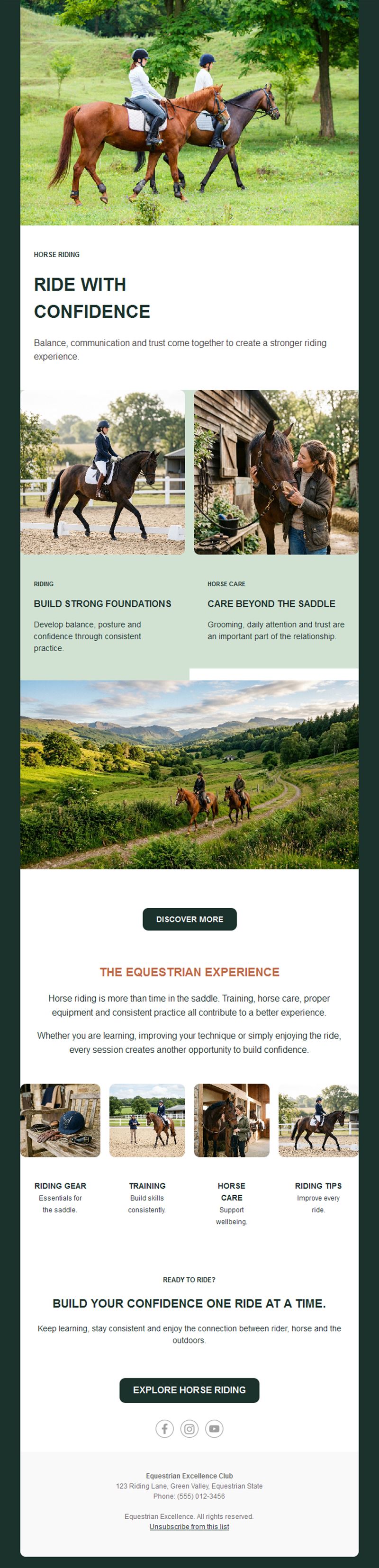
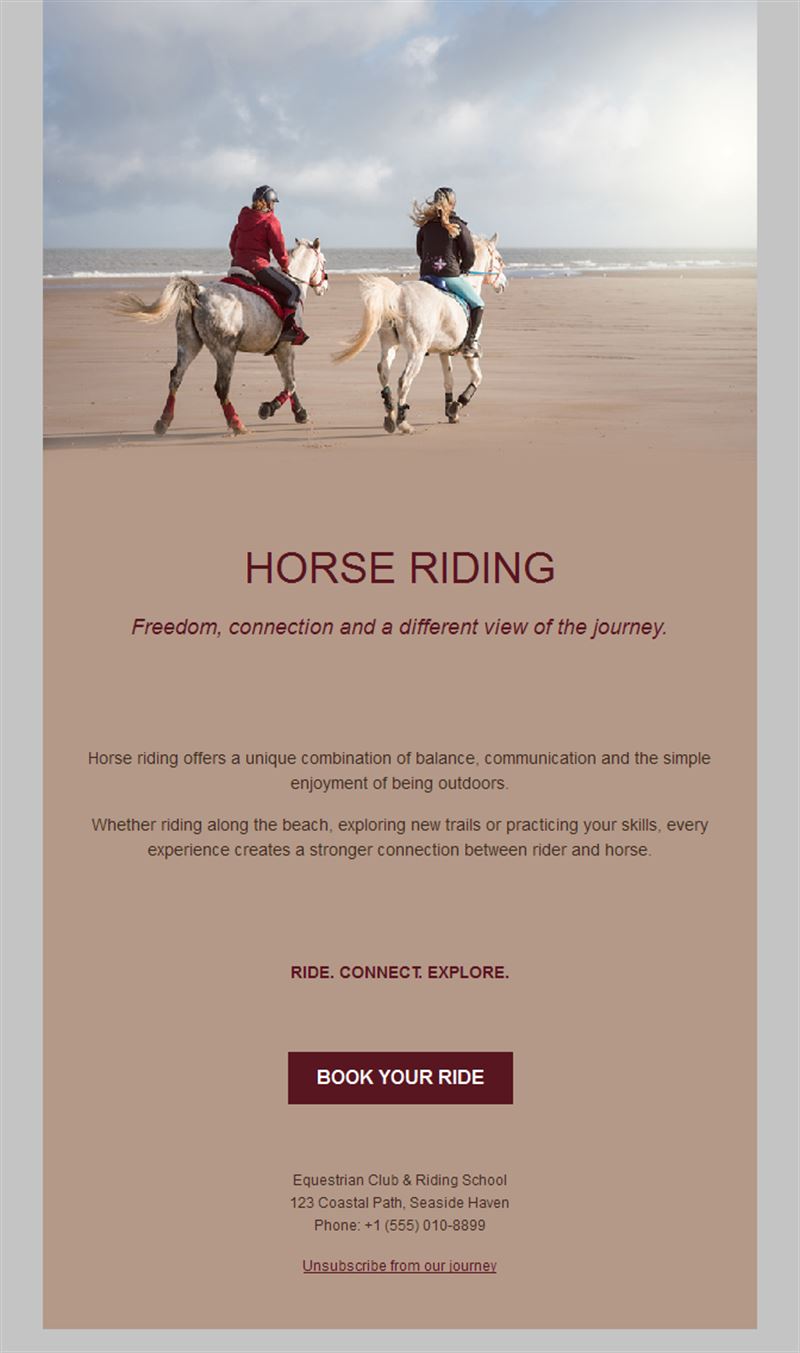
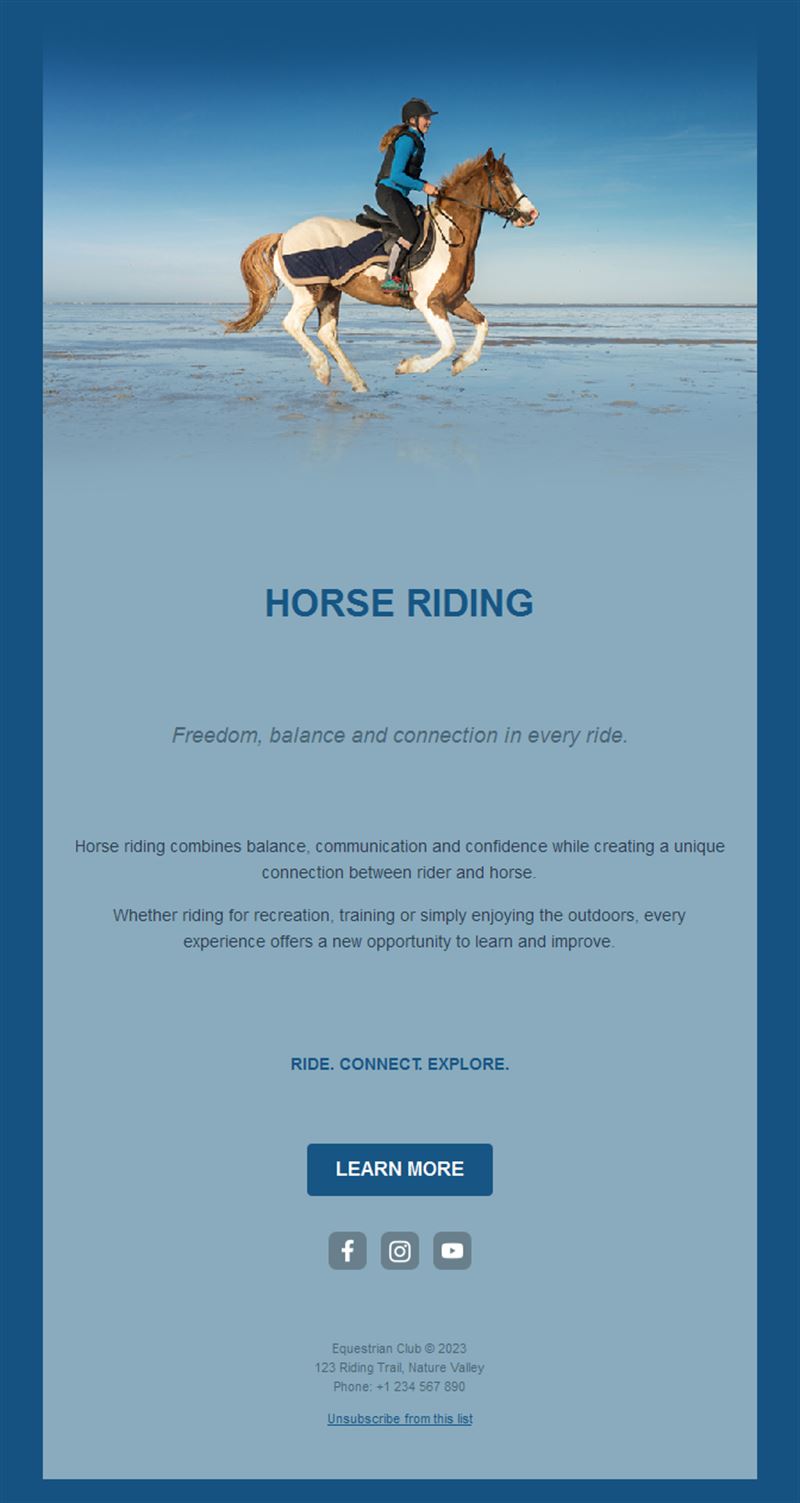
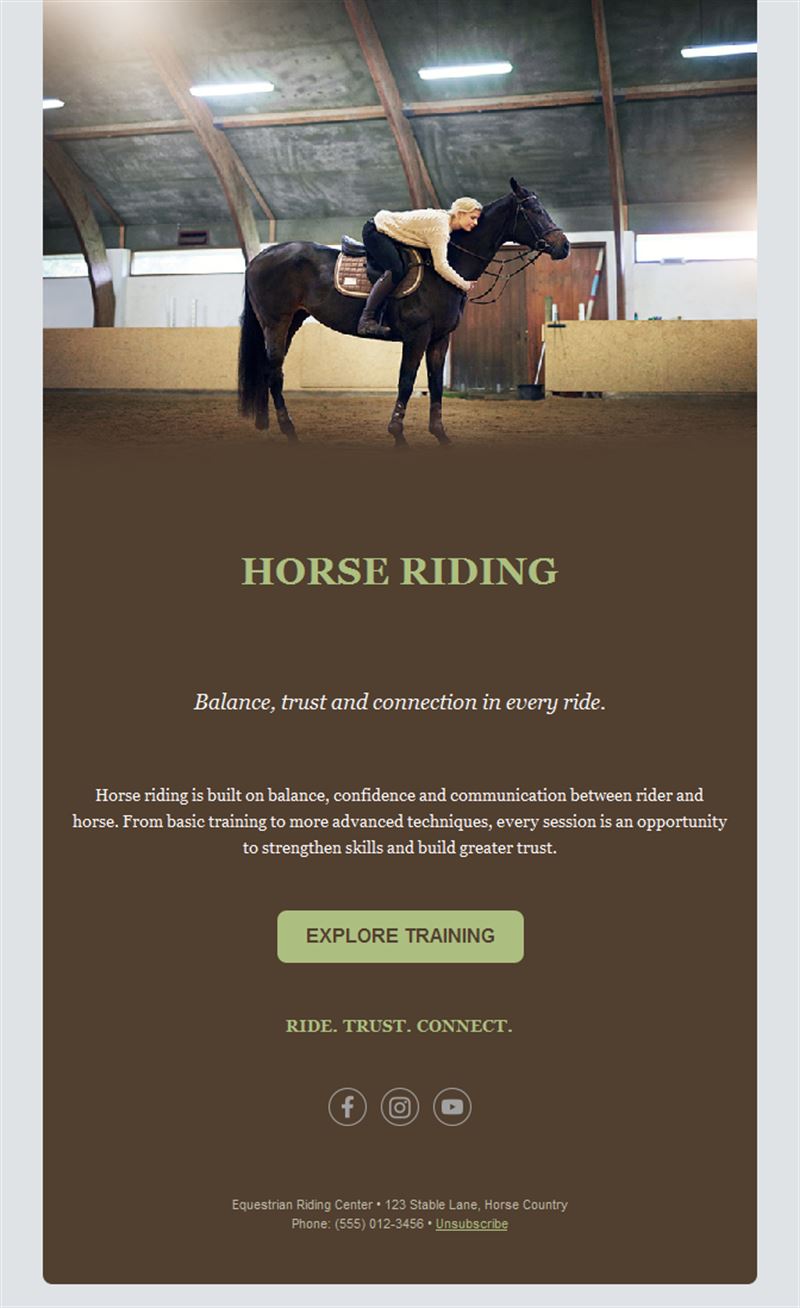
A well-run stable communicates as smoothly as it rides. Pick a ready-made horse riding email template, customize it in minutes, and send with Mailpro™.
Why use Horse Riding email templates?
Riding schools and stables coordinate lessons, liveries, competitions, and camps — often for families new to the sport. A warm, organized newsletter keeps riders booked, informed, and connected to stable life.
- Lesson-book fills: schedules and open-slot alerts by level.
- Event participation: shows and club competitions with entry deadlines.
- Camp campaigns: holiday programs that book out on early announcements.
- Stable-warm design: imagery that captures the bond with the horses.
What can your stable send?
1) Lesson schedules
Weekly plans by level, instructor news, and weather policies.
2) Competitions & shows
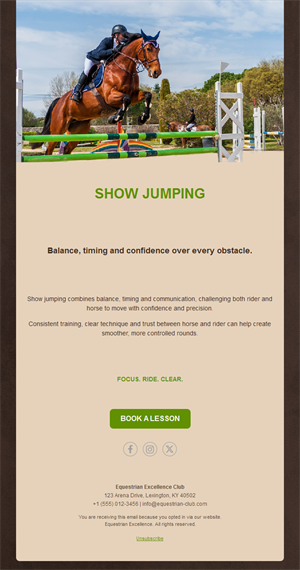
Entry windows, schedules, and results with photos.
3) Holiday camps
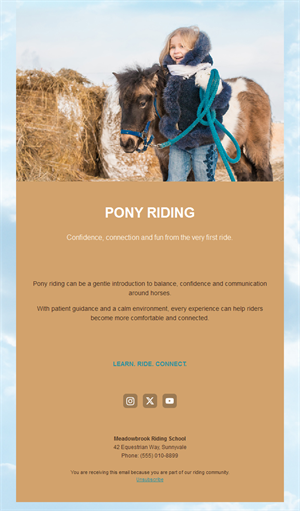
Kids’ pony weeks and intensive courses with signup buttons.
4) Stable news
New horses, arena upgrades, and open-day invitations.
5) Livery updates
Care schedules, vet visits, and boarding information.
What's inside each template?
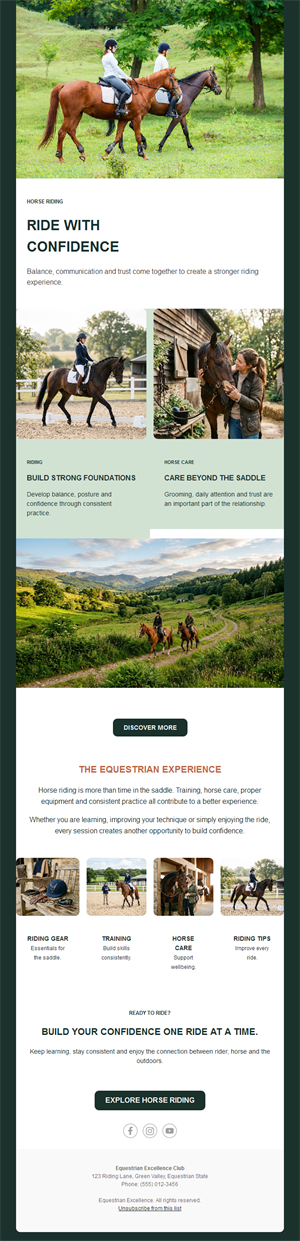
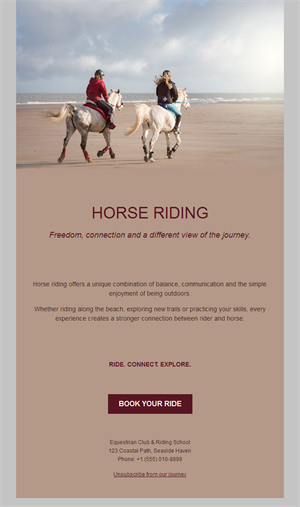
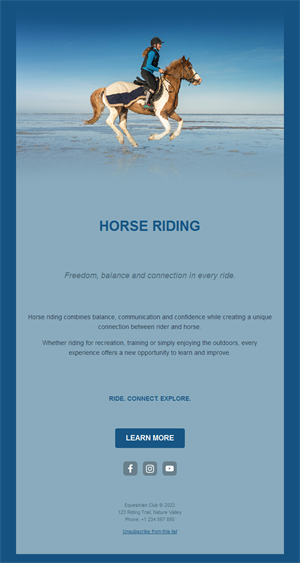
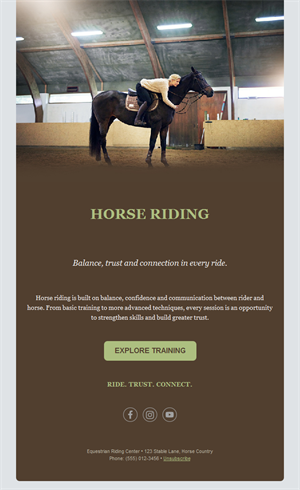
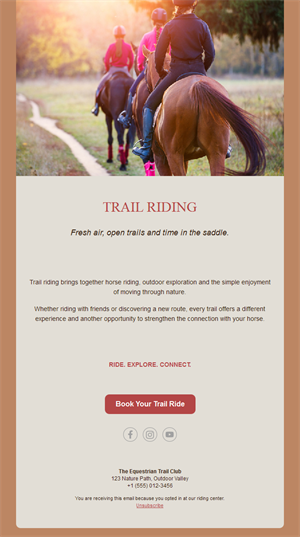
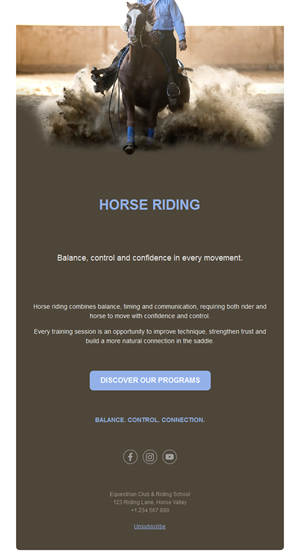
- Hero with horse and rider photography.
- Schedule block by level.
- Event section with entry deadlines.
- Camp registration block.
- Social links and an easy unsubscribe footer.
How to customize your Horse Riding email in Mailpro™
- Pick a template: Open Templates and choose a Horse Riding design.
- Edit copy & images: Warm stable imagery; clear levels and safety notes.
- Add a countdown (optional): Count down to camp registration and show entries. See how the countdown works.
- Segment your audience: Beginners’ families, competitive riders, and liveries differ. Learn segmentation.
- Schedule the send: Weekly schedules; camp launches well before holidays. Schedule email campaigns.
- Track results: Monitor opens, clicks, and conversions. View email statistics.
- Automate follow-ups: Automate lesson confirmations and camp waitlists. Set up autoresponders.
Subject line & CTA ideas
Subject lines
- This week at the stable: lessons & news 🐴
- Pony camp: summer weeks now open
- Show entries close Friday
- Meet our new schoolmaster, Balou
- Open day: bring the family Saturday
CTA ideas
- Book a Lesson
- Register for Camp
- Enter the Show
- Visit the Open Day
Best practices for Horse Riding campaigns
- Camps launch early: holiday programs fill months ahead — announce first.
- Introduce the horses: new-horse features are the most-loved content.
- Safety builds trust: clear policies reassure beginner families.
- Open days grow lists: every visitor is a future rider.
- Weather policies upfront: clarity prevents day-of confusion.
FAQ: Horse Riding email templates
How do stables fill holiday camps?
Announce early — parents plan holidays months ahead — with early-bird pricing and automated waitlists.
What content do riding families love?
Horse introductions, student progress stories, and behind-the-stable-door glimpses.
How do we manage lesson levels?
Segment by level and age so beginners and competitive riders each get relevant schedules.
Can event entries be tracked?
Yes — entry-button clicks and registrations show in Mailpro statistics.
Get started
Saddle up your communication: pick a horse riding email template and keep the stable connected.