Art Gallery Email Templates
Adapt for Unlimited Possibilities
Art Galleries
Art Galleries

Art Galleries
Art Galleries
Art Galleries

Art Galleries

Art Galleries

Art Galleries
Art Galleries
Art Galleries
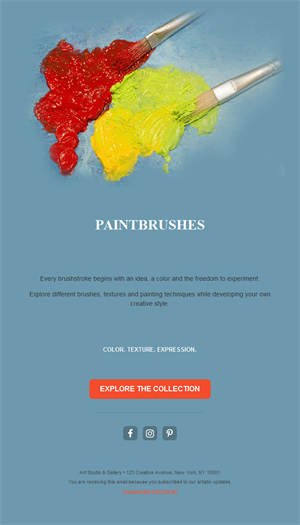
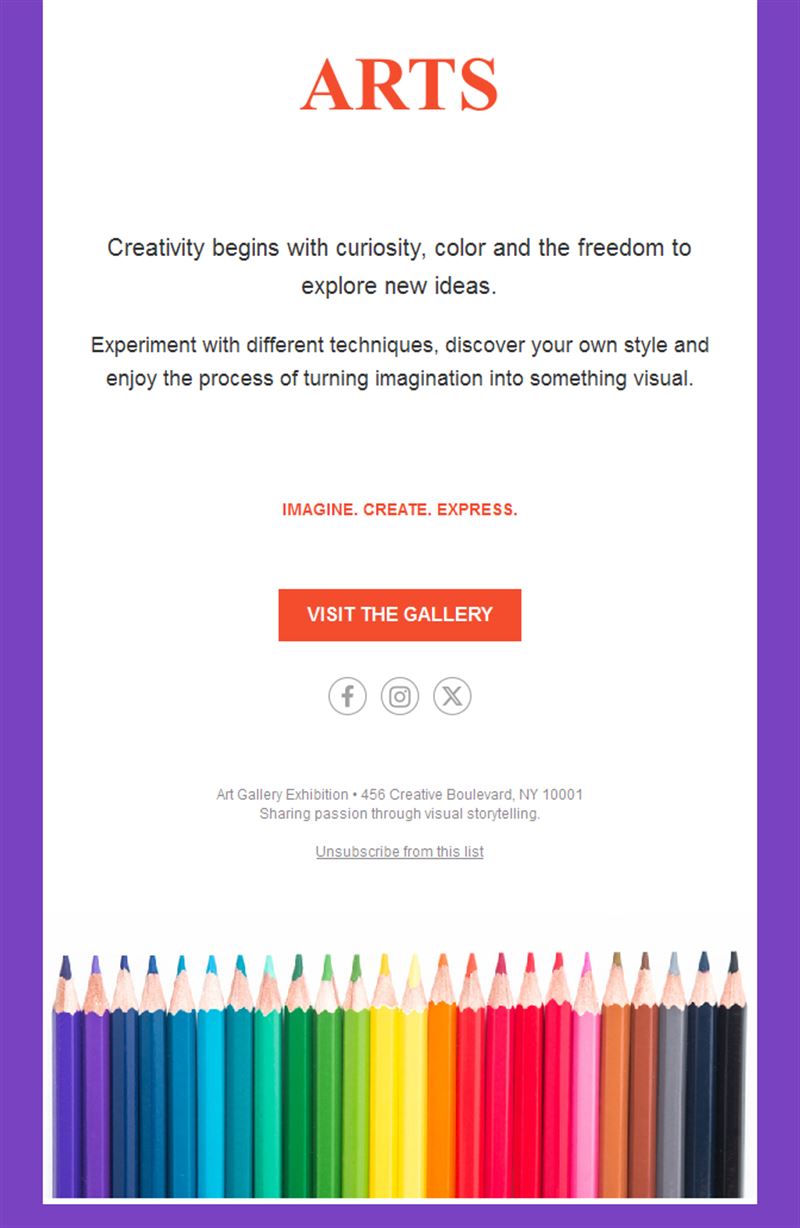
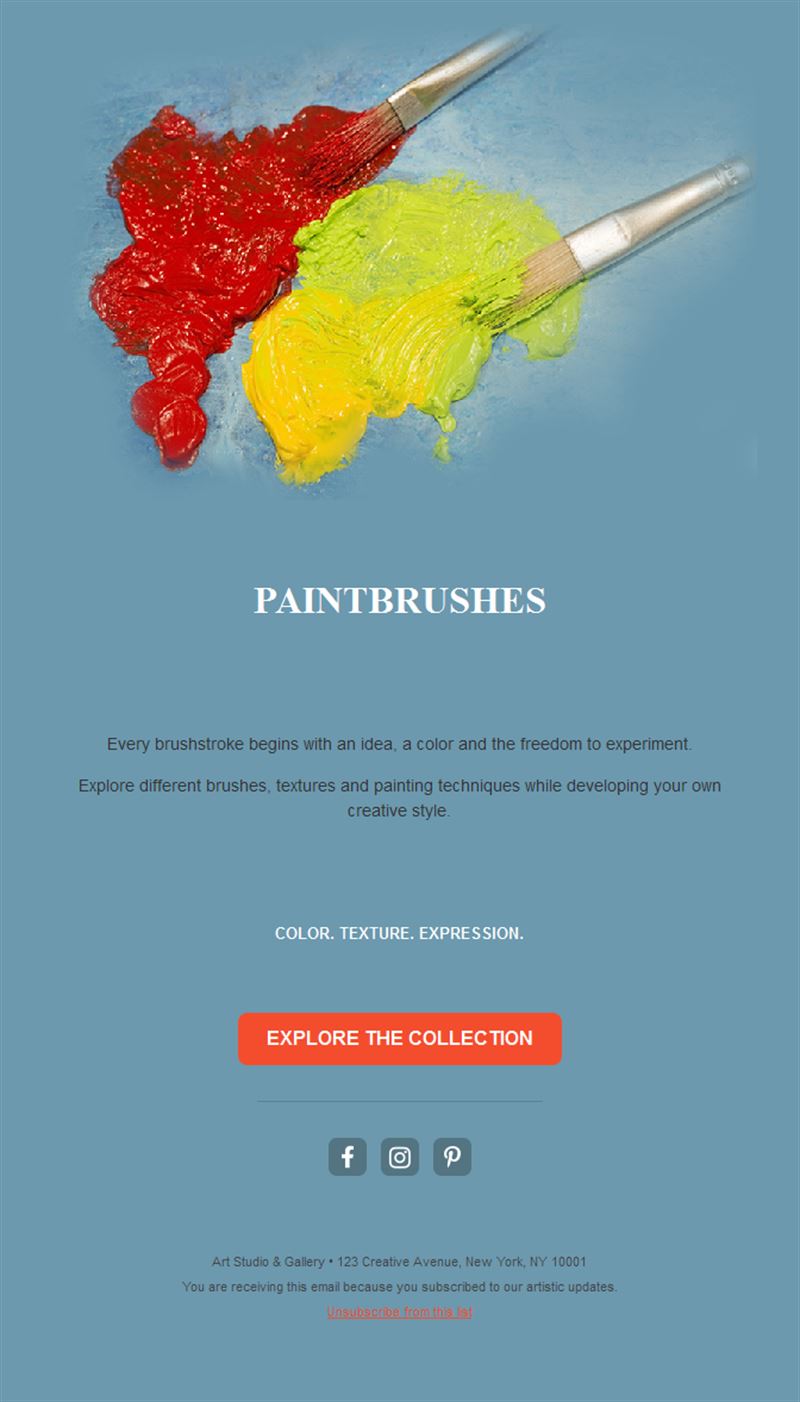
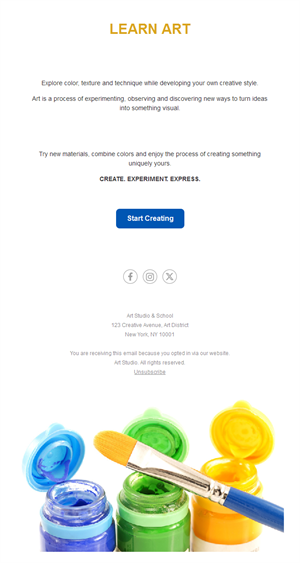
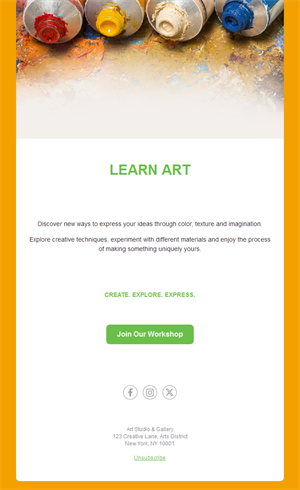
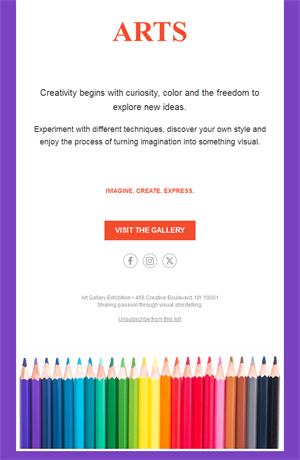
Curate the inbox like you curate the wall. Pick a ready-made art gallery email template, customize it in minutes, and send with Mailpro™.
Why use Art Gallery email templates?
Galleries, museums, and artists live on their audience relationships. Exhibition announcements, vernissage invitations, and collector previews — delivered with visual restraint — keep your circle engaged and your openings full.
- Gallery-grade design: whitespace and typography that honor the work.
- Opening-night turnout: invitations with RSVP that fill vernissages.
- Collector relationships: previews and available-works notes for your best buyers.
- Artist storytelling: studio visits and process notes that deepen interest.
What can galleries and artists send?
1) Exhibition announcements
The new show: key work, dates, and curatorial note.
2) Vernissage invitations
Opening-night invites with RSVP and artist attendance.
3) Collector previews
First access to available works before the public opening.
4) Artist news
Studio updates, awards, publications, and new series.
5) Fair participation
Booth numbers and highlights ahead of art fairs.
What's inside each template?
- Full-width hero for a single key work.
- Exhibition block with dates and curatorial text.
- RSVP button for openings.
- Available-works section with inquiry links.
- Social links and an easy unsubscribe footer.
How to customize your Art Gallery email in Mailpro™
- Pick a template: Open Templates and choose a Art Gallery design.
- Edit copy & images: One artwork as hero; credit artist, title, year, medium properly.
- Add a countdown (optional): Count down to opening night or fair dates. See how the countdown works.
- Segment your audience: Collectors, press, and general audience get different depth. Learn segmentation.
- Schedule the send: Announce 2–3 weeks ahead; remind the day before the opening. Schedule email campaigns.
- Track results: Monitor opens, clicks, and conversions. View email statistics.
- Automate follow-ups: Auto-send available-works previews to collector segments. Set up autoresponders.
Subject line & CTA ideas
Subject lines
- New exhibition: “Traces” opens May 3
- You’re invited: vernissage Thursday 6pm
- Collector preview: available works inside
- In the studio with Elena Marchetti
- Find us at Art Basel: Booth C12
CTA ideas
- RSVP to the Opening
- View Available Works
- Read the Curatorial Note
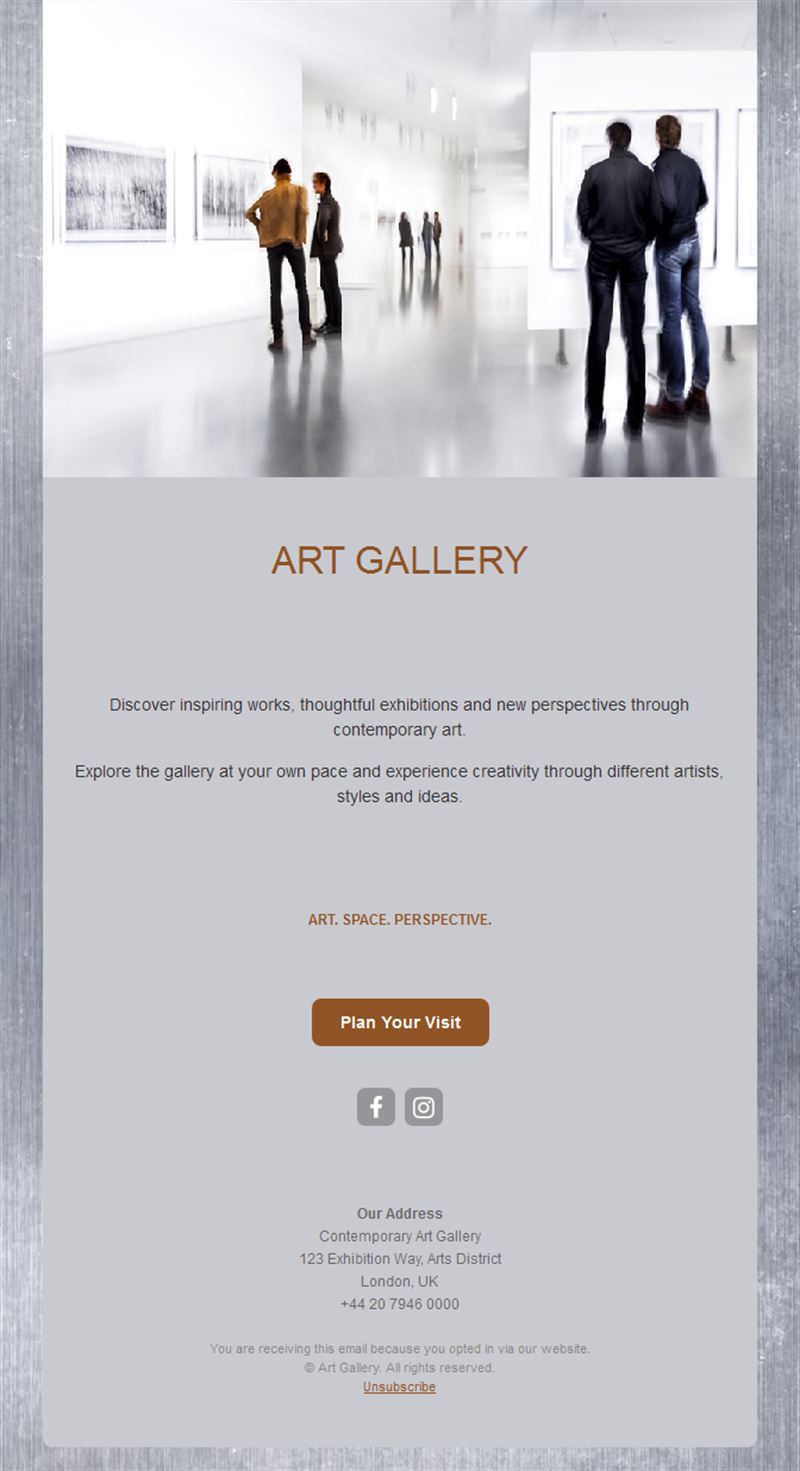
- Plan Your Visit
Best practices for Art Gallery campaigns
- One work leads: a single strong image outperforms a grid of thumbnails.
- Credit precisely: artist, title, year, medium — always.
- Collectors first: preview access is the privilege that retains buyers.
- Two-touch invitations: announce ahead, remind the day before.
- Archive every show: link to exhibition pages for lasting SEO.
FAQ: Art Gallery email templates
When should exhibition emails go out?
Announce two to three weeks ahead, send the vernissage reminder the day before, and follow with an installation-views email after opening.
How do galleries sell by email?
Collector-segment previews of available works with direct inquiry links — quiet, early, and personal.
What design suits art emails?
Maximum restraint: one hero work, generous whitespace, precise credits — the template should disappear behind the art.
Can artists use these without a gallery?
Absolutely — studio newsletters build the collector base independent artists rely on.
Get started
Give every show the audience it deserves: pick an art gallery email template and send the invitation.